I’ve a fresh install of macOS 15.7 in a Mac Mini M4 and installed Xcode from AppStore (Xcode 26) and Xojo 2025r2.1.
I’m trying to run a basic iOS application (1 button and a textfield) and not able to run. There is no devices to select in Project → Run on, and if i select Refresh it continues the same.
i’ve installed iOS 26 and iOS 18.6 emulator. Even created “ad-hoc” devices. I’ve rebooted, started the simulator in macOS… Nothing worked for me.
Am I missing something? or Xcode 26 is not compatible and must install a previous release?
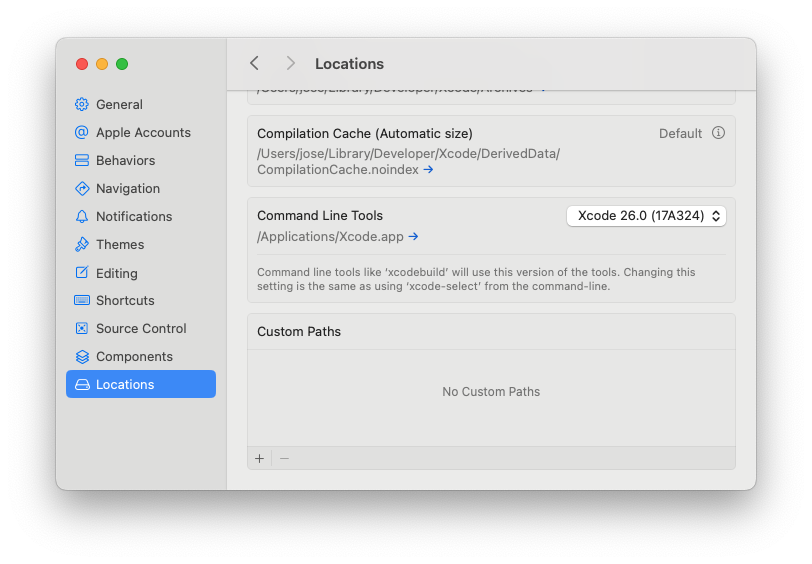
I had tools installed by brew but were not “activated” (selected, the pulldown had no selection) in preference’s settings.
➜ ~ xcode-select --install xcode-select: note: Command line tools are already installed. Use “Software Update” in System Settings or the softwareupdate command line interface to install updates
Capture attached, perhaps helps someone in future.