Claude Fable seems to be able to “one shot” InnoSetup install scripts.
Please create me an InnoSetup install script.

My program files are in C:\Temp\Compile\ProgramName and my
executable is Prog.exe.

My software is called "My Best Program" and I would like a
shortcut created in the menu and an option for a desktop
shortcut. Also at the end of installation give the options
to view the readme (readme.txt in the install folder) or
launch the program file.

There is an additional folder of files in C:\Python\dist\env
that needs to be deployed to AppData (roaming)\MyBestProgram
and at the end of installation run "first_run.bat" from
that folder to set up the python environment.

My setup icon is C:\Temp\icon.ico and use the banner image
at C:\Temp\setupbanner.png

Create an uninstaller that removes the program files and the
entire AppData (roaming)\MyBestProgram folder recursively,
but first runs the executable with the switch --deactivate,
wait for it to finish, and if you get any exit code other
than 0 inform the user that you were unable to deactivate
the software and get confirmation that they still want to
uninstall.
It should go without saying that you NEED to manually review the scripts that you get, especially when it’s recursively deleting folders in the uninstaller.
Also wouldn’t be a bad idea to put in the minimum runtime requirements in there, have it check for Windows build 18362 or greater, etc.
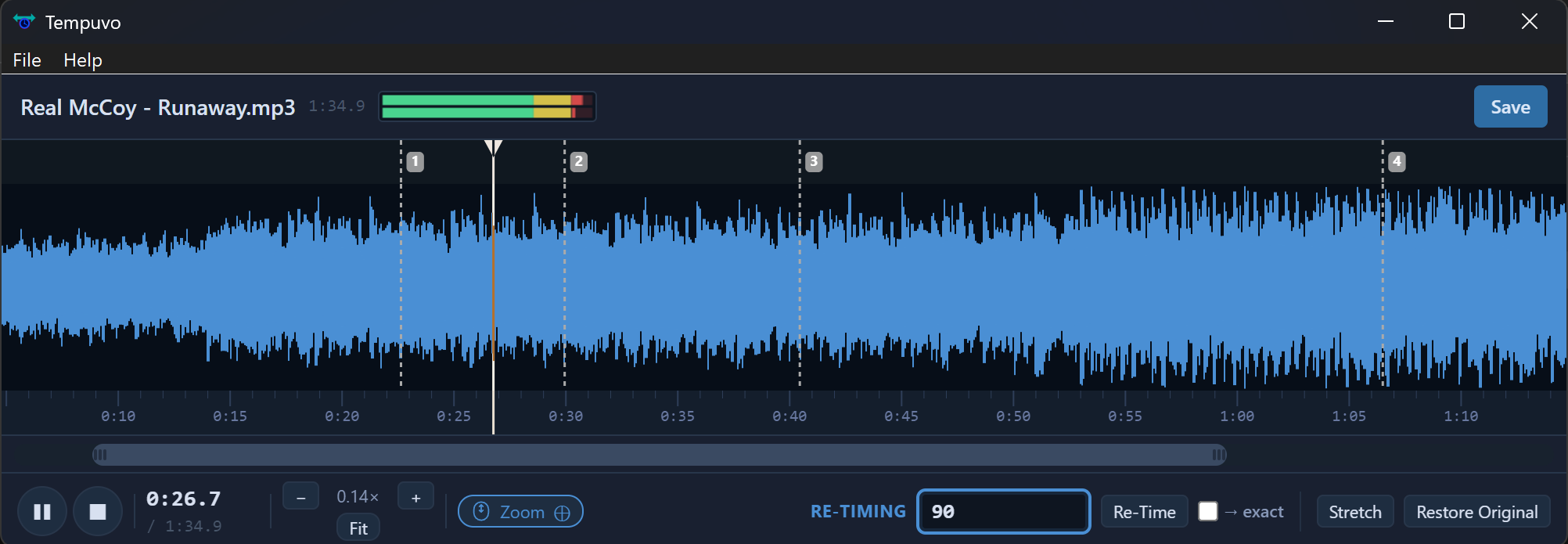
Part of it is done in Python. The interface is done in HTML and Javascript, and Xojo is the glue that holds it all together. But it’s technically a Xojo app.
Thanks to PyTorch I was able to use GPU acceleration, CUDA on Windows and MPS on Mac, which greatly speeds up the calculations on the audio waveform. This isn’t natively available in Xojo so I bit the bullet with Python, which unfortunately bloats the size of my distributables signficantly.