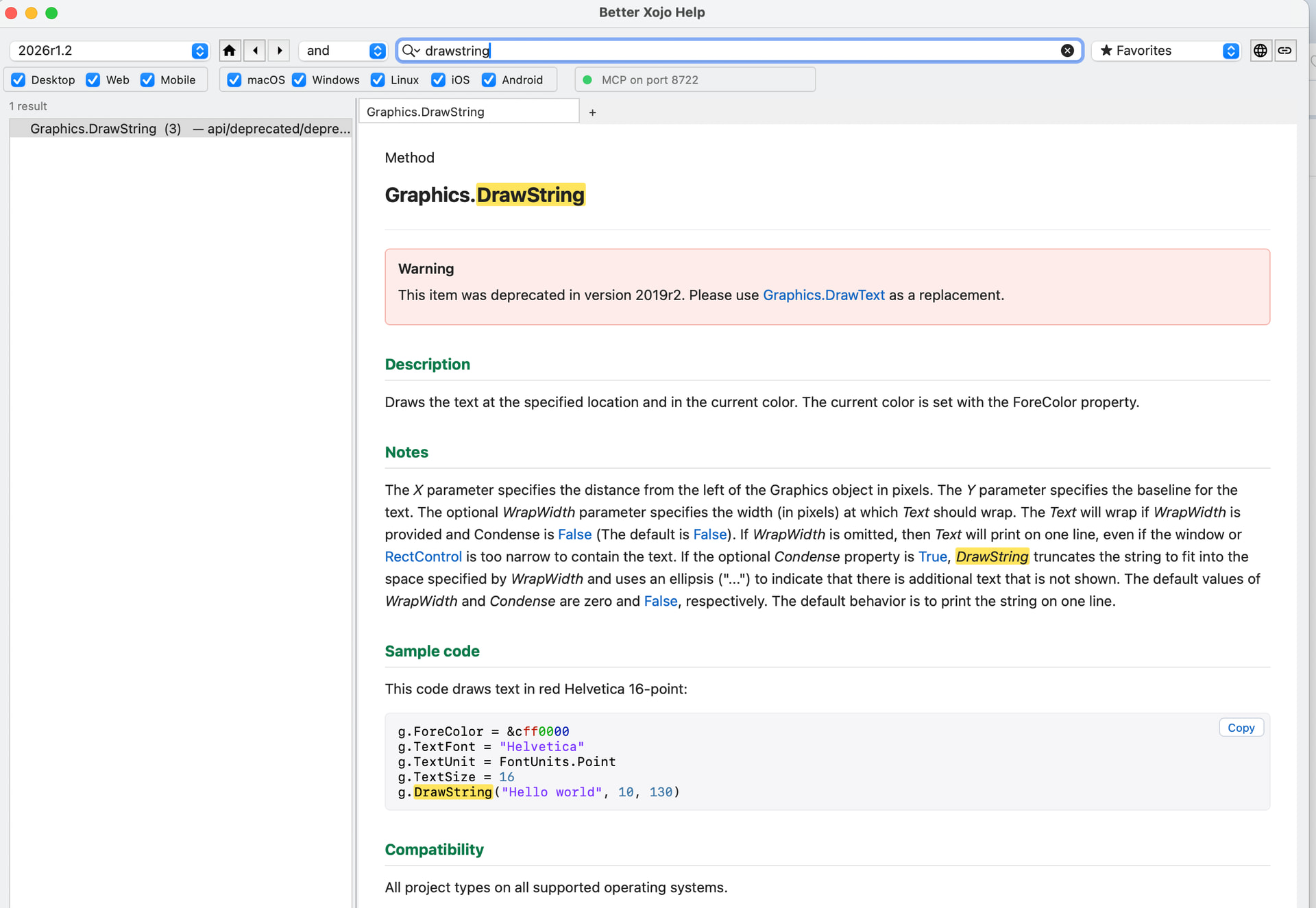
In API 2.0 Drawstring was deprecated, what to use in order of

I am creating a PDF report and using g.reports. I read that drawString should no longer be used with API 2.0. So what I need now is to print a string in my report that may have more characters than the page width.

I have two questions:

  1. What command should I use to print this string, ensuring that it complies with the page width limits, so that the exceeding characters are printed on the next line?

  2. How will I know the current height of the content so that I can print the next line and information without overlapping the content I have already printed?
Can you help me?

This item was deprecated in version 2019r2. Please use Graphics.DrawText as a replacement.

Yes, but i dont known how to wrap the text with DrawText

just specify the width parameter, just like with drawstring

The reason why (above sentence) is because there is no explanation for DrawText there:

PDF Document
only examples lines :frowning:
No description,
No link
only an entry (DrawText), no Syntax, no explanation).

One have to look there:
Graphics.DrawText

i remember in past pdf not support TextShape with drawobject, it was a bit different to Graphics