I’m looking for ideas / best practices for providing tutorials for apps on the App Store.
• When I write corporate apps, I usually provide a PowerPoint for users to learn how to use the app.
• When I wrote an app in the past that I sold to a niche set of users (and sold via my website), I created micro-learning videos and posted them on my own website to show all of the features.
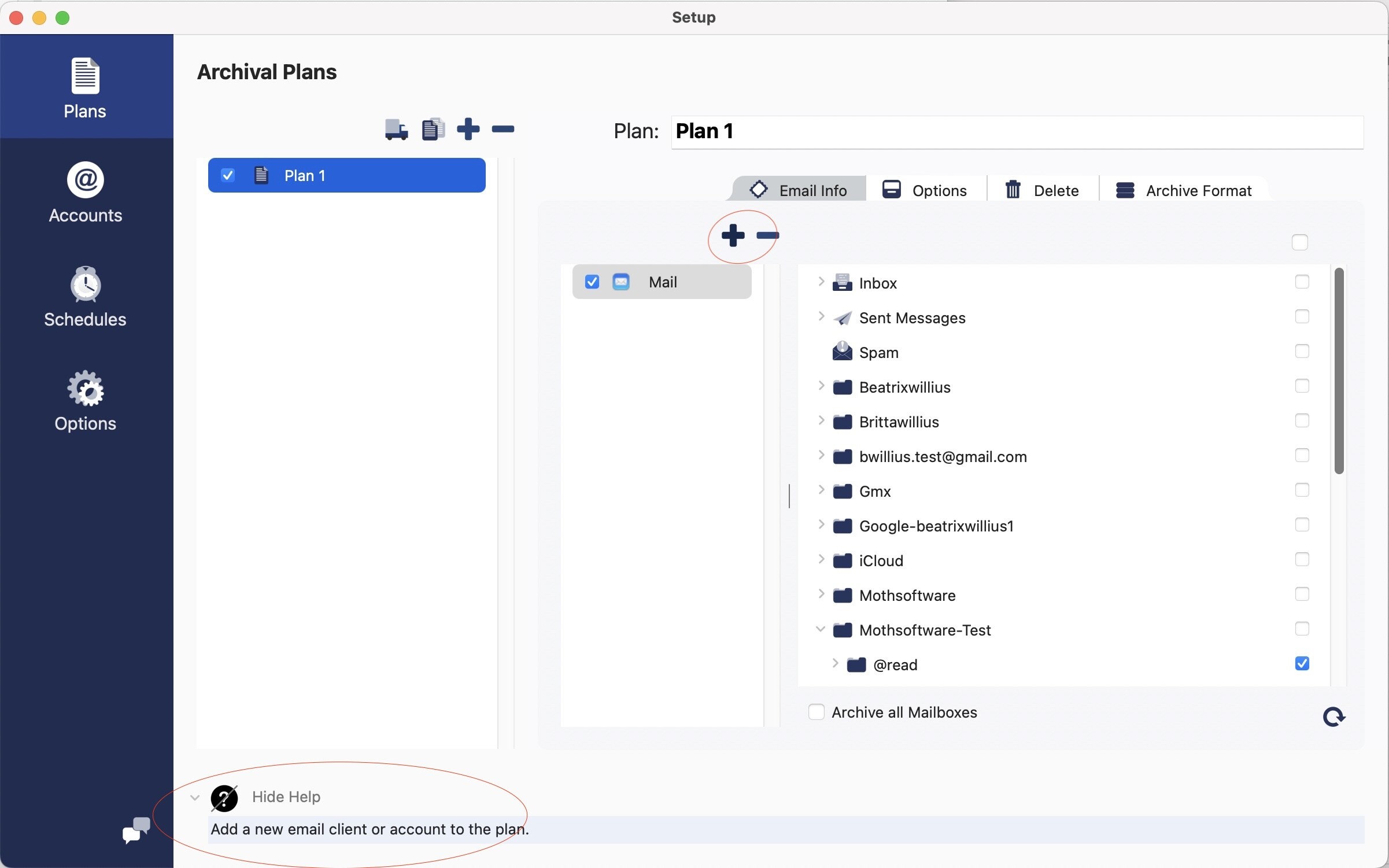
• But I’m looking for ideas of what to provide to help users get started with a new app that they purchase on the App Store. One thing I’m thinking of is adding a Help button that links to a website that shows an image of that screen with help text on it. That makes it easy to update the documentation if I feel there’s something misunderstood. Another option would be to embed that same image in the app that gets displayed from the Help button.
What spectacular method are you using that I’ve overlooked? Or do you have strong feelings about one of those options I listed?
I find forced guided walkthroughs to be condescending and I click through them as fast as possible. I don’t believe I am among an insignificant number of users who learn better by finding things and making mistakes.
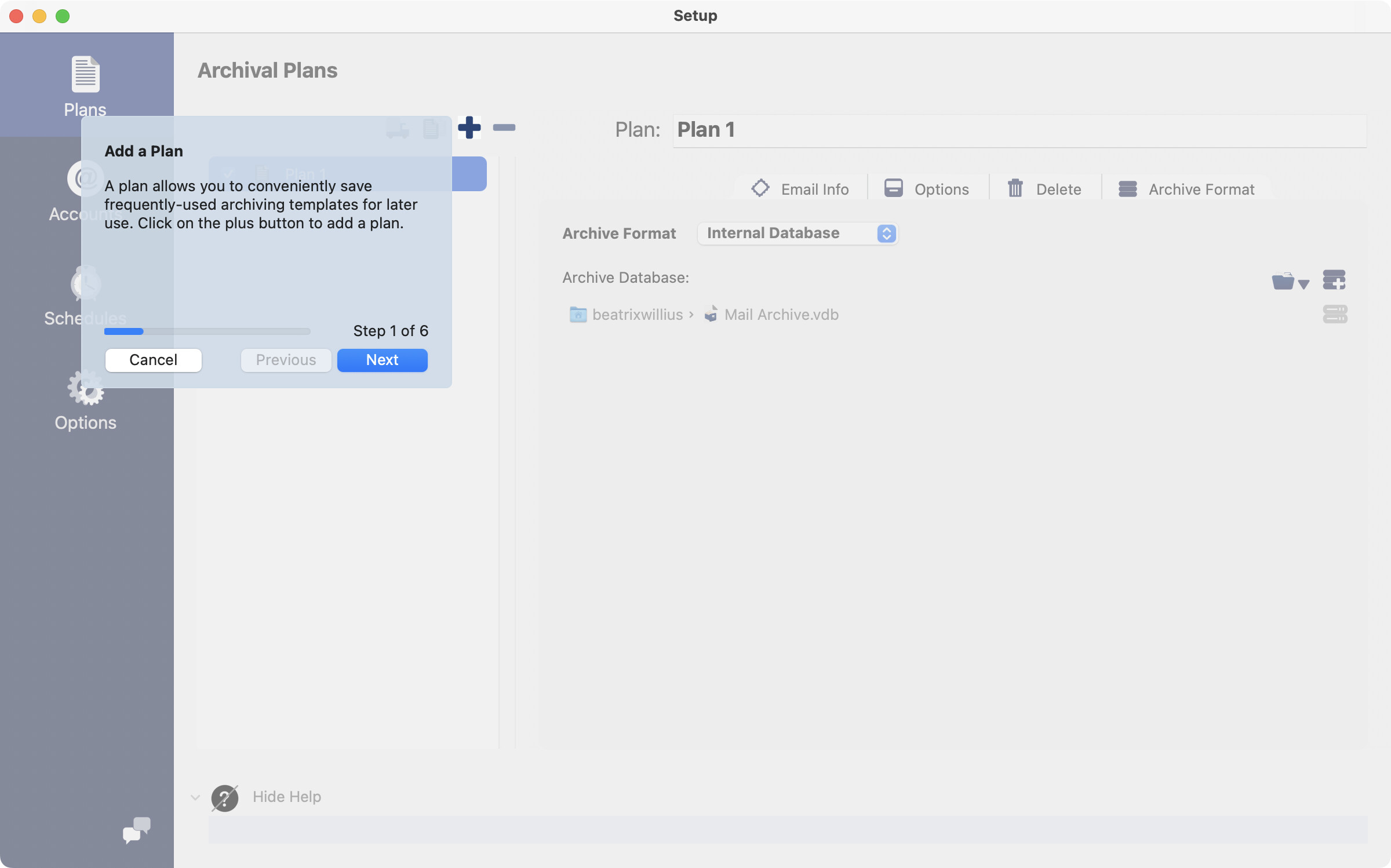
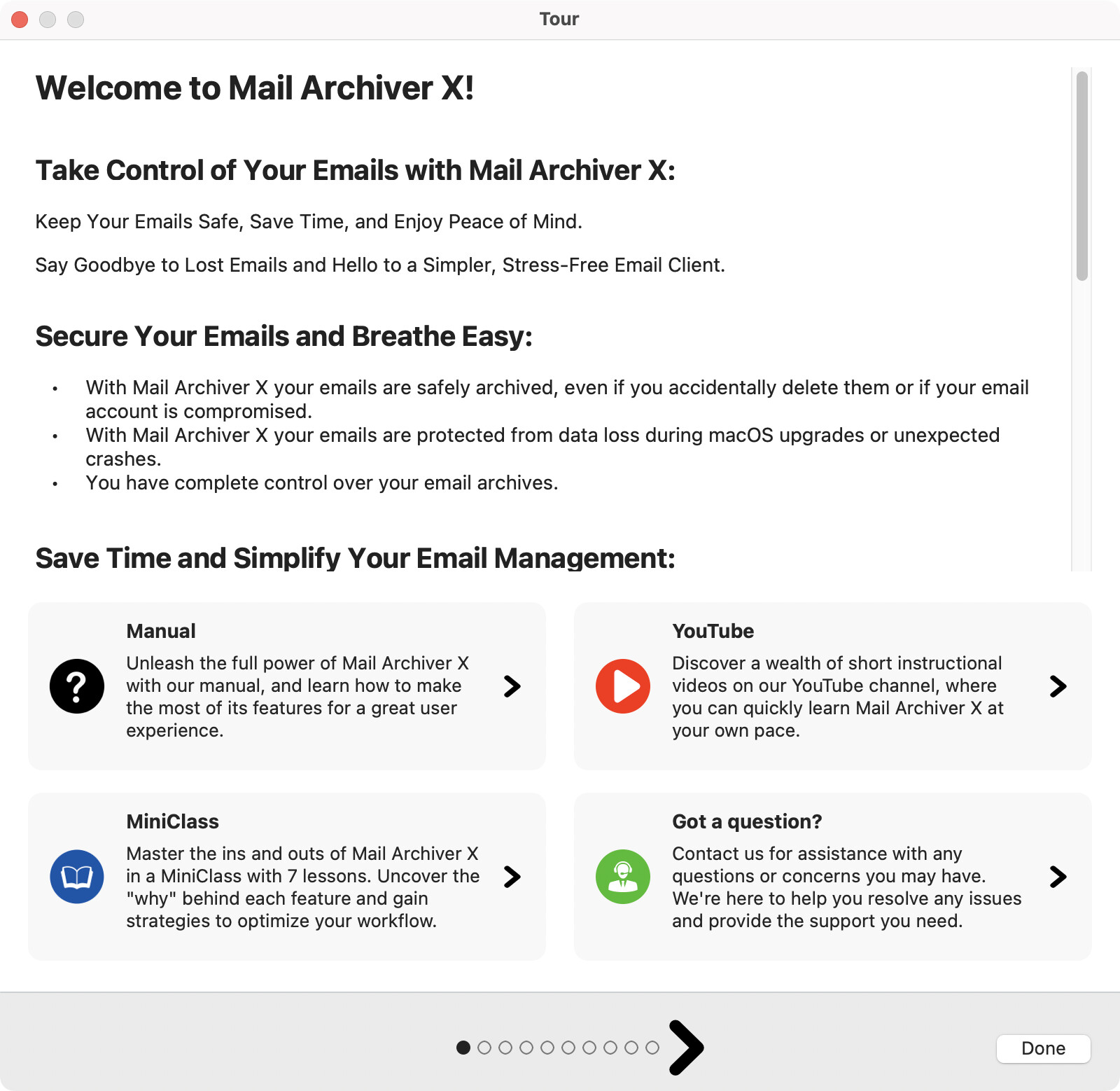
There are different types of users, so I offer different types of information. Also there is a done button to close the tour immediately. My users even like the email series.
One thing I learned while teaching is that people largely fall into two categories:
Logicals who need to learn things in order, from simple to complex, with each new section building on the previous info (forced tutorials)
Creatives who learn best fluidly and dynamically, by trial and error, wherever their needs take them.
There are of course people who fall into both, and there are certainly apps that lend themselves to one group or the other so it’s easy to figure it out, but I find that you need a clear and concise tutorial that’s optional. You offer it to everyone but you also give people a way out to “just get started” so they can start clicking on things.