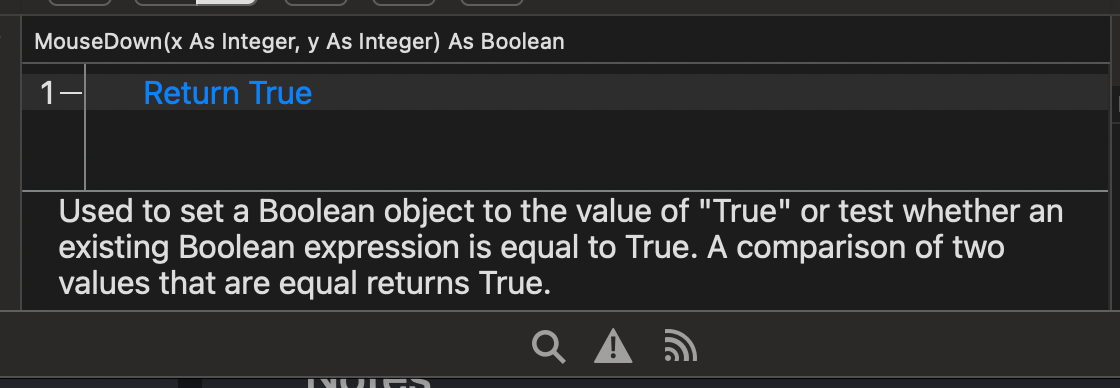
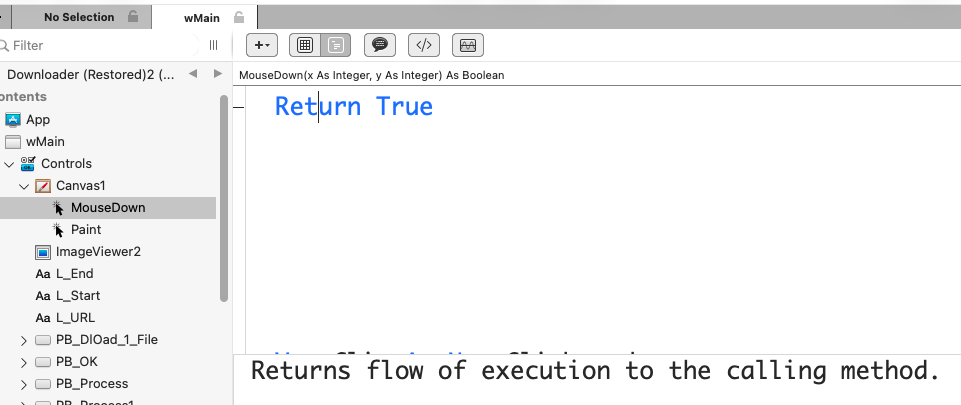
Canvas.MouseDown Event, code:
Return True
gaves this explanation:

Of course, this explanation does not say whay I placed a Return True here…
Canvas.MouseDown Event, code:
Return True
gaves this explanation:
Of course, this explanation does not say whay I placed a Return True here…
What version of Xojo?
Did you download the documentation?
Or did you search for ‘Return True’ outside DesktopCanvas?
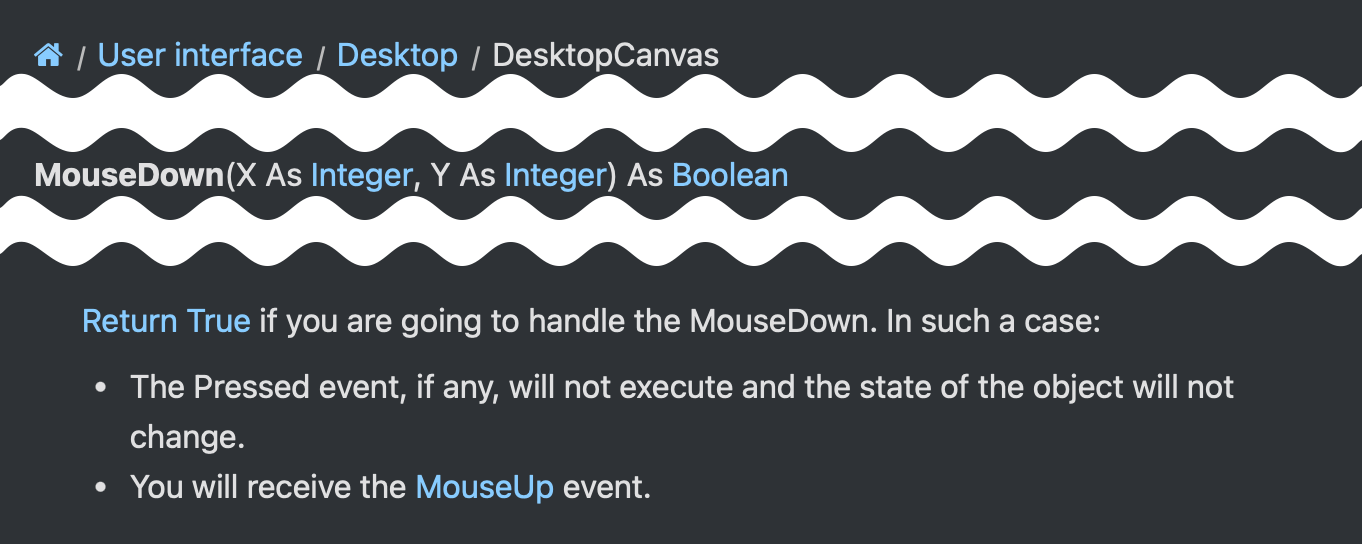
I have Xojo 2025r3.1 installed here and I see the following when I use the IDE Documentation button to search for DesktopCanvas MouseDown:
Edit: looks like you searched for True, not even Return True
Thank you for looking and responding to this.
This mainly is for newbies who do not know (read below what do Return True in a MouseDown Event).
Sorry Alberto, I searched nothing. I only add an event, type two words and a space and get the contextual wrong explanation.
This is the IDE Code Context help, not the Xojo Help Window nor the Documentation.Xojo… help pages from the web.
The Xojo version is the current one (2026r1). I do not think it is relevant. (version number is relevant only if one use an old / noit the current one).
Being here since 1998, when I use an old version, I check with the last one in case it is a bug that was corrected.
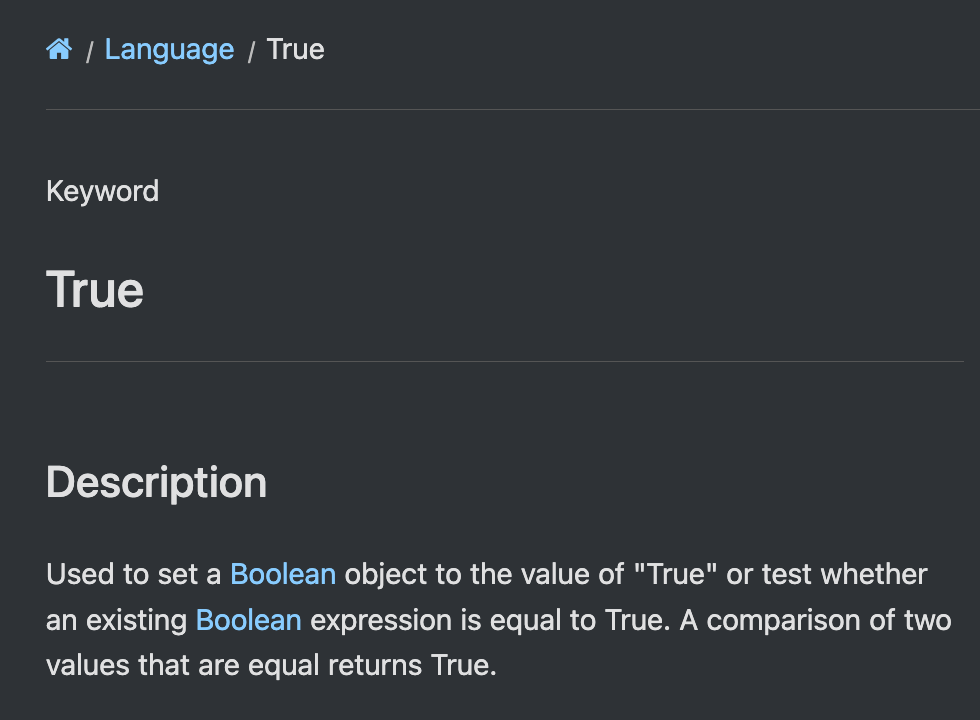
In this case the Help read True and display a text about True, not about Return True who is a different thing…
As you know, Return True in the MouseDown Event enable the other Mouse Events (I had code in MouseUp who do not worked before and works fine now.
But MouseEnter and MouseExits are fired without Return True there…
“Va comprendre Charles !”
I stayed a bit too far from these events.
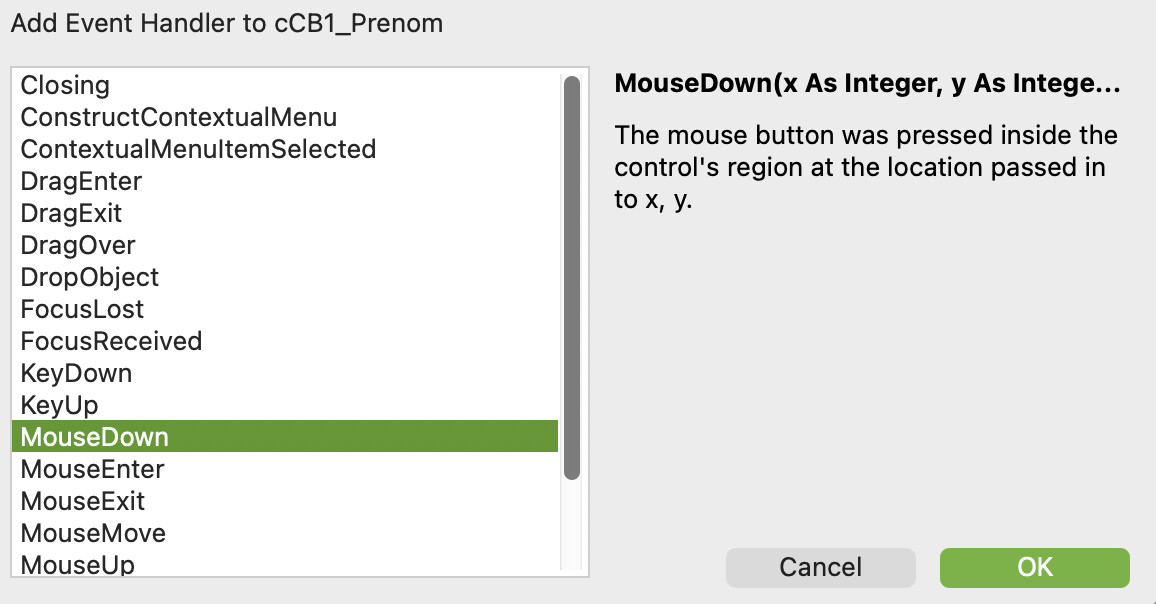
Xojo can also add a line there:
To explain what to do if the user want to add other Mouse Event(s).
DesktopCanvas was in another discussion and only related because the MouseDown (etc.) Events are in a DesktopCanvas.
Yes, this is the complete screen shot.
I have another screen shot for this “case”:
What is the more important word in the line ?
In both cases, the IDE consider only the last word: True.
Unfortunately, this is plainly wrong:
Return True Return is the important word
aLine.IndexOf(True) .IndexOf is the important word
It is not a matter of feeling, but a matter of help: if True is not the correct word, the programmer will change it to False… but this do not help the programmer.
On the other hand, giving the help for Return / IndexOf IS THE WAY TO GO.
This is not an opinion, but a real help.
Now, if you do not care…
Doh!: The real parameter in my InStr code is a String (“True”) and not the True command. But this change nothing to the above matter.
The help you see depends on where the cursor is on that line. You see that because the cursor is next to True. If you move the cursor to If (for example) you will see:

yes, if there is many commands on the line, the discussion may be on “what is the important word near the cursor”.
But the intelligent way of doing things have not been set here.
Of course, I know that if I place the cursor on Return I will get Help for that.
Check result:
The given help does not explain what
Return True does in the context.
Now, your opinion can differ than mine.
I think more about newbies than me, but I appreciate when the help confirm my thinking (or deny it). An Help like this is not an Help.
Right, the IDE help that we see there is not designed to give us information about ‘Return True’, it can only give info about Return or True. We need to check the MouseDown documentation to read the information of what ‘Return True’ does.
I don’t think this will ever change, but you can create an Issue if you want.