Before we begin.
I’m asking the forum: how should I correctly install everything to get started and run an Android example?
I’ll be waiting for your replies.
Before we begin.
I’m asking the forum: how should I correctly install everything to get started and run an Android example?
I’ll be waiting for your replies.
I have Windows 10
Xojo 2026 r1
Android Studio Panda 2
Thanks, Robin.
The programming and use of XOJO isn’t necessary.
It’s more about the Android Studio configuration, if any. I assume the latest version of the tool is sufficient.
I’ll give it a try.
OK
I’ve already installed Android Studio.
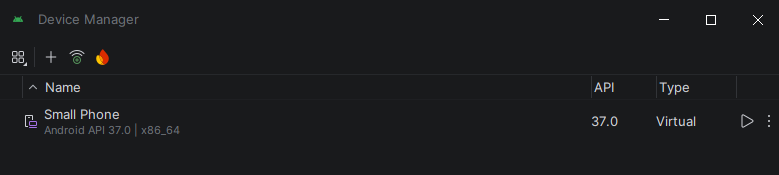
In Device Manager, I registered a small virtual phone for XOJO to use.
I opened an example that uses Android in XOJO.
I ran it.
It did nothing.
What’s happening?
Did you initially ran your emulator after creation from Android Studio?
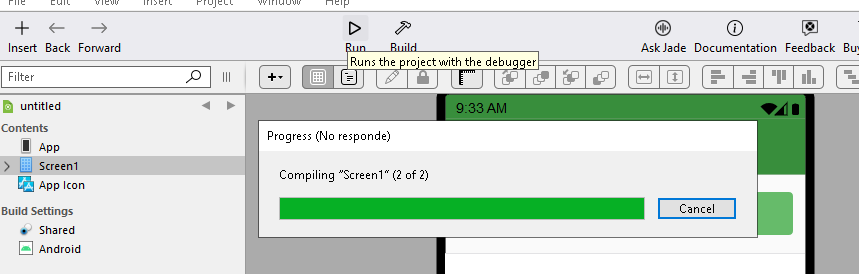
At the first run, Android Studio downloads all the dependencies needed for an Android Project. This will take some time. I assume that’s the reason for “No responde”. Just wait.
Create a “Hello World” program within a newly installed Android Studio.
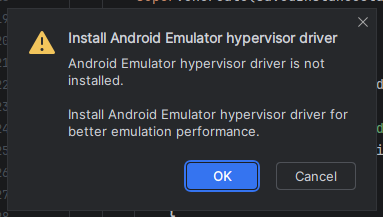
When Android Studio shows me this message.
It sends me to a wizard to install the emulator driver. It displays the following error message:
"Android SDK is up to date.
Running Android Emulator hypervisor driver installer
[SC] ControlService FAILED 1062:
The service has not been started.
[SC] DeleteService SUCCESS
[SC] StartService FAILED with error 4294967201.
Done"
What should happen next?
It did indeed take a long time to compile and download all the required libraries.
Is there anyone on the forum who knows about this topic?
No experience but found this topic
the only comment is from the OP.
Thank you. That’s an important comment.
But from my perspective, it’s not a problem with XOJO. I’m trying to run a basic app, created with Android Studio itself!
The goal is to see the application running in Android Studio. If it does this successfully, then we’ll move on to XOJO.
google it with ai option.
check if Virtualization features are enabled in bios.
without hardware Virtualization the device emulator will be very slow.
or connect and choose a real android phone/tablet via usb and start your app on this from android ide.
–
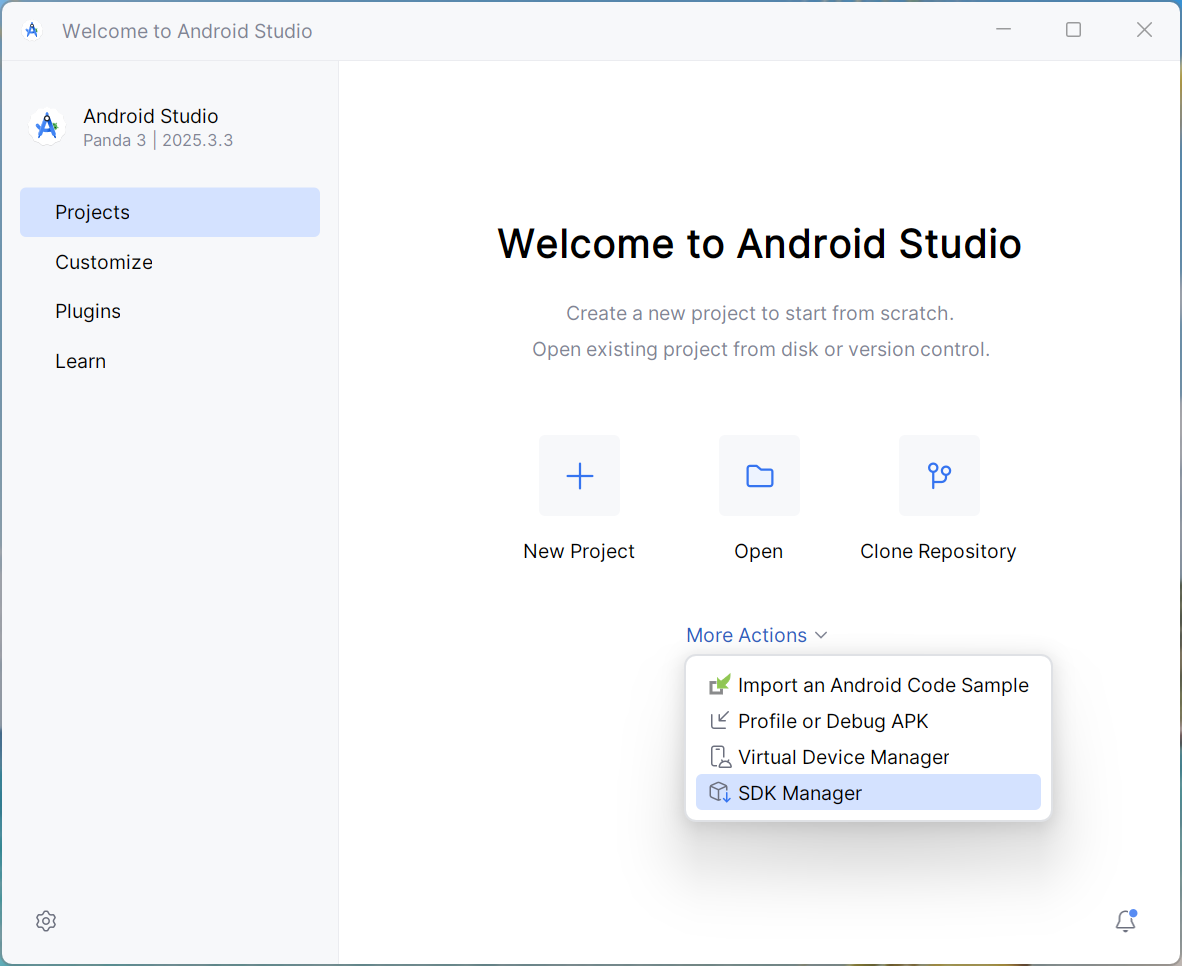
and check that virtual device and sdk here
Having created the emulator inAndroid studio, run it then close ANdroid studio. Then set the emulator you have created in the Xojo app. Compile and run your app. If that fials to work, connect an Android phone to the computer with a cable, make sure the computer recognises the Android phone, then set the phone as an emulator. and run the app - ot should run on the phone. Complete explanations of all these steps can be found by asking chatGPT or Claude for help with the process. Best Wishes,
Phil
If I can run the emulator from Android Studio, that’s enough.
I know XOJO will be able to run the emulator.
The real problem is that the emulator doesn’t work using Android Studio.
Thank you all so much for your help.
I’ll take a break while I work on the iOS version.