Error #1:
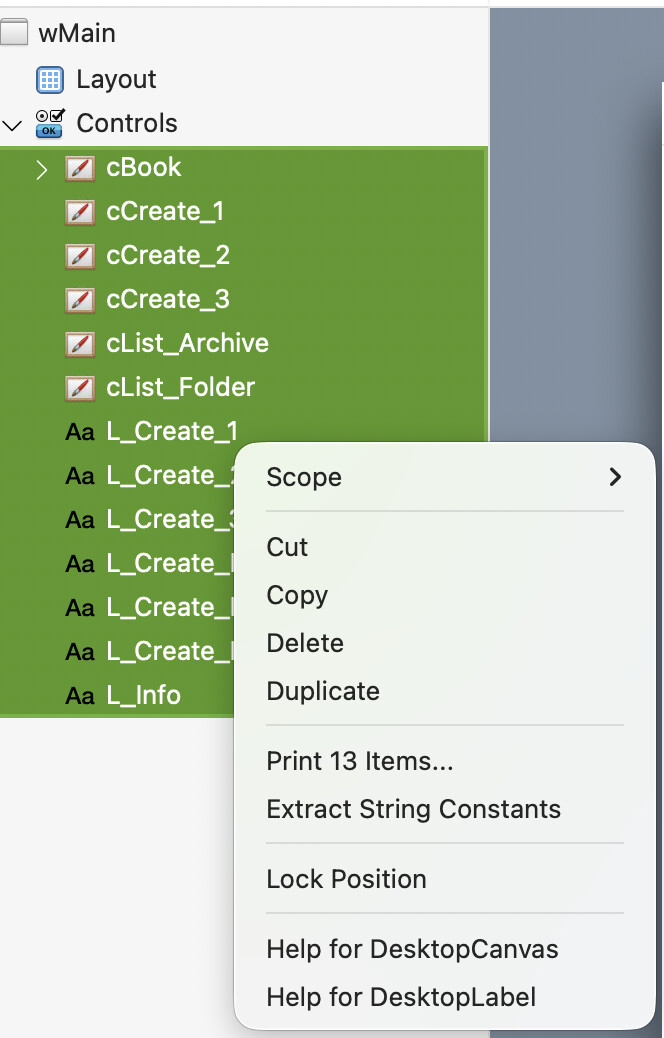
For unknow reason (new default ?), I add 6 DesktopCanvas and 6 DesktopLabels.
Then I wanted to add Events and noticed red around (I think) my 12 Controls: the scrope is Private.
Unfortunately, I had to select each Control and change its Scope instead of selectin all 12 Controls and change the Scope all at once.
When I add code in the first DesktopCanvas, the name of the Window I want to open… no autocomplete.
Why ?
Just because it was not the correct project !
Copy the just added window, and clicked in the current wMain to change the name to wMain_OLD.
THIS DOES NOT WORKS LIKE THAT, one have to go to the Properties pane to rename a Control.
Then I paste the new wMain window and all seems clear right now.
Remind to self:
“Emile, this is as is since 2013, date we see the first Xojo !”
Yes, I am old.
What do you think about these ? Worth a set of Features requests ?
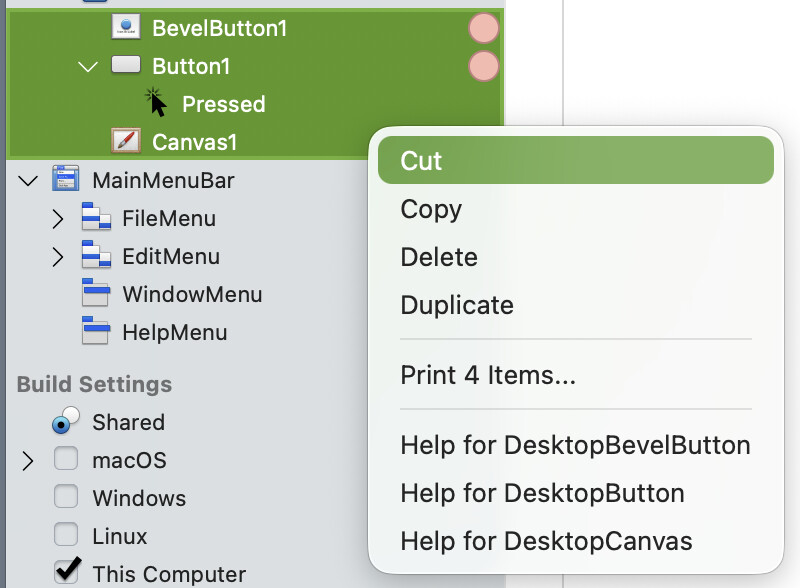
You can set the scope for multiple objects by selecting them then right-clicking one of them in the navigator. The inspector panel has always (to my recollection) omitted the scope on multiple selection.
The rest of what you said doesn’t make any sense to me. You were doing something wrong, figured out you were doing something wrong, corrected the wrong thing and it works…but you want to open a case?
I will follow your advice, but I am sure I’ve tested that (I can be wrong) and see nothing, so I have changed the scope 12 times.
The other error (Unable to change the name of a window in the Navigation pane) is my error, believing in a non existent feature.
This is one of the numarous small annoyances the IDE suffer from in my 5 y/o Xojo installation.
I was curious, and checked. You can see Anthony is right: I do not saw the Scope entry (and I had my glasses in my face and a magnifying glass on hand to be sure…