Bonjour,
“. The data comes from a SQLite data base generated by a specialized application created with (REALbasic, Real Studio, then Xojo),”
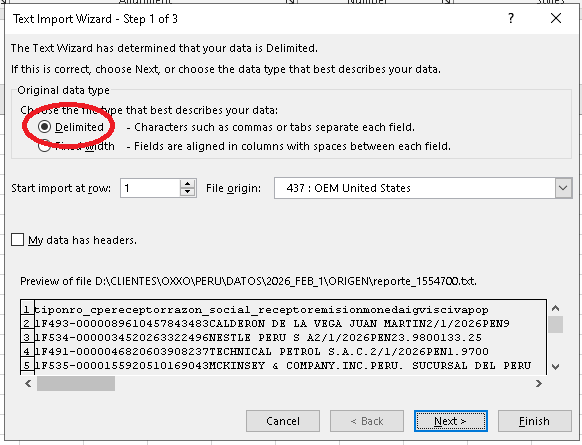
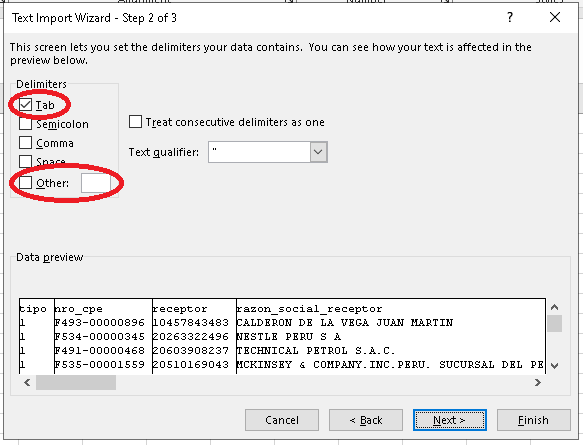
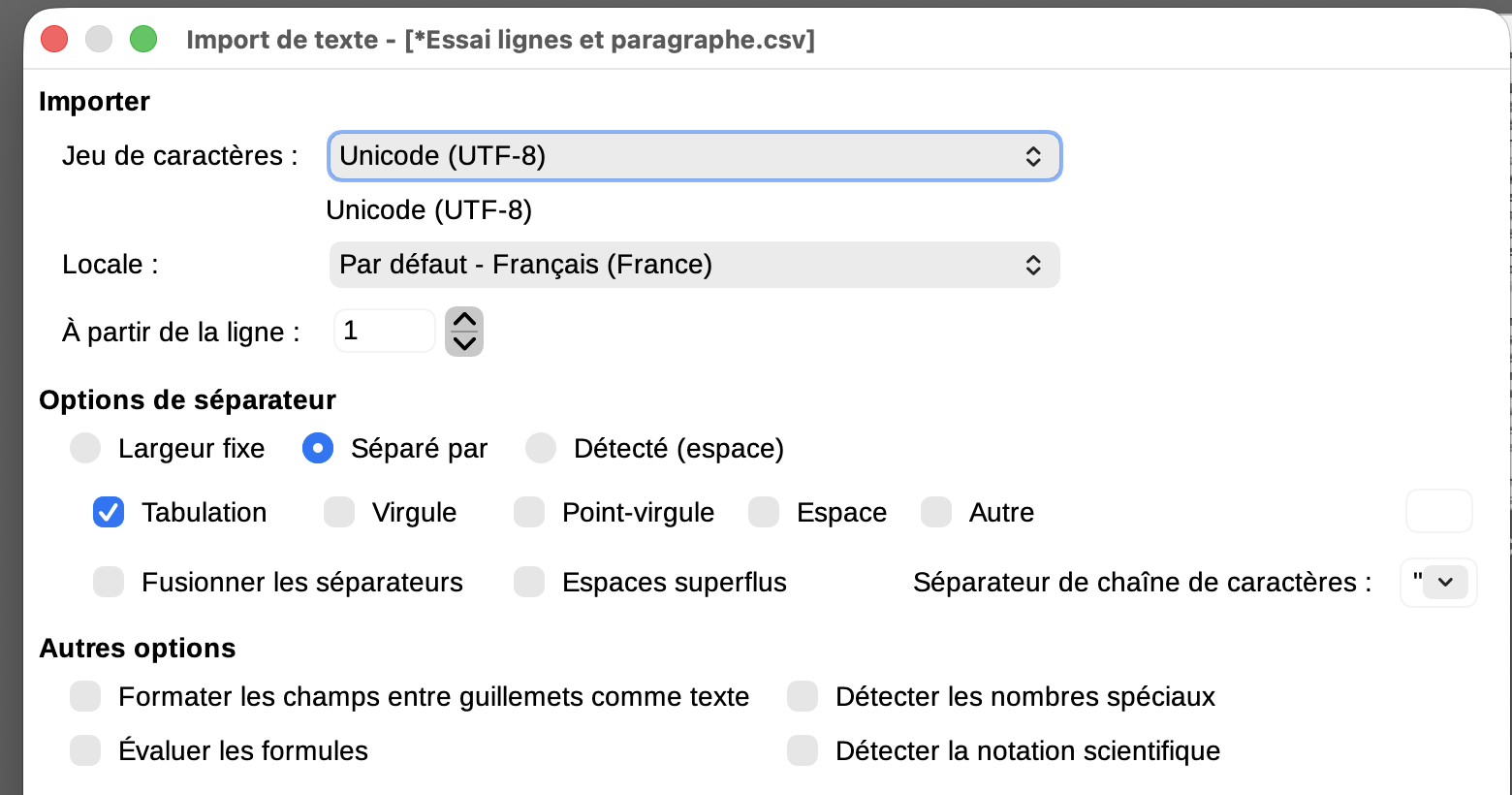
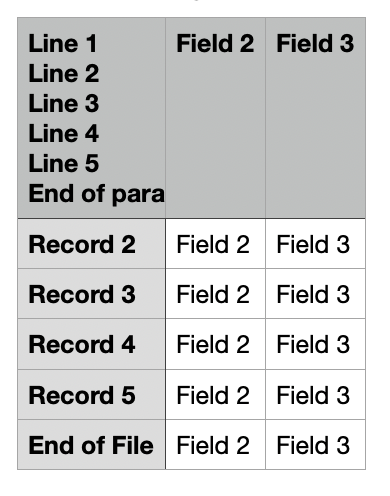
In that case, may I suggest that you modify the code to export to a TAB separated file, insted of a comma separated file. Excel and libre office can load that perfectly well. The only problem will be with your end-users needing to understand that they need to load from a tab-delimited file. (Or you could export from LibreOffice office to excel format yourself). It is also possible to write an application in Xojo that will export to Excel, but that takes a bit of work.
There’s one older format that’s actually the sweet spot for Xojo:
Excel 2003 XML / SpreadsheetML (.xml or .xls with XML content)
This is a plain single-file XML format that Excel recognises and opens natively as a proper spreadsheet. It predates .xlsxand avoids the ZIP-archive complexity entirely. Xojo can write it with just string/text output — no plugins needed.
A minimal example looks like:
xml
<?xml version="1.0"?>
Name
42
Save it with a .xls extension and Excel opens it seamlessly — it even detects numeric vs string types if you tag them correctly.
The other older formats aren’t worth pursuing:
- BIFF
.xls (Excel 97–2003 binary) — binary format, very complex to write manually, no real advantage
- SYLK
.slk — very old, limited, almost no practical use today
Verdict
SpreadsheetML is probably your best overall option for a pure-Xojo, no-plugin solution. It gives you:
- Multiple sheets
- Proper number/string/date typing
- Column widths and basic formatting if needed
- No import dialog for the user — Excel just opens it
Claude AI gave me a clean SpreadsheetMLExporter class plus a usage example:
Class: SpreadsheetMLExporter
Add a new Class to your project and name it SpreadsheetMLExporter. Add these two methods:
If rs = Nil Then
MessageBox(“SpreadsheetMLExporter: RowSet is Nil.”)
Return
End If
If outputFile = Nil Then
MessageBox(“SpreadsheetMLExporter: No output file specified.”)
Return
End If
If sheetName.Trim = “” Then
sheetName = “Sheet1”
End If
Var ts As TextOutputStream
ts = TextOutputStream.Create(outputFile)
ts.Encoding = Encodings.UTF8
// XML declaration and Workbook open
ts.WriteLine(“<?xml version=""1.0"" encoding=""UTF-8""?>”)
ts.WriteLine(“<?mso-application progid=""Excel.Sheet""?>”)
ts.WriteLine(“<Workbook xmlns=”“urn:schemas-microsoft-com:office:spreadsheet”“”)
ts.WriteLine(" xmlns:ss=““urn:schemas-microsoft-com:office:spreadsheet””>")
// Styles — bold header row
ts.WriteLine(“”)
ts.WriteLine(" <Style ss:ID=““Header””>“)
ts.WriteLine(” <Font ss:Bold=““1"”/>”)
ts.WriteLine(" “)
ts.WriteLine(”")
// Worksheet and Table open
ts.WriteLine(“<Worksheet ss:Name=”“” + XMLEscape(sheetName) + “”“>”)
ts.WriteLine(“
”)
// Header row from column names
Var colCount As Integer = rs.ColumnCount
Var i As Integer
ts.WriteLine(“”)
For i = 0 To colCount - 1
Var colName As String = rs.ColumnAt(i).Name
ts.WriteLine(" <Cell ss:StyleID=““Header””><Data ss:Type=““String””>" + XMLEscape(colName) + “”)
Next
ts.WriteLine(“”)
// Data rows
Do Until rs.AfterLastRow
ts.WriteLine(“”)
For i = 0 To colCount - 1
Var cellVal As String = rs.ColumnAt(i).StringValue
Var cellType As String
Var outputVal As String
If cellVal.Trim <> “” And IsNumeric(cellVal) Then
cellType = “Number”
outputVal = cellVal
Else
cellType = “String”
outputVal = XMLEscape(cellVal)
End If
ts.WriteLine(" <Data ss:Type=“”" + cellType + “”“>” + outputVal + “”)
Next
ts.WriteLine(“”)
rs.MoveToNextRow
Loop
// Close all tags
ts.WriteLine(“
”)
ts.WriteLine(“”)
ts.WriteLine(“”)
ts.Close
Method: Export Parameters: rs As RowSet, outputFile As FolderItem, sheetName As String
Here’s a clean SpreadsheetMLExporter class plus a usage example:
Class: SpreadsheetMLExporter
Add a new Class to your project and name it SpreadsheetMLExporter. Add these two methods:
Method: Export Parameters: rs As RowSet, outputFile As FolderItem, sheetName As String
xojo
If rs = Nil Then
  MessageBox("SpreadsheetMLExporter: RowSet is Nil.")
  Return
End If

If outputFile = Nil Then
  MessageBox("SpreadsheetMLExporter: No output file specified.")
  Return
End If

If sheetName.Trim = "" Then
  sheetName = "Sheet1"
End If

Var ts As TextOutputStream
ts = TextOutputStream.Create(outputFile)
ts.Encoding = Encodings.UTF8

// XML declaration and Workbook open
ts.WriteLine("<?xml version=""1.0"" encoding=""UTF-8""?>")
ts.WriteLine("<?mso-application progid=""Excel.Sheet""?>")
ts.WriteLine("<Workbook xmlns=""urn:schemas-microsoft-com:office:spreadsheet""")
ts.WriteLine(" xmlns:ss=""urn:schemas-microsoft-com:office:spreadsheet"">")

// Styles — bold header row
ts.WriteLine("<Styles>")
ts.WriteLine(" <Style ss:ID=""Header"">")
ts.WriteLine("  <Font ss:Bold=""1""/>")
ts.WriteLine(" </Style>")
ts.WriteLine("</Styles>")

// Worksheet and Table open
ts.WriteLine("<Worksheet ss:Name=""" + XMLEscape(sheetName) + """>")
ts.WriteLine("<Table>")

// Header row from column names
Var colCount As Integer = rs.ColumnCount
Var i As Integer
ts.WriteLine("<Row>")
For i = 0 To colCount - 1
  Var colName As String = rs.ColumnAt(i).Name
  ts.WriteLine(" <Cell ss:StyleID=""Header""><Data ss:Type=""String"">" + XMLEscape(colName) + "</Data></Cell>")
Next
ts.WriteLine("</Row>")

// Data rows
Do Until rs.AfterLastRow
  ts.WriteLine("<Row>")
  For i = 0 To colCount - 1
    Var cellVal As String = rs.ColumnAt(i).StringValue
    Var cellType As String
    Var outputVal As String
    If cellVal.Trim <> "" And IsNumeric(cellVal) Then
      cellType = "Number"
      outputVal = cellVal
    Else
      cellType = "String"
      outputVal = XMLEscape(cellVal)
    End If
    ts.WriteLine(" <Cell><Data ss:Type=""" + cellType + """>" + outputVal + "</Data></Cell>")
  Next
  ts.WriteLine("</Row>")
  rs.MoveToNextRow
Loop

// Close all tags
ts.WriteLine("</Table>")
ts.WriteLine("</Worksheet>")
ts.WriteLine("</Workbook>")
ts.Close
Method: XMLEscape (Private) Parameters: s As String Return type: String
xojo
s = s.ReplaceAll("&", "&")
s = s.ReplaceAll("<", "<")
s = s.ReplaceAll(">", ">")
s = s.ReplaceAll("""", """)
s = s.ReplaceAll("'", "'")
Return s
Usage — e.g. in a button’s Pressed handler
xojo
// Run your SQLite query
Var db As New SQLiteDatabase
db.DatabaseFile = GetDatabaseFolderItem()  // however you get your db path

If Not db.Connect Then
  MessageBox("Could not open database.")
  Return
End If

Var rs As RowSet = db.SelectSQL("SELECT * FROM your_table")

If rs = Nil Then
  MessageBox("Query returned no results.")
  Return
End If

// Ask user where to save
Var dlg As New SaveDialog
dlg.InitialFileName = "Export.xls"
Var outputFile As FolderItem = dlg.ShowModal

If outputFile = Nil Then
  Return  // user cancelled
End If

// Export
Var exporter As New SpreadsheetMLExporter
exporter.Export(rs, outputFile, "Data")

rs.Close
db.Close

MessageBox("Export complete.")


---

**Notes:**

* Save the file with a **`.xls` extension** — Excel recognises the XML content and opens it natively with no import dialog
* Numeric detection uses Xojo's built-in `IsNumeric()` — integers and decimals are typed as `Number` in the XML, everything else as `String`
* The header row comes out **bold** automatically via the embedded Style
* You can add a second `Worksheet` block inside the Workbook if you want multiple sheets — just call the relevant query twice
* Dates from SQLite will come through as strings (SQLite stores them as text anyway); if you want Excel date formatting, let me know and I can add a date-detection branch


I haven't tried this, but you might like to explore it

Best regards,

Phil