I believe Windows 11 will extract rar in Explorer on newer builds, so there may be an API route there, but you also can’t count on everyone having newer builds of Windows 11.
Your best option will be a helper app, 7z is a good one on all platforms (p7zip for Linux). You can use it to create your own rar for testing too. But 7zip has a BSD 3-clause License so you’ll need to make sure you adhere to it if you distribute it with your app.
I have it. I wanted to use FolderItem.Unzip, so I started there.
I’d better started using FolderItem.Open and don’t waste my time:
I had to create a Folder and pass that to Unzip to get the files in a Folder.
I hope my recent entries will help people in the future.
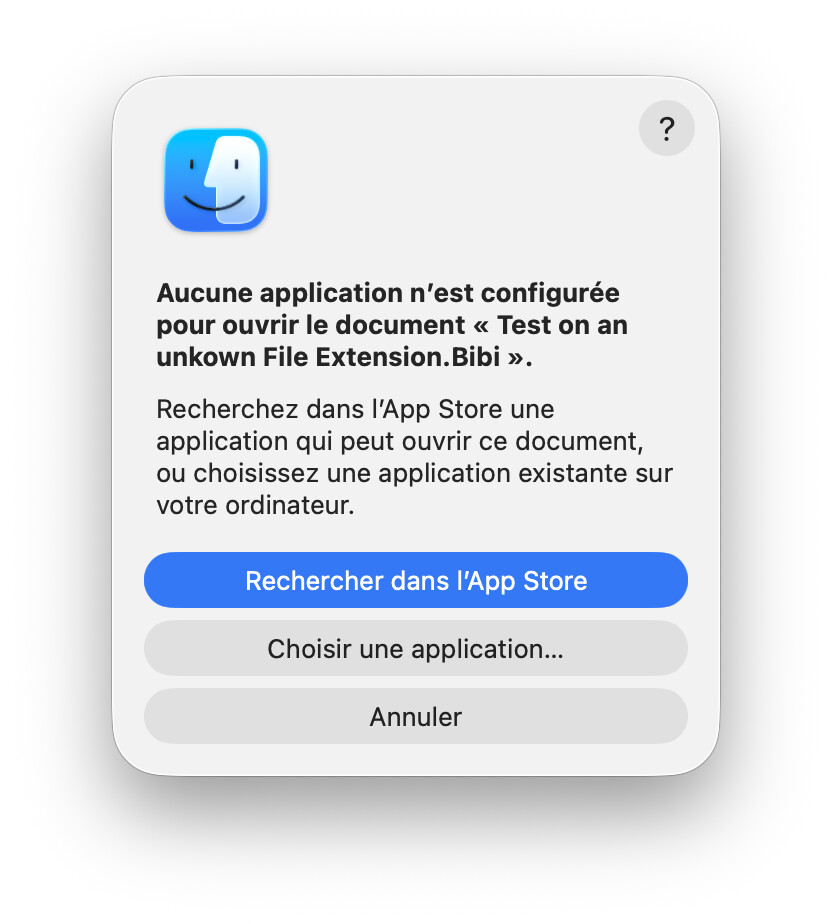
BTW: when in your computer the file you want to open using FolderItem.Open there is no application to run and open it, the OS provide a Dialog providing options, just like if you click in the file.
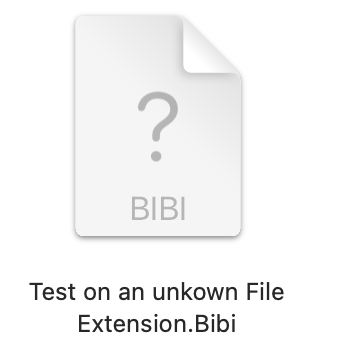
I duplicate a txt file and changed its name / added a crazy Extension: