This is the question.
A file comment can be set / get in a zip file.
How can we do that with Xojo ?
This is the question.
A file comment can be set / get in a zip file.
How can we do that with Xojo ?
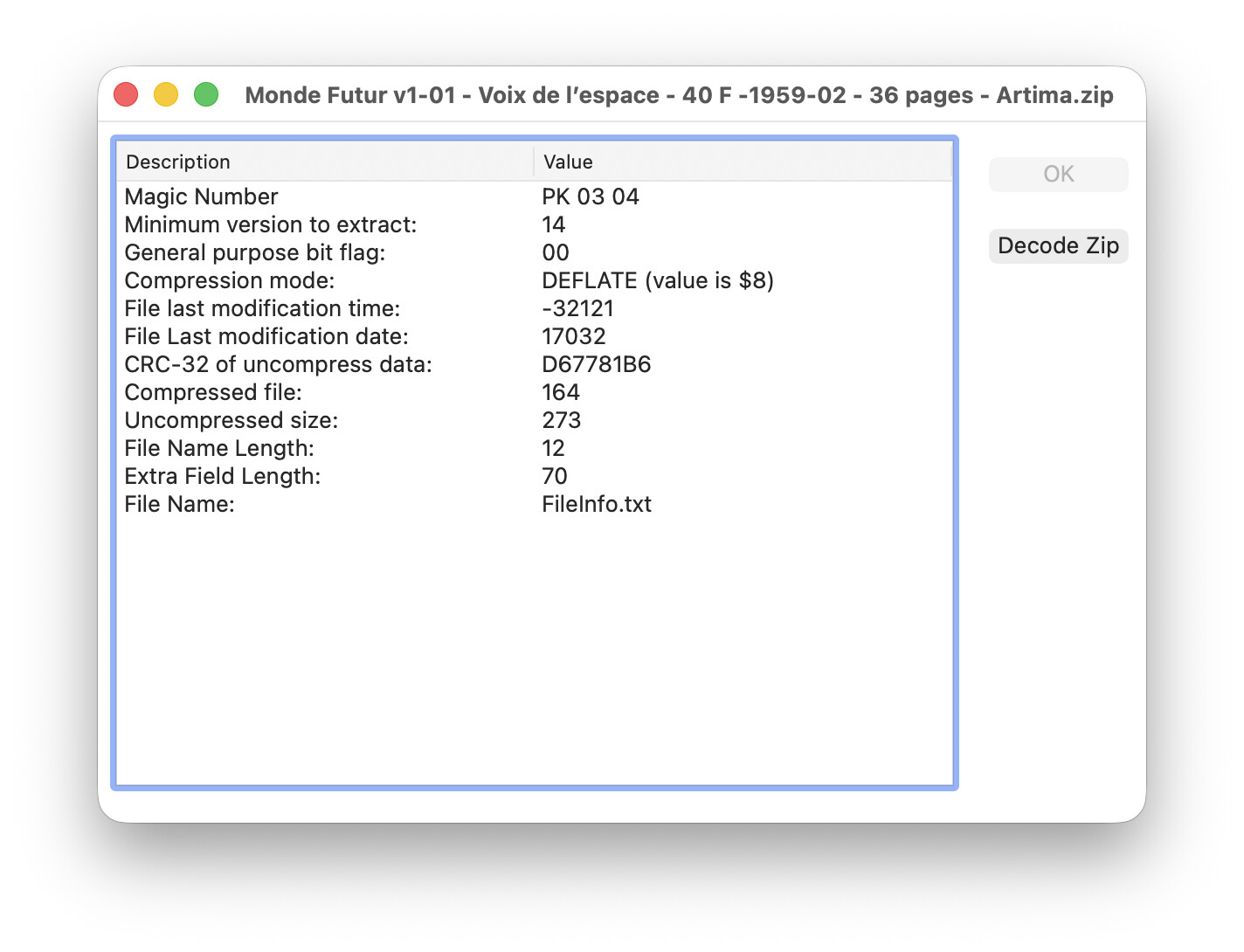
In the mean time, I’ve gone to en.wikipedia.org ZIP_(file_format) and decode the first bytes of a .zip file.
Below is what I got for the Local file header
The file named FileInfo.txt is the first file in the selected zip file. That file archive name appears as the window’s title.
This information can be get with a Terminal call.
Zip file comments are not stored in the local file header, they’re stored in a separate table of contents (the “central directory”) located at the end of the archive.
A “central directory header” is almost identical to the “local file header” you’re already parsing, just with a different magic number (PK 01 02) and a few extra fields (like “comment”).
You’ll need to locate and parse the headers in the central directory to find the comment you’re looking for. Or use a 3rd party zip extraction code/utility.
Thank you Andrew,
I do not readed the wikipedia page after the “Central Directory Header” (I had things to do / I was boring…).