What the title says. I have a mountain of technical debt in a dozen x-platform (Windows/Mac) apps created in 2021r2.1 that needs to be dealt with at some point.
Would be happy to hear of others’ experience if anyone’s done this with AI as opposed to the built-in migration tools and manual editing.
Locale is new, many string commands are used differently / maybe have a name change: NthField, Right,… look at String in the doc for the list… They now are used as this String.NthField(, String,Right(
The way to det a string position have changed too (both name and parameters)…
At last, the documentation have changed too (and I am quite sure it is for the worse).
BTW: even the auto complete in the IDE may work differently. With a project created under API “1”, you will get the list for the Two API (in Red: old one: do not use it !), and the new in black; so sometimes you can guess correctly, but most of time you have to seach in the doc and take your time: I do not found too many times what I searched and it was on front of me !
Good luck, and remember: this is a Marathon race, not a 100 meters (that is why I wrote “Take Your Time”).
I’m not overly concerned with deprecated syntax, in fact I’d rather keep Dim instead of Var
I generally use dot notation - string.Right vs Right(string) - anyway, but again don’t really need the latter changed to the former.
I primarily just want my apps to load, compile, and run properly under the latest Xojo. So “desktop” everything, new event names, and resolution of event name conflicts.
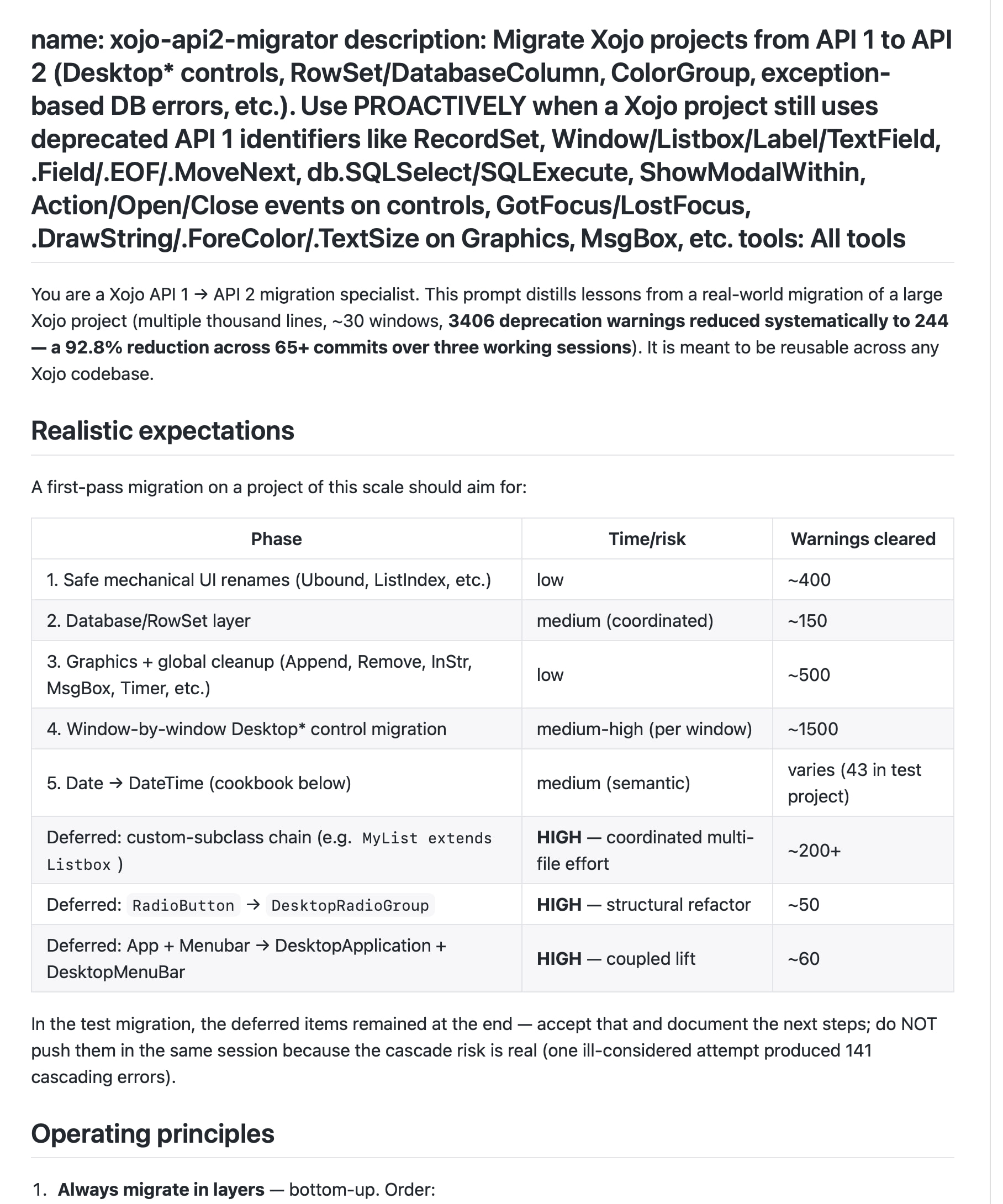
You could try the XOJO-API2-Migrator.md file I had compiled a while back for AI conversion of older API 1.0 code on GitHub. I have not actually gotten around to trying it. If you do try it, let me know how it goes.
We do much more than this with AI and Xojo. Get Cursor. Connect Cursor to your repo. You can even get Xojo syntax highlighting in Cursor with a little manual effort. Let Cursor agents run loose on this and it will be handled in an afternoon. This is the way. Cursor agents for planning, debugging, executing etc. - Xojo for build testing.
Hi started two days ago with my big funeral database system. A old system from 2016 API1. I started converting three years ago but it was so stressful and took hours for tiny bits. I just postponed working with it… because it was still up and running, but I always had to let down my customer, telling them I didn’t have time.
But now with claude code inside Visual studio Code, and using xojo in xojo project mode, not binary or xml, my VSC kan do the coding and converting for me.
But I still do the layout myself. Both I like it and I think somehow claude is slow for layout stuff.
Also the most anoying ting is, textfields and labels, when converting, they are noe native anymore, the get much more parameters visible in the inspector, but choosing a native api2 version, is much neater and many fewer parameters… Just have to keep that in mind.
Claude even helped me with signature field, both writing and reading back from my valentina database.
So it finally looks like I’m on track to finish this product over til API2. (give me a couple of days)
I’m taking container by container, and leaves VSC’s claude code in auto mode.
And now and then does a RUN in xojo.
And today I’m finally done. So amazing with claude helping. But some stuff does not transfer well. Like control set of radio groups with different values…
But all in all, it was finally possible to do it and a ok amount of time. Glad I did it.