Okay, so I looked up my old post and recreated what I need to do a full text search… but, I apparently have forgotten some aspect of how to get it to work. Maybe it’s where I am creating the virtual table. Not sure.
So I have a form/window that opens with only a ListBox on it. The ListBox is supposed to be loaded with only the rows that match my search criteria. BUT I am not even getting there.
The Form/Windows is set up as follows:
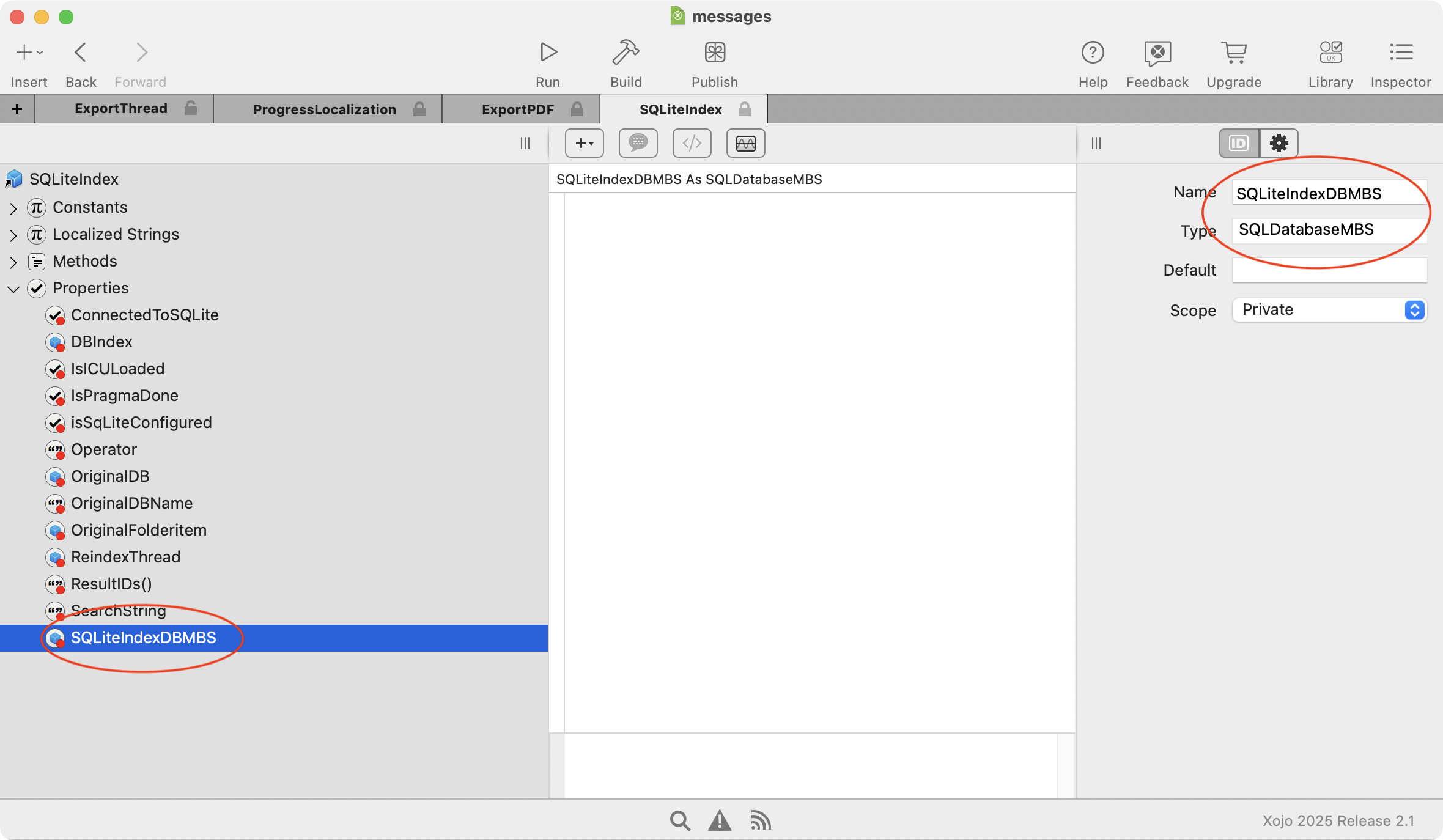
frmAddressSearch.Properties.Name = srchDbse
frmAddressSearch.Properties.Type = SQLiteDatabase
frmAddressSearch.Properties.Default =
frmAddressSearch.Properties.Scope = Public
Next in the Form/Window.Opening EventHandler I have this
// Variables defined here...

// The code that does magical stuff...
frmAddressSearch.mthCreateVtble
frmAddressSearch.mthInsert
frmAddressSearch.mthSearch( frmUpdateCustomer.txtAddress.Text )
Next is each Method called from the Form/Window.Opening
First is mthCreateVtble
// Variables defined here...
Var srchDbse As New SQLiteDatabase

// The code that does magical stuff...
Try
  srchDbse.Connect
Catch err As DatabaseException
  MessageDialog.Show("Error: " + err.Message)
  Return
End Try

// Create FTS5 table
Try
  srchDbse.ExecuteSQL( "CREATE VIRTUAL TABLE vTblCustomer USING fts5( rNum, address, city ); " )
Catch err As DatabaseException
  MessageDialog.Show("Error: " + err.Message)
  Return
End Try
Next is mthInsert, where I insert the data for the search…
// Variables defined here...
Var rsData As RowSet = dbMeters.SelectSQL( "SELECT * FROM tblCustomer ORDER BY rNum ASC" )
Var sRnum, sAddress, sCity As String

// The code that does magical stuff...
Try
  For Each row As DatabaseRow In rsData
    sRnum = rsData.Column( "rNum" ).StringValue
    sAddress = rsData.Column( "address" ).StringValue
    sCity = rsData.Column( "city" ).StringValue
    srchDbse.ExecuteSQL( "INSERT INTO vTblCustomer( rNum, address, city ) VALUES( '" + sRnum + "','" + sAddress + "','" + sCity + "' )" )
  Next
Catch err As DatabaseException
  MessageDialog.Show( "Error: " +err.Message )
  Return
End Try
And then last, the actual search
// Variables defined here...
Var rsData As RowSet
Var sSql As String = "SELECT highlight( vTblCustomer, 0, '<', '>' ) FROM vTblCustomer WHERE vTblCustomer MATCH'" + sQrySrc + "' ORDER BY rNum"

// The code that does magical stuff...
lstBxAddressRtns.RemoveAllRows

Try
  rsData = srchDbse.SelectSQL( sSql )
Catch err As DatabaseException
  MessageDialog.Show("Error: " + err.Message)
  'Return
End Try

If rsData <> Nil Then
  While Not rsData.AfterLastRow
    lstBxAddressRtns.AddRow( rsData.ColumnAt( 0 ).StringValue, rsData.ColumnAt( 1 ).StringValue, rsData.ColumnAt( 2 ).StringValue )
    rsData.MoveToNextRow
  Wend
  rsData.Close
Else

End If
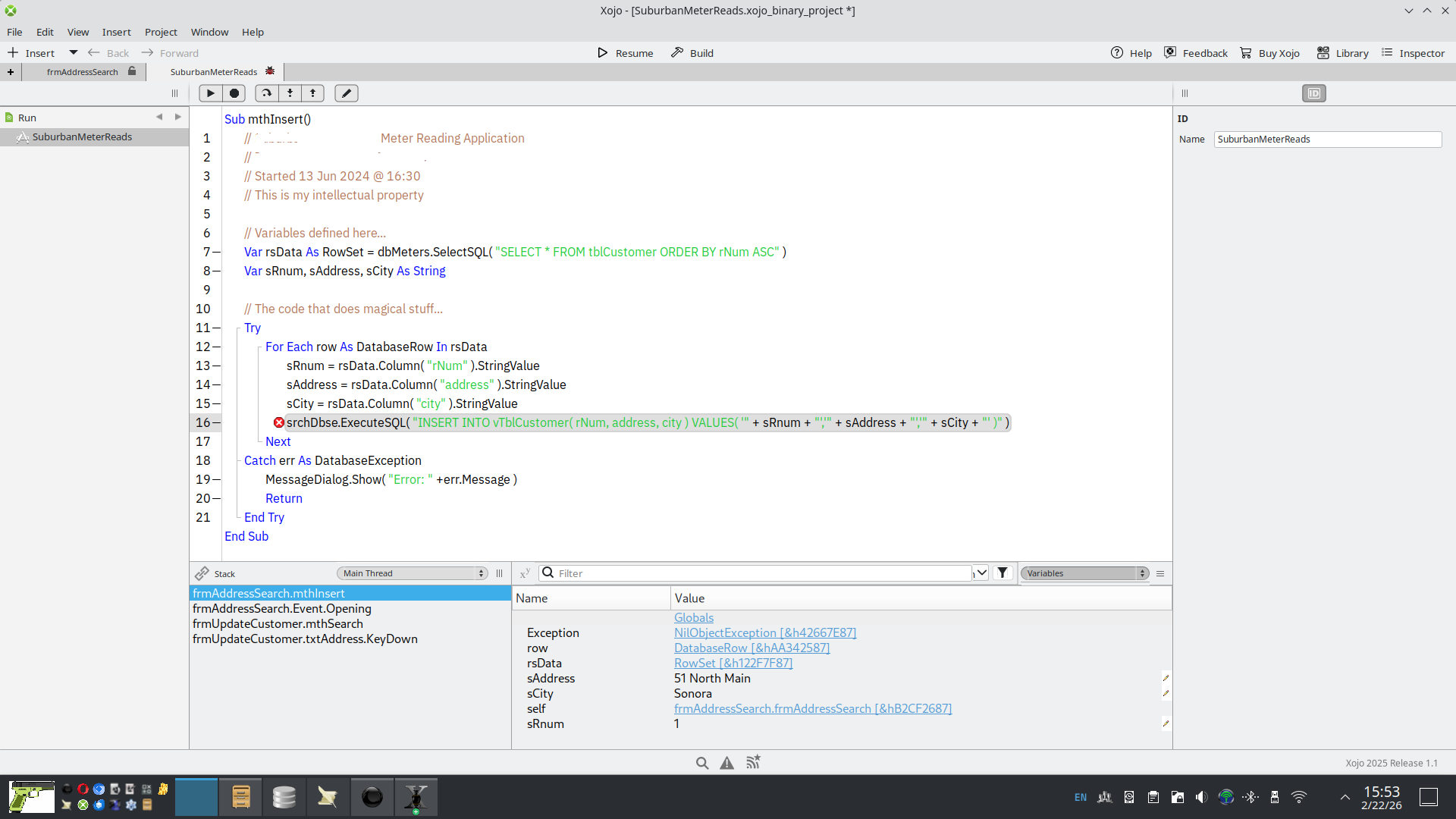
That’s all the code and it’s contained in the search form/window. But the error is happening here… in mthInsert. I am not certain why.