I just want to make sure that I’m not losing my mind here, but this line of code should throw an UnsupportedFormatException right?
dim f as new FolderItem("/this/path/doesnt/exist", FolderItem.PathModes.Native)
In the past, something like this used to work:
dim validPath as boolean

Try
  dim f as new FolderItem("/some/path/variable", FolderItem.PathModes.Native)
  validPath = true
Catch e as UnsupportedFormatException
  validPath = false
End
According to the documentation:
If Path cannot be resolved to a FolderItem, an UnsupportedFormatException is raised. This is notably the case when a folder does not exist within the given Path or when you do not have the correct access permissions for something in the path. Only the last component of the path is allowed not to exist.
This is on Xojo 2026 R1.2 and macOS 26.4.1
I know I can check the Exists property on the FolderItem, but this seems like a regression that could break existing code.
Just wanted to check with others before opening a ticket.
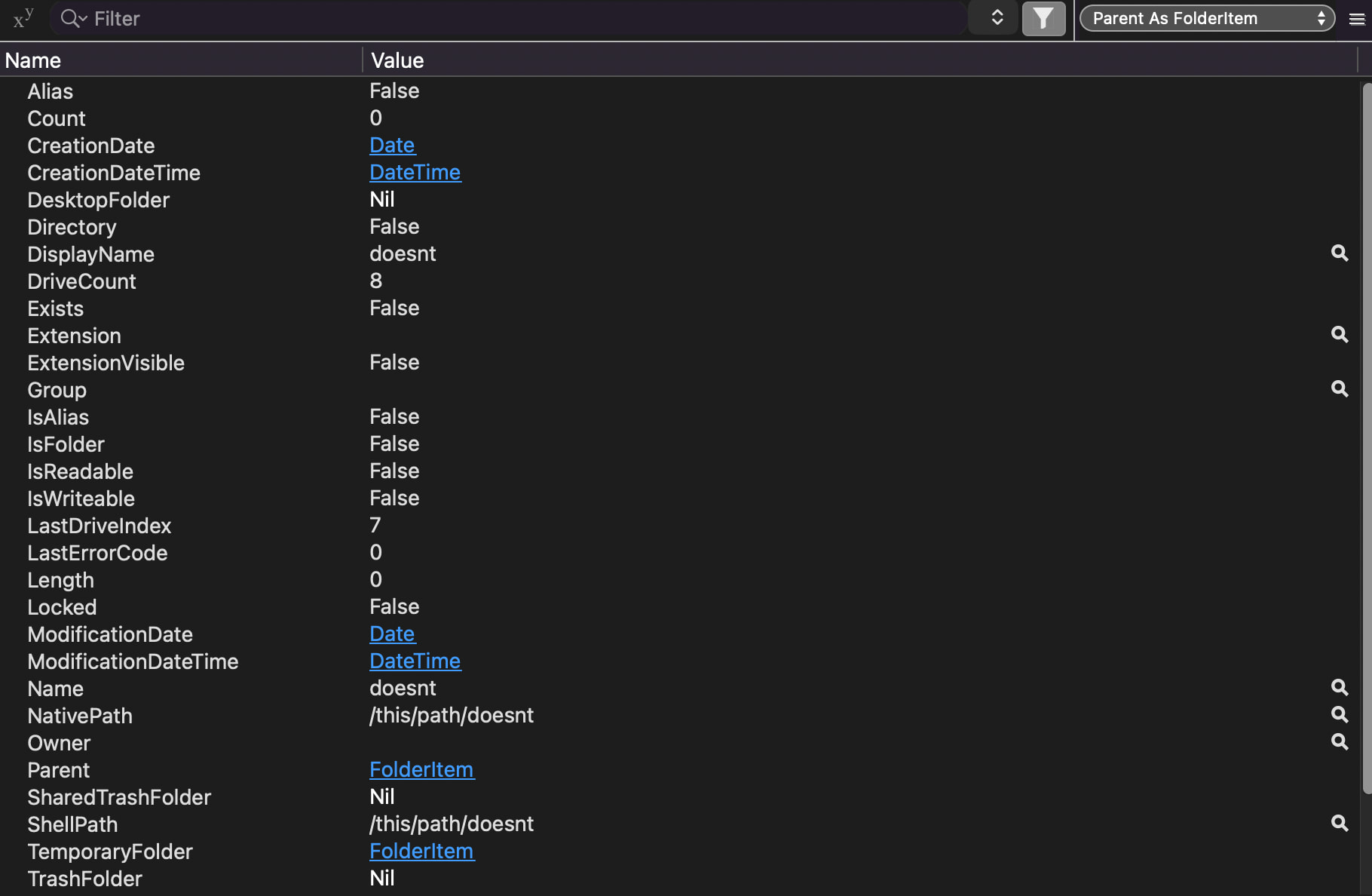
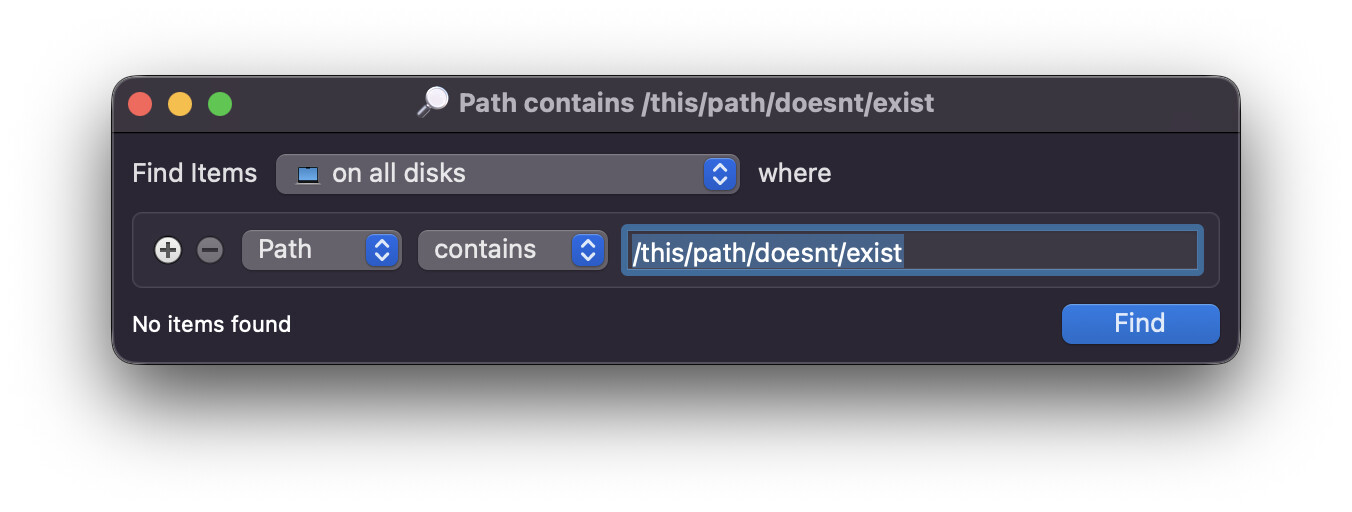
If in "/some/path/somefileorfolder", the "/some/path/" exists, but somefileorfolder don’t, it never will raise an exception, you know that, correct? It raises when the parent of the final part does not exist too.
dim f as FolderItem

f = new FolderItem("/this/path/doesnt/exist", FolderItem.PathModes.Native)

f.CreateAsFolder

dim stream as BinaryStream

stream = BinaryStream.Create(f, true)
stream.Write("this is a test")
stream.Close
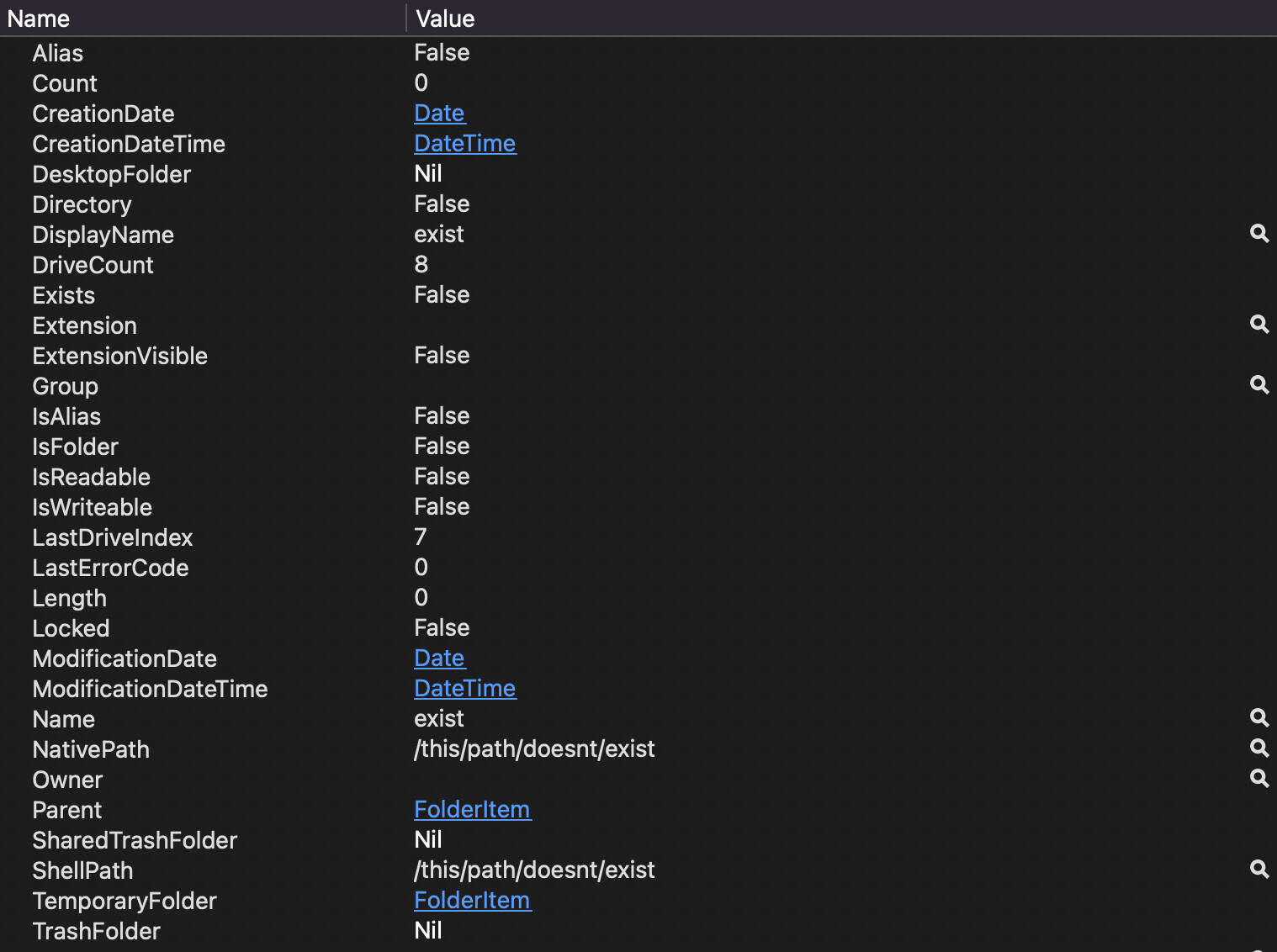
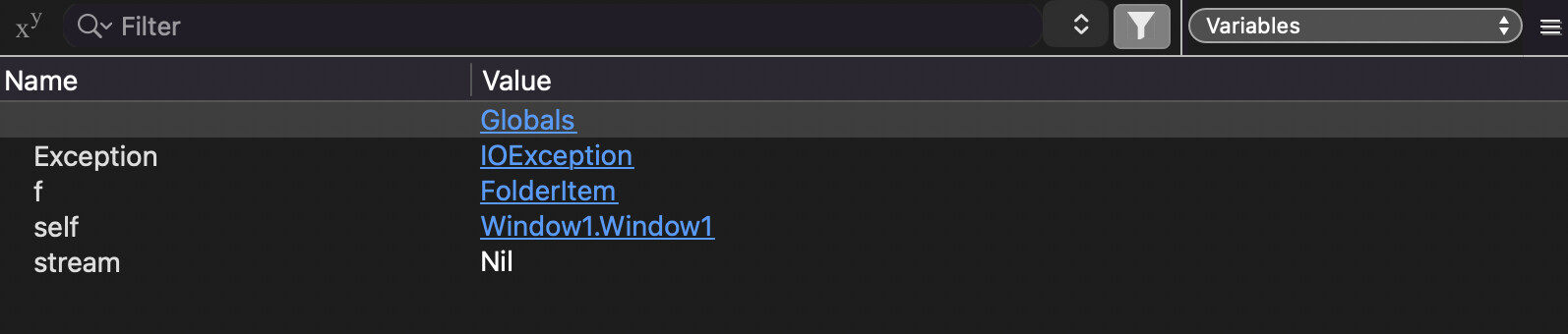
The variable f looks like this and no exception is thrown:
As of 2026r1.2 we get a FolderItem with the bad path where Exists = false. The 2019r1.1 language reference says we’re supposed to get a UnsupportedFormatException
For me, the point of using the API 2.0 constructor is to use the exception system. The reason I knew of this ticket is because this issue bit me on Web / Linux as well.
OK, sorry I didn’t see that. I imagine whoever fixed it also didn’t see it as well.
No trying to be picky here but your comment states that there “might” be a problem on Linux. You probably should have clarified that and maybe asked for the case title to be updated to reflect that it wasn’t just macOS.
The issue has the tag “MacOS”, added by the Xojo person reviewing it. There’s a good chance this has limited the scope of the investigation and fix – it would be smart to put together a sample project for another platform (or a screen recording of a debug session) to demonstrate that it isn’t only a Mac issue. Folderitems are one area of the framework where it’s easy to imagine that the individual platform codebases are completely isolated from each other, and if you’re told a bug is happening on the Mac, you might not bother to check the other code paths.