I have a SQLite database with around 1,000 entries and the pro-bono user want (have to) export every records to use it with Excel (or a SpreadSheet: LibreOffice ?).
In a typical Record, there are child(s) in an entry: so many lines in a ListBox Cell.
I tried to see how it fits with Copy (from the ListBox) or Export to (.txt, .csv), but I get the original row Contents (Cells) until the Child Cell who appears multi-lines in the file.
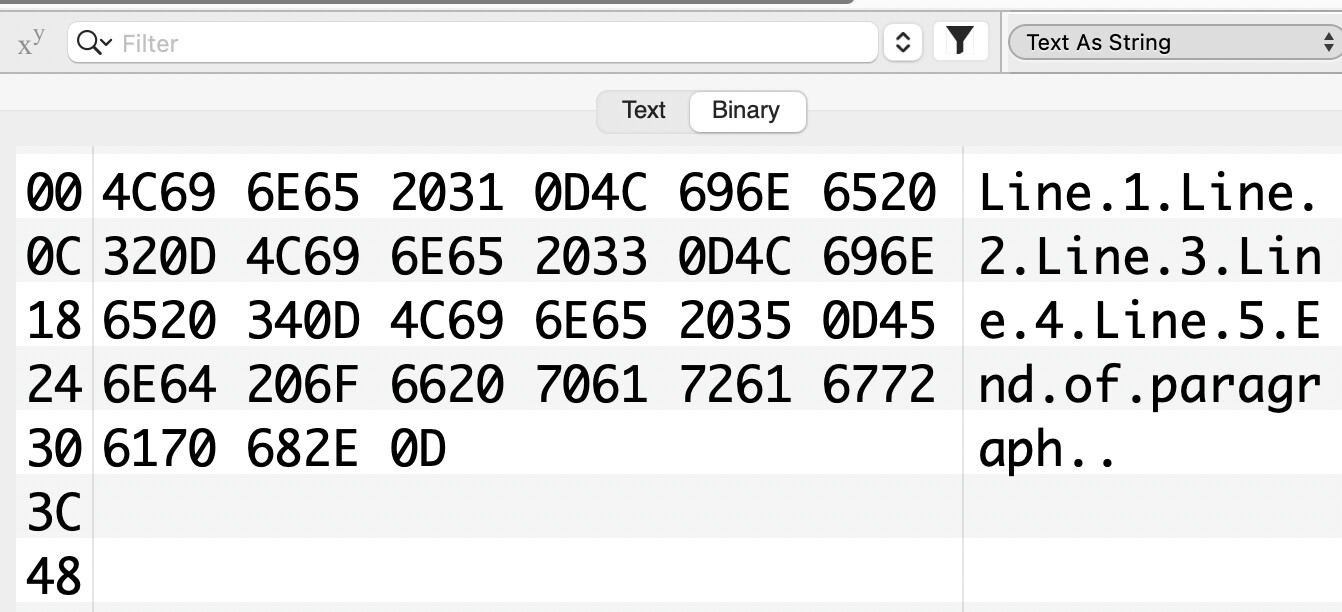
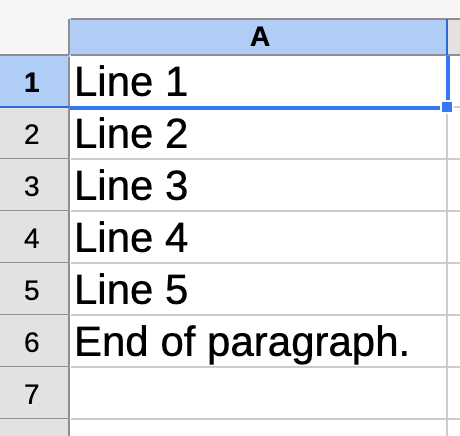
I tried to create a multi-lines paragraph (read the code to understand) and import it to LibreOffice: everything goes to its lines: 6 Cells were filled…
LibreOffice, after I opened the .txt file
Xojo code to generate the .txt file:
Sub Action() Handles Action
  // ********** ********** ********** **********
  //
  // Save multi lines text with LF
  //   and ends with an EndOfLine
  //

  // Adapted from the documentation “Close” example:
  Var f As FolderItem
  Var t As TextOutputStream
  f = FolderItem.ShowSaveFileDialog("txt/raw","Essai lignes et paragraphe.txt") // Changed to Save…
  If f <> Nil Then
    t = TextOutputStream.Open(f)
    t.Write "Line 1" + Chr(10)
    t.Write "Line 2" + Chr(10)
    t.Write "Line 3" + Chr(10)
    t.Write "Line 4" + Chr(10)
    t.Write "Line 5" + Chr(10)
    t.Write "End of paragraph." + EndOfLine

    t.Close
  End If
End Sub
My question is:
Can I export each record with a cell that have more than one line as a Paragraph in a spreadsheet ?
Is-it clear ?