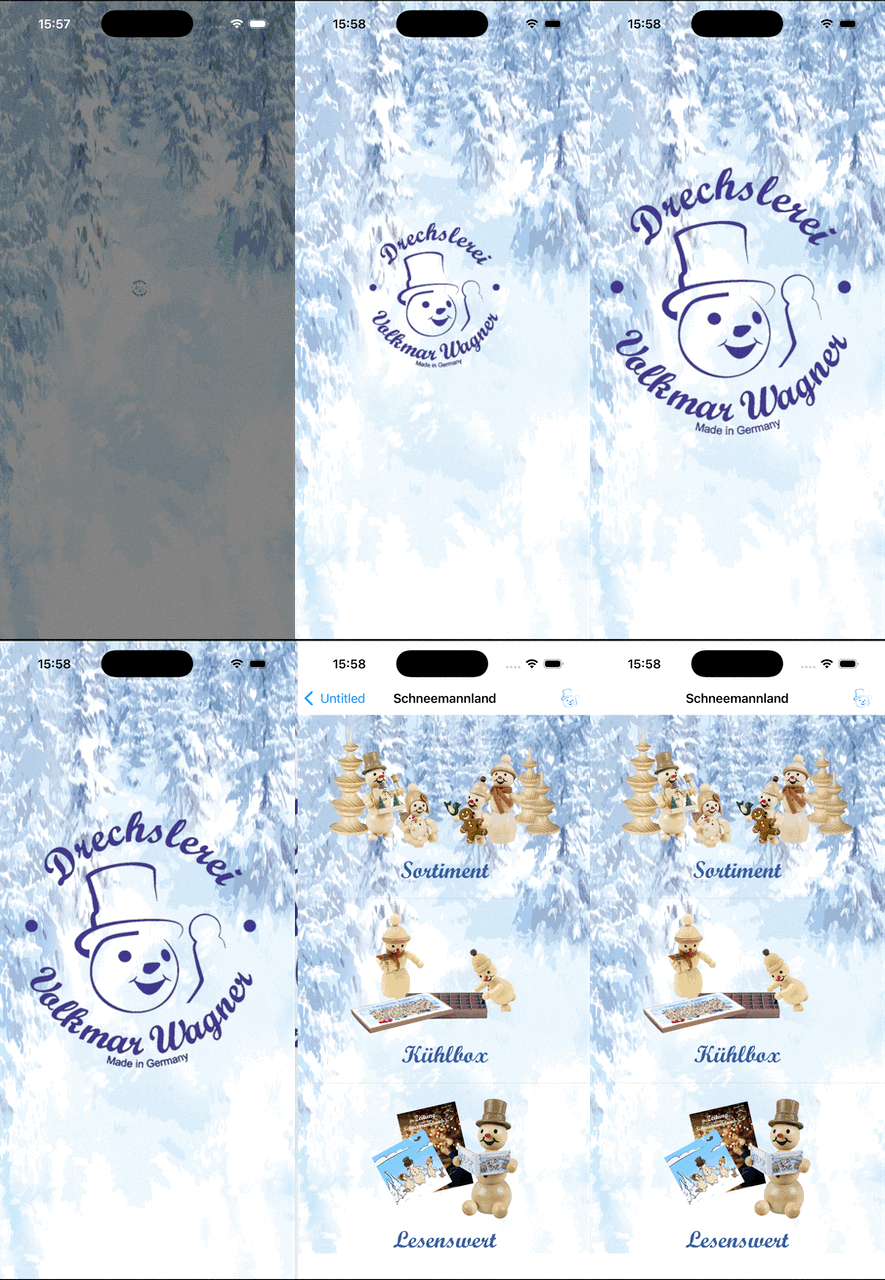
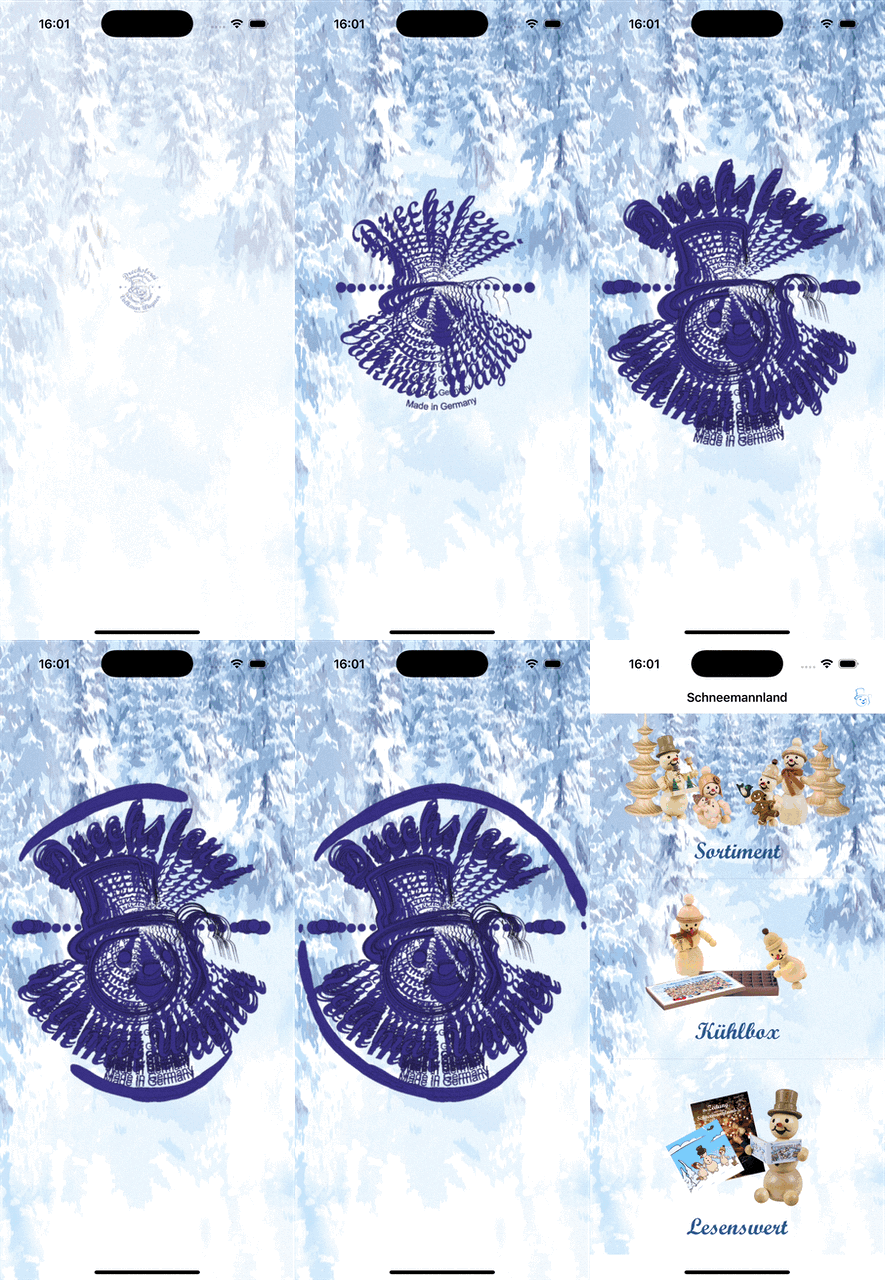
I have an iOS app developed in Xojo 2024r4.1 where I draw a launch animation to a MobileCanvas using a timer and LogoCanvas.Refresh
This works absolutely nice in Xojo 2024r4.1 but with Xojo 2025r2.1 the frames are bleeding. I see every single frame.
g.DrawPicture(BackgroundImage, 0, 0, g.Width, g.Height, 0, 0, BackgroundImage.Width, BackgroundImage.Height)

If mFrames <> Nil And mFrames.Ubound > 0 Then
  Var ScaledFrame As Picture = mFramePictures(mAnimationIndex).ProportionalScale(Me.Width,Me.Height)
  g.DrawPicture(ScaledFrame, (g.width-ScaledFrame.Width) / 2, (g.height - ScaledFrame.Height) / 2)
End If
I am wondering about this because I draw the background with every single redraw.
It could be better to play a video with no playback controls instead of using a Canvas which will be more CPU intensive.
But you could try this:
g.ClearRectangle(0, 0, g.Width, g.Height) //Add this line before drawing

g.DrawPicture(BackgroundImage, 0, 0, g.Width, g.Height, 0, 0, BackgroundImage.Width, BackgroundImage.Height)

If mFrames <> Nil And mFrames.Ubound > 0 Then
Var ScaledFrame As Picture = mFramePictures(mAnimationIndex).ProportionalScale(Me.Width,Me.Height)
g.DrawPicture(ScaledFrame, (g.width-ScaledFrame.Width) / 2, (g.height - ScaledFrame.Height) / 2)
End If
Thanks for your reply.
I also tried g.ClearRectangle with no success.
The idea to use a canvas instead of a video was to be able to scale to different aspect ratios with a filled background image.
Maybe something changed to the way Xojo handles pictures?
The frames are loaded from a GIF File using the Einhugur plugins (but same version, so nothing changed there)
Dim gif As RawGIFImporter = New RawGIFImporter()
mFrames = gif.OpenAllFramesFromFile( SpecialFolder.Resource("AnimationHD.gif") )
For i As Integer = 0 To mFrames.Ubound
  mFramePictures.Append(RawBitmapConverter.ToPicture(mFrames(i).Bitmap))
Next
what happens if you change your draw background image to fill Rectangle over half the screen? eg set g.drawingColor = color.red and then fillRectangle(0,0,g.width / 2,g.height)
Filling the Rectangle over half the screen made no difference.
But your idea to draw just one frame brought me to the source of the problem.
Even one frame showed the bleeding effect. So I inspected my array of frames and saw that every single frame already showed this issue.
Doing some tests and further investigation I found out that the difference comes from Einhugurs TypeLib Plugin, which is used by the GraphicsFormats Plugin. It seems to handle drawing with its RawBitmap class differently.
Reading Björns version history I was able to confirm changes there. So I will check the docu and examples on this.