Bear with me. I went to art school. Our only Math & Science requirement in college was a class called “Math for Artists.” And I didn’t have to take it because the history of western science class I took at the college I transferred from satisfied that requirement.
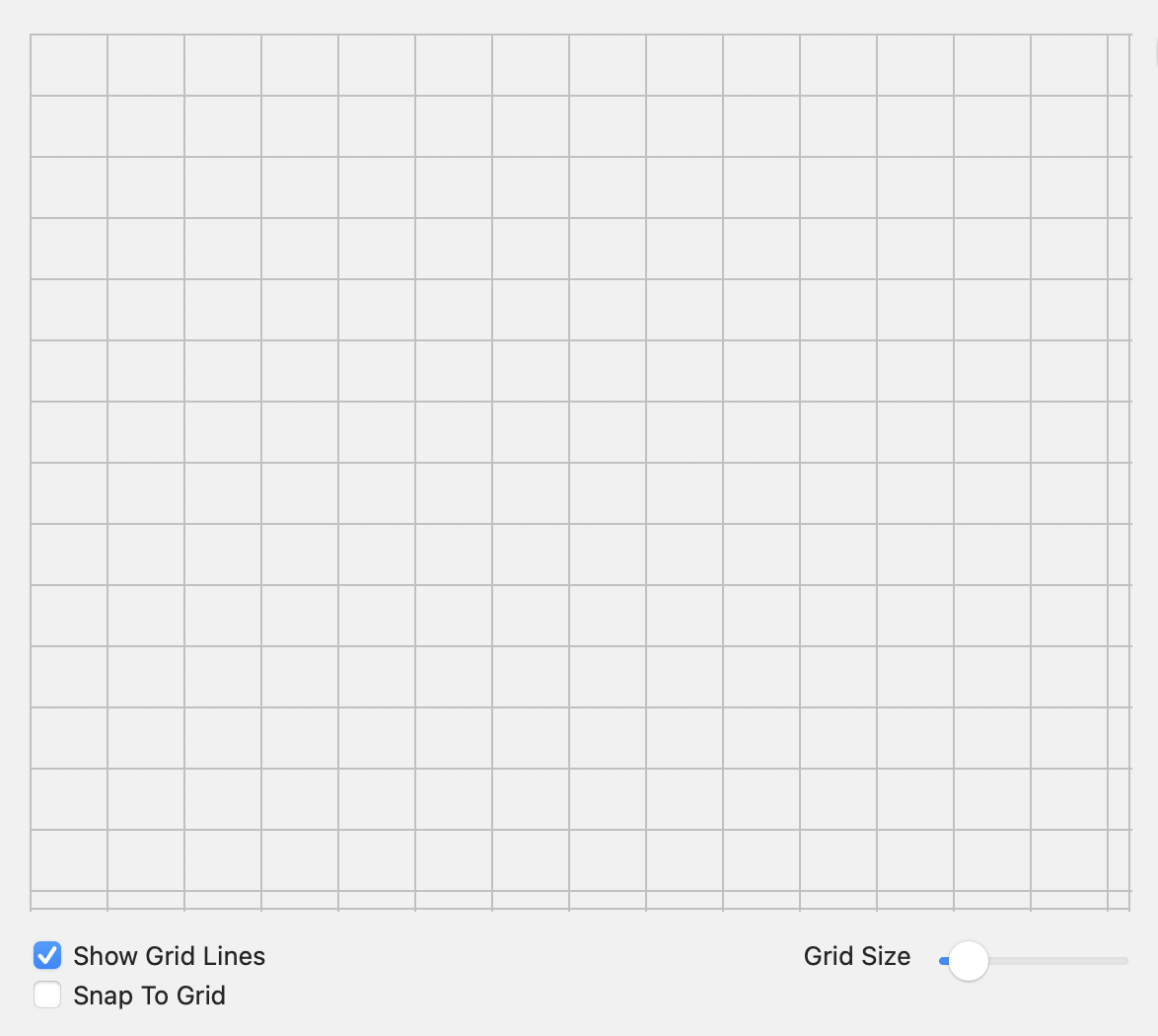
I’ve got a canvas where the user can lay out objects. The user can enable/disable a grid overlay on this canvas. The grid divisions have a default value of 50, but there’s a slider that lets the user make the grid boxes bigger or smaller. The actual numerical value of the grid divisions is immaterial. It’s just there to create reference lines for aligning the objects placed on the canvas.
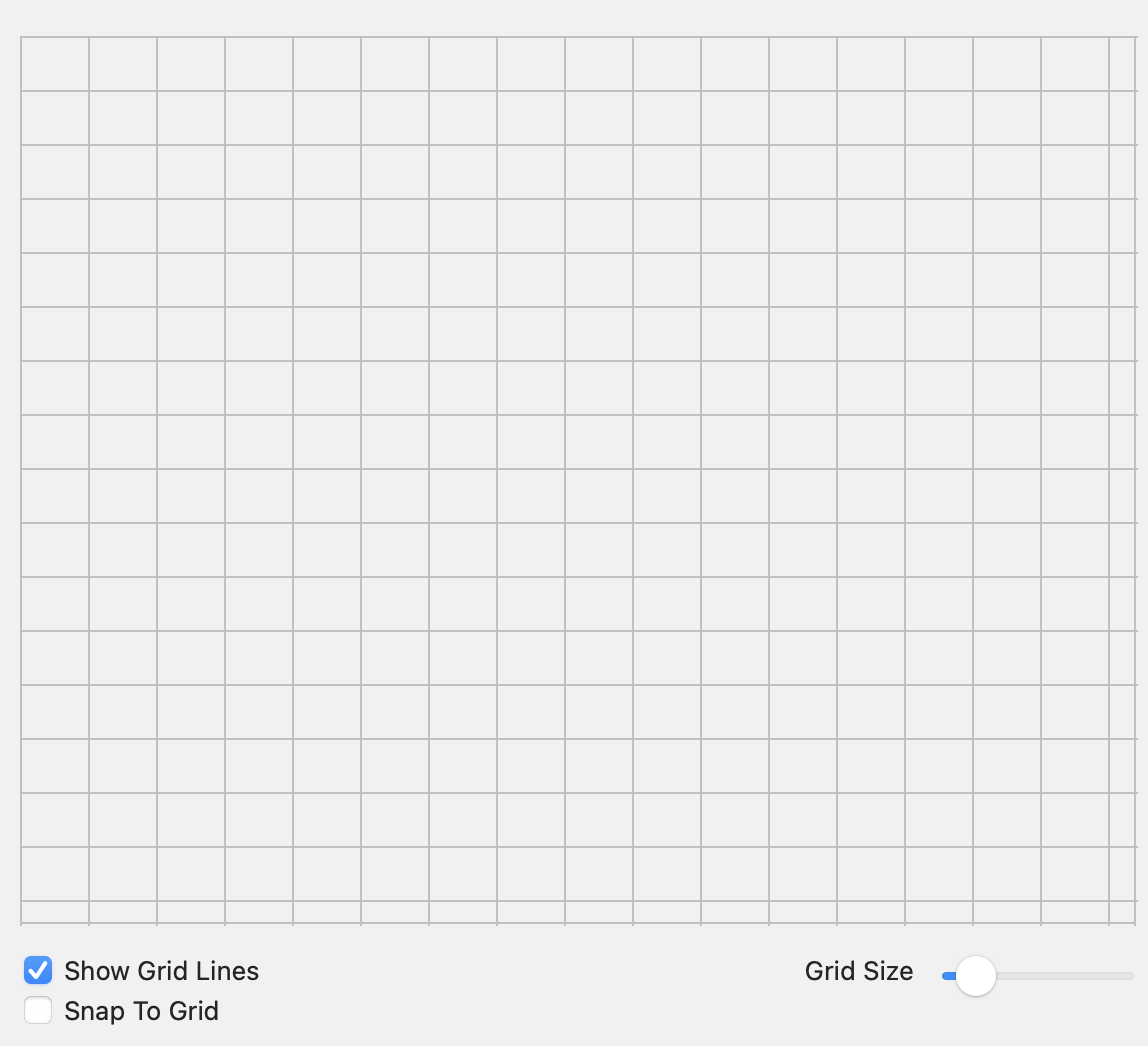
If you look closely you’ll see that in this case the last row or column is not the same size as the others. This varies depending on the grid size you’ve chosen.
The way I’m calculating the grid size is as follows:
GridStepSize is the value of the Grid Size slider and is an integer. It sets the number of divisions per row or column.
GridWidth and GridHeight are doubles, which I chose to use because the exact width and height of the canvas can change and I figured that would get me more precision to avoid the partial rows.
How can I set the width and height of the grid divisions so that all the rows are equal width or height? I don’t care if this means non-square divisions, I just don’t want partial rows/columns.
First, I’m going to suggest that you stop using the window and start using the graphics object that is passed to the paint event to do your calculations because i think that the margins are causing issues for you.
So instead of MainWindow.LayoutCanvas.Width, use g.Width.
Ok I did that. From the paint event I was already calling a method to set the grid size, which is where those two lines of code are.
I modified that method so that instead of pulling the starting width and height from the canvas, I’m now passing it the paint event’s graphics object and taking it from there:
Public Sub SetGridSize(g as Graphics){

   MainWindow.GridWidth = g.Width / MainWindow.GridStepSize
   MainWindow.GridHeight = g.Height / MainWindow.GridStepSize

}
This is how I’m drawing the lines, in the Canvas paint event:
//Set Grid Size
SetGridSize(g)

if ShowGridLines then
  Var i As Integer
  g.DrawingColor = color.LightGray
  // Draw vertical lines
  For i = 0 To g.Width Step GridWidth
    g.DrawLine(i, 0, i, g.Height)
  Next
  // Draw horizontal lines
  For i = 0 To g.Height Step GridHeight
    g.DrawLine(0, i, g.Width, i)
  Next
end if
Something like this might be what you’re looking for:
Private Property mGridSize As Integer

Public Property GridSize As Integer
Get
  Return mGridSize
End Get

Set
  mGridSize = value

  Refresh
End Set

End Property

Sub Paint(g As Graphics, areas() As Rect) Handles Paint
  g.DrawingColor = color.White
  g.FillRectangle( 0, 0, g.Width, g.Height )

  g.DrawingColor = color.Gray

  var columnSize as Integer = Ceiling(g.Width / Floor(g.Width / mGridSize))
  var rowSize as Integer = Ceiling(g.Height / Floor(g.Height / mGridSize))
  for x as Integer = 0 to g.Width step columnSize
    g.DrawLine( x, 0, x, g.Height )
  next
  for y as Integer = 0 to g.Height step rowSize
    g.DrawLine( 0, y, g.Width, y )
  next
End Sub
EDIT: Maybe slightly better. Not really sure what you’re going for, so just guessing really:
g.DrawingColor = color.White
g.FillRectangle( 0, 0, g.Width, g.Height )

g.DrawingColor = color.Gray

var columnCount as Integer = Floor(g.Width / mGridSize)
var rowCount as Integer = Floor(g.Height / mGridSize)

var columnSize as Double = g.Width / columnCount
var rowSize as Double = g.Height / rowCount
for x as Integer = 0 to columnCount
  g.DrawLine( columnSize * x, 0, columnSize * x, g.Height )
next

for y as Integer = 0 to rowCount
  g.DrawLine( 0, rowSize * y, g.Width, rowSize * y)
next
It doesn’t in that demo - sorry. I had started to set that up with my code as it was originally, and then pasted Anthony’s in. So for the purpose of the demo, the SetGridSize method is unnecessary.
In my app, however, I’m using that method to handle setting these as variables that live outside the paint event:
var columnCount as Integer = Floor(g.Width / GridSize)
var rowCount as Integer = Floor(g.Height / GridSize)

var columnSize as Double = g.Width / columnCount
var rowSize as Double = g.Height / rowCount
That’s because I need to access things like the width and height of grid for the functionality that snaps objects to it, among other things.