Something for beginners to play with demonstrating how to use curveShape and Group2D to make an object that can be dragged, and scrolled …
Hello,
Nicholas
my attempt to draw 2D objects and save them in SQLite
Canvas-Objekt-DEMO.xojo_binary_project.zip (198.6 KB)
And still not available in iOS after all these years
Hi Rudolf, I all the data as packed binary in my own format … no SQL used. The app does everything with internal data structures, not SQL.
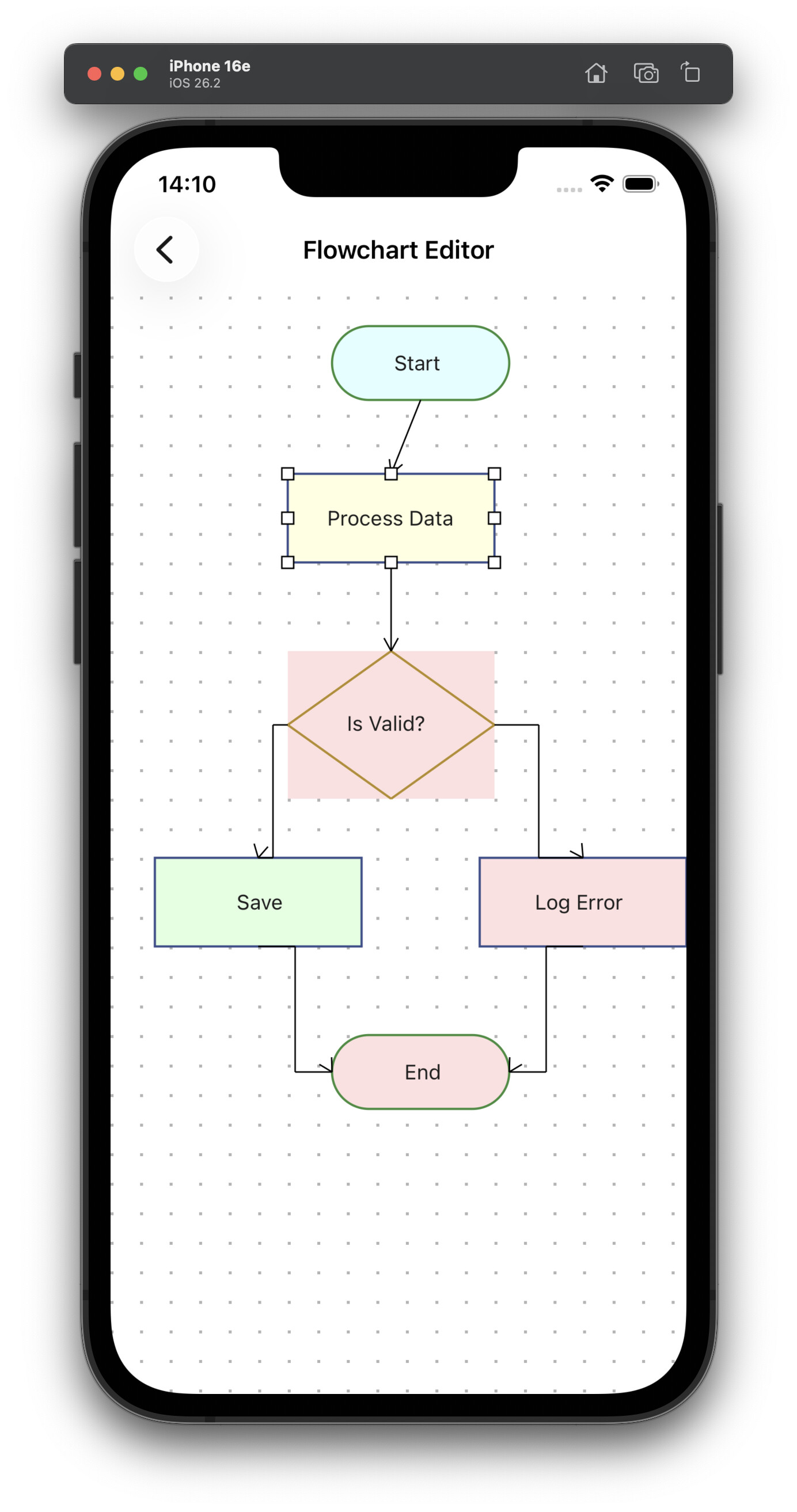
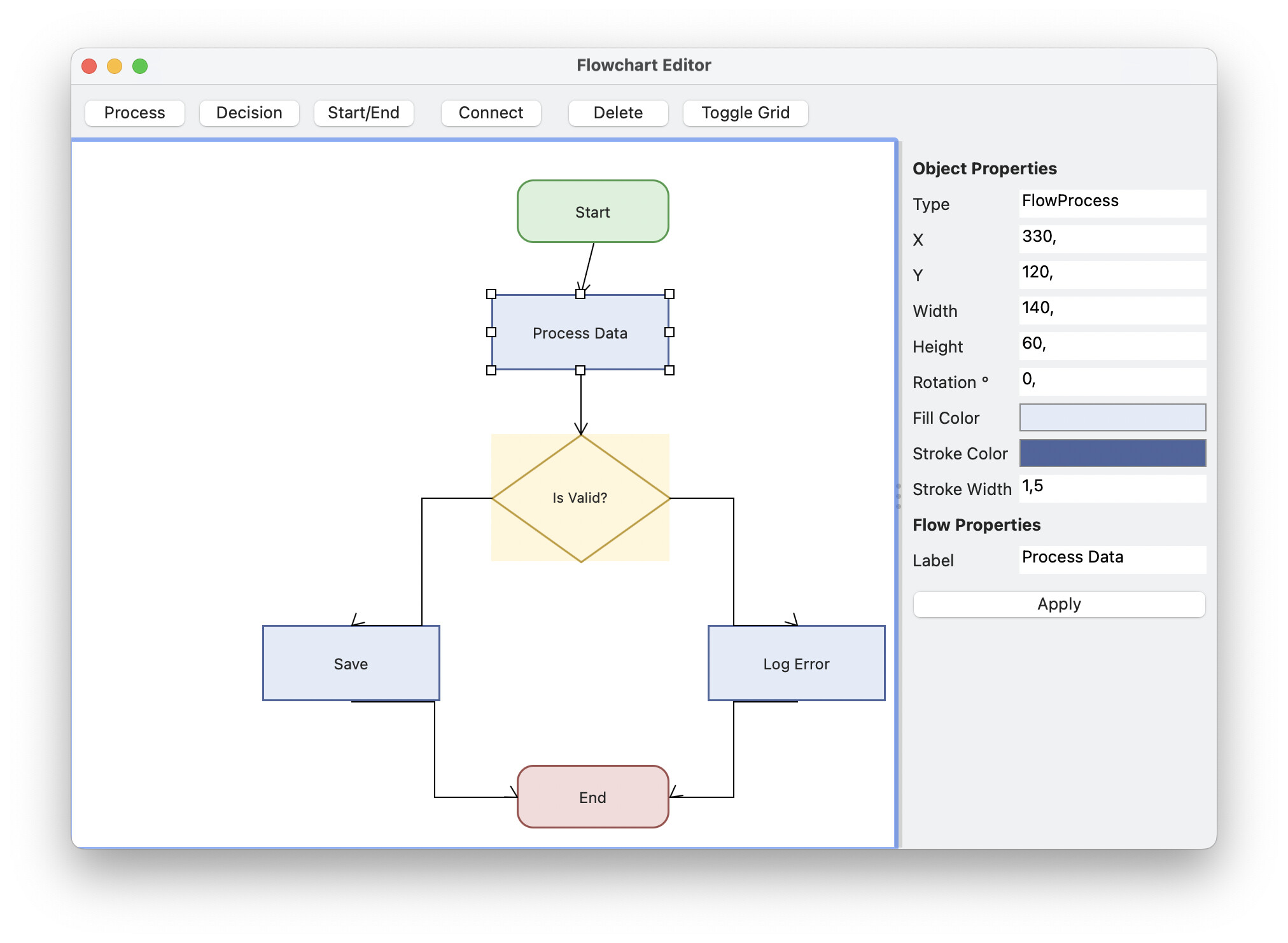
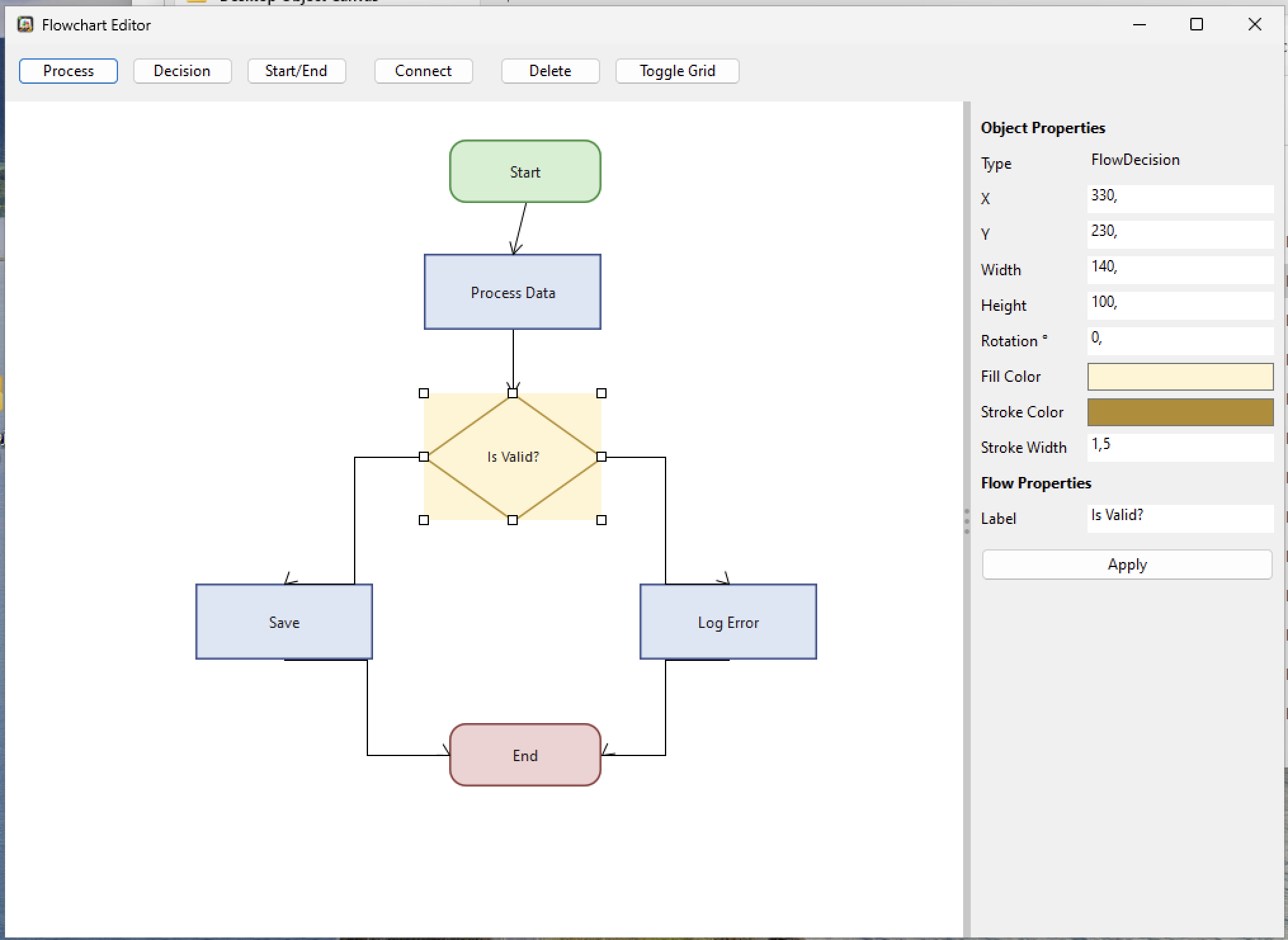
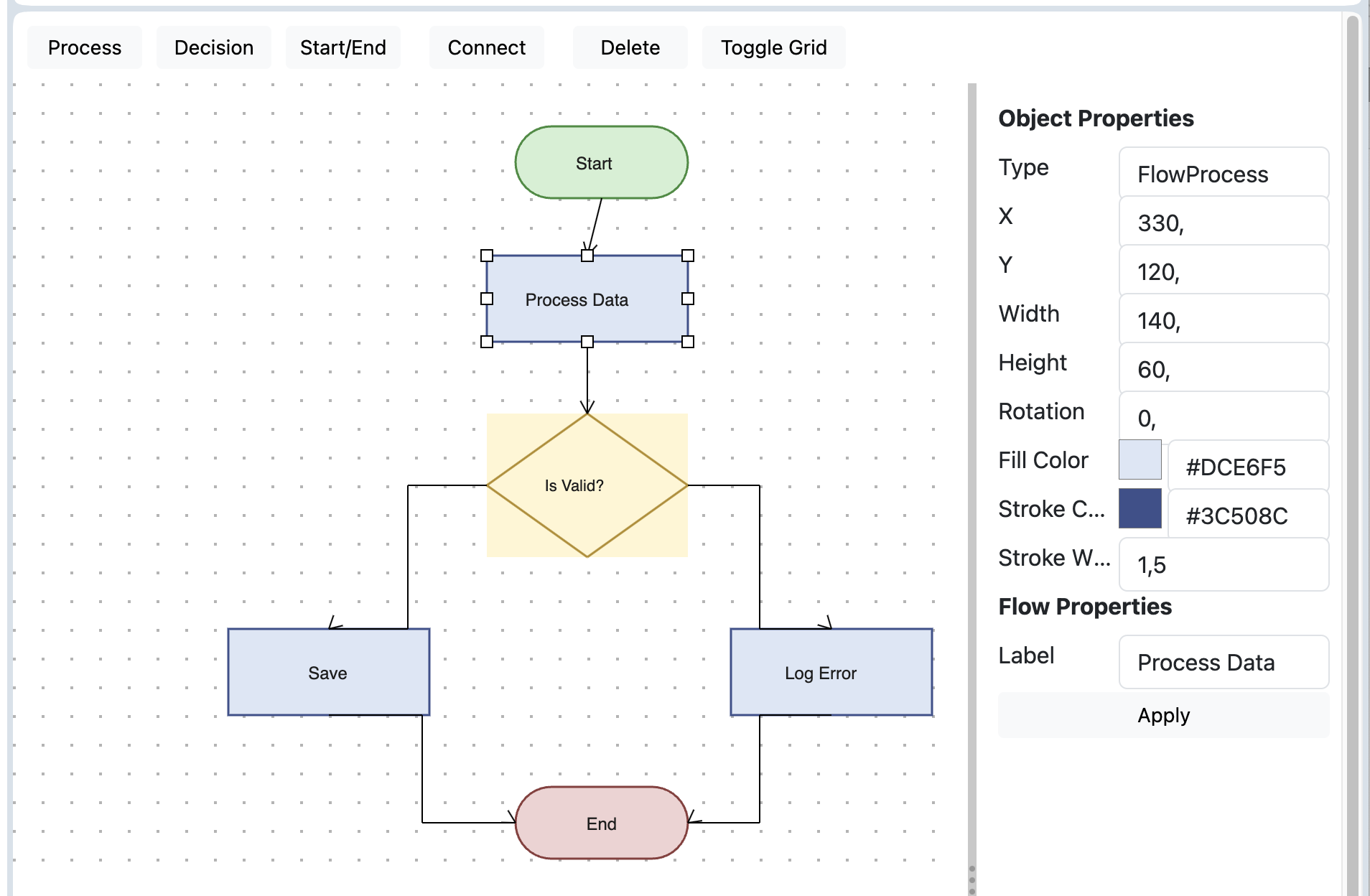
Object2d isnt available in iOS…?
I’m rebuilding it all from scratch to have the same classes among all platforms
still strugling with android because of stupid kotlin errors it seems.
the code works on all other platforms
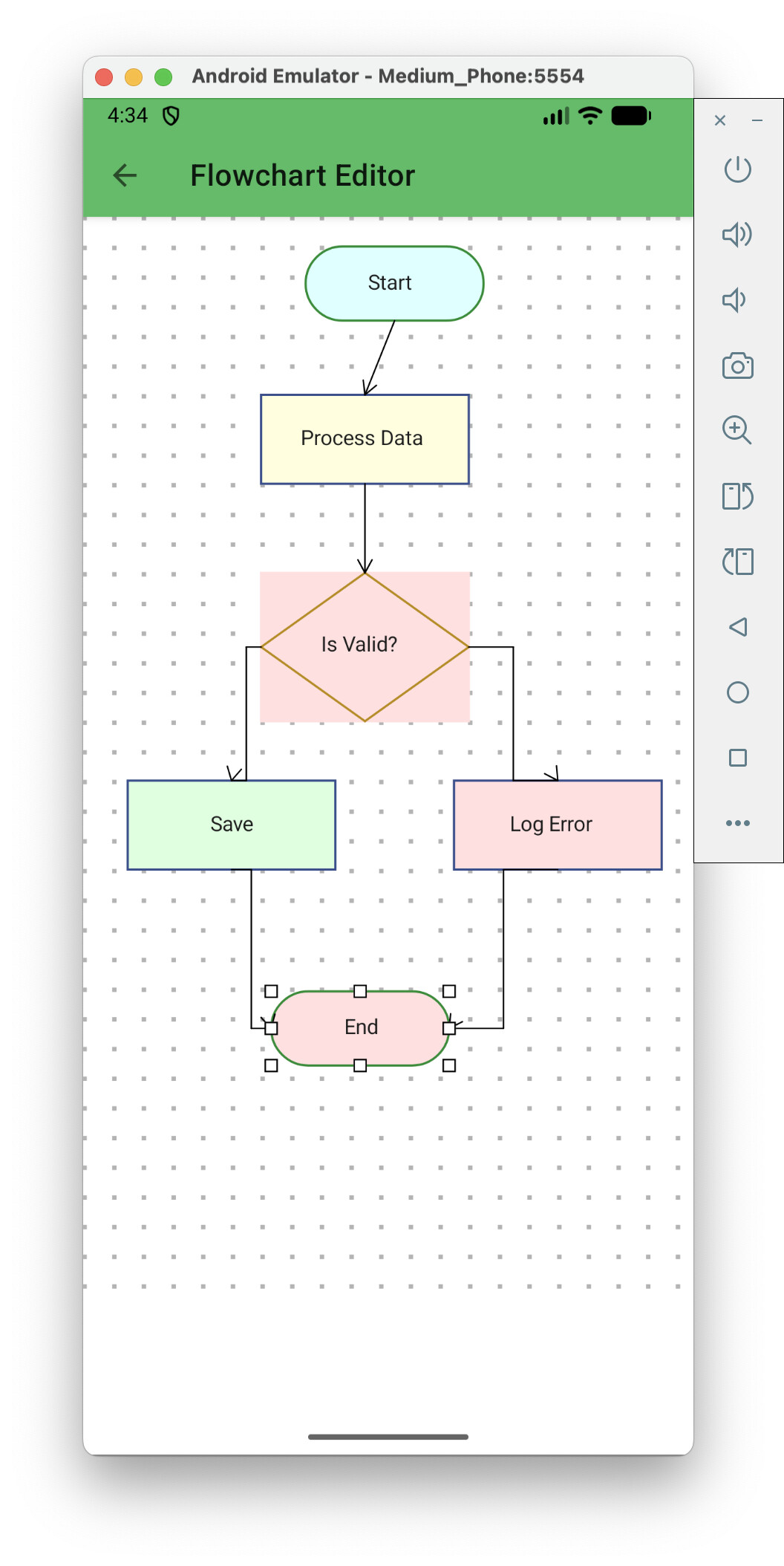
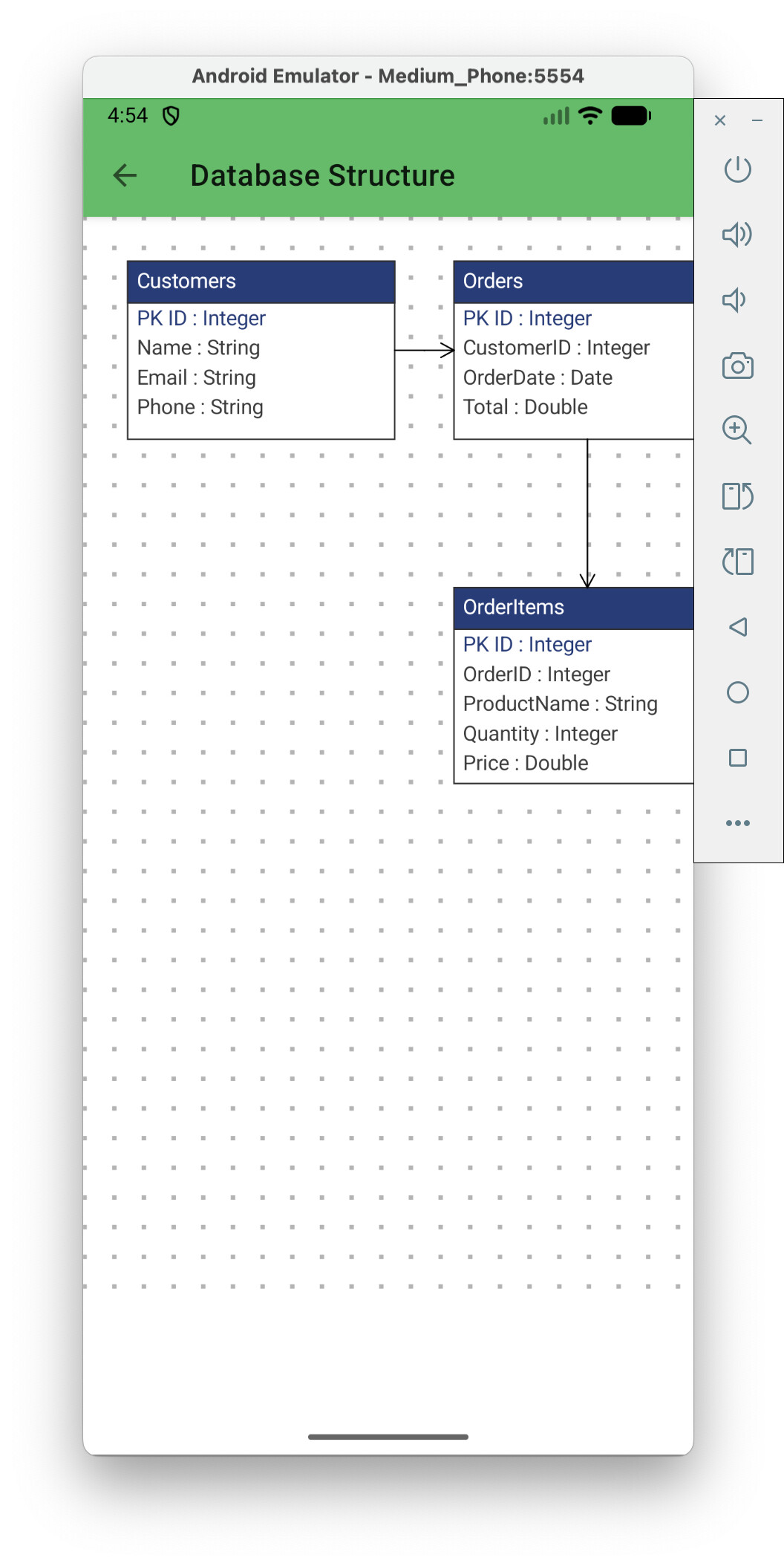


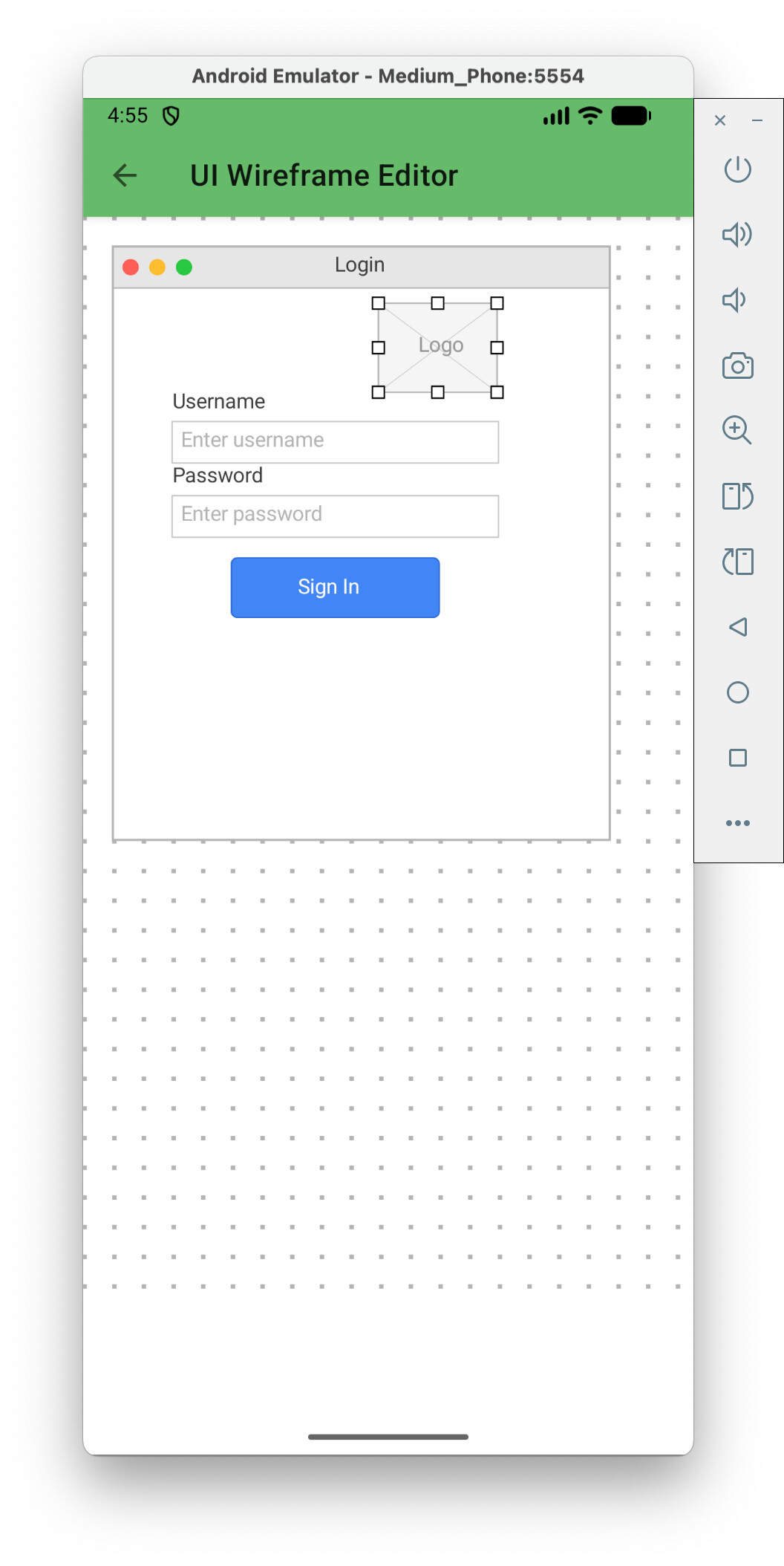
Jean-Yves,
The app I was working on was originally done long ago - it used bitmaps, which was fine until recently when I was asked to add something. Selecting/dragging simple objects (ovals, rectangles) is easy, because a “contains” method is trivial.
What wasn’t trivial in bitmaps was finding a way to select and drag/reshape an arbitrary open curve, in a complex drawing with many overlapping objects - there is no function to determine if you have clicked within say 3 pixels of an individual curve.
However there is a way with vector graphics - the graphicsPath objects have a “contains” function. So, as shown in the example: (1) divide a complex curve into smaller simple arcs and (2) use the control points of these arcs to define small triangles containing each arc.
Regards to all.