I’ve used ChatGPT to diagnose the following problem. I’ve never issued a bug report before so I thought I’d run it by the forum first to see if anyone else has experienced this (couldn’t find instances of it here). If it’s agreed that it’s a bug, I’ll report it, although I don’t know how.  **
**
**
——————————————————————-
Subject: Xojo 2026r1.2 rejects valid Developer ID identity; Xojo 2025r3.1 accepts it
I’m seeing a macOS code-signing identity-selection problem in Xojo 2026r1.2 (build 67271).
Environment
-
Mac mini, Apple silicon
-
macOS 15.7.8
-
Xcode 26.3
-
Xojo 2026r1.2, build 67271
-
Developer ID team:
92N236Y924
Problem
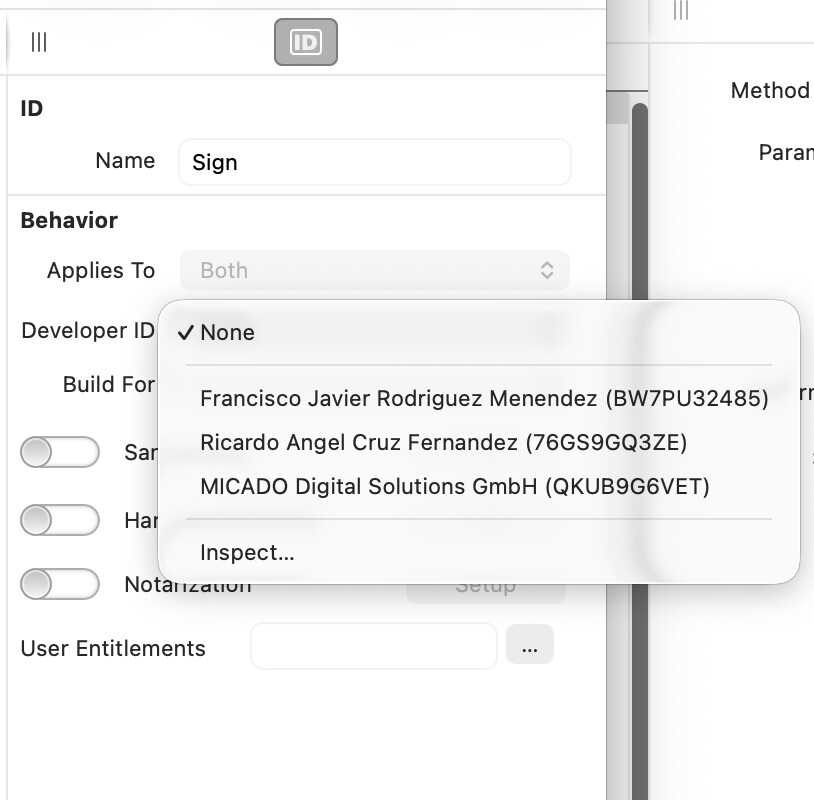
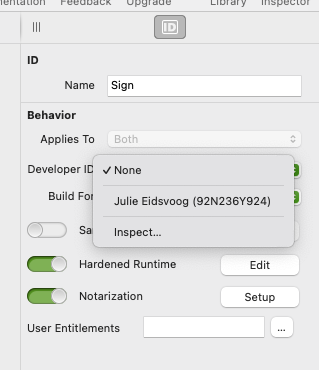
In the macOS build settings, the Developer ID menu displays:
Julie Eidsvoog (92N236Y924)
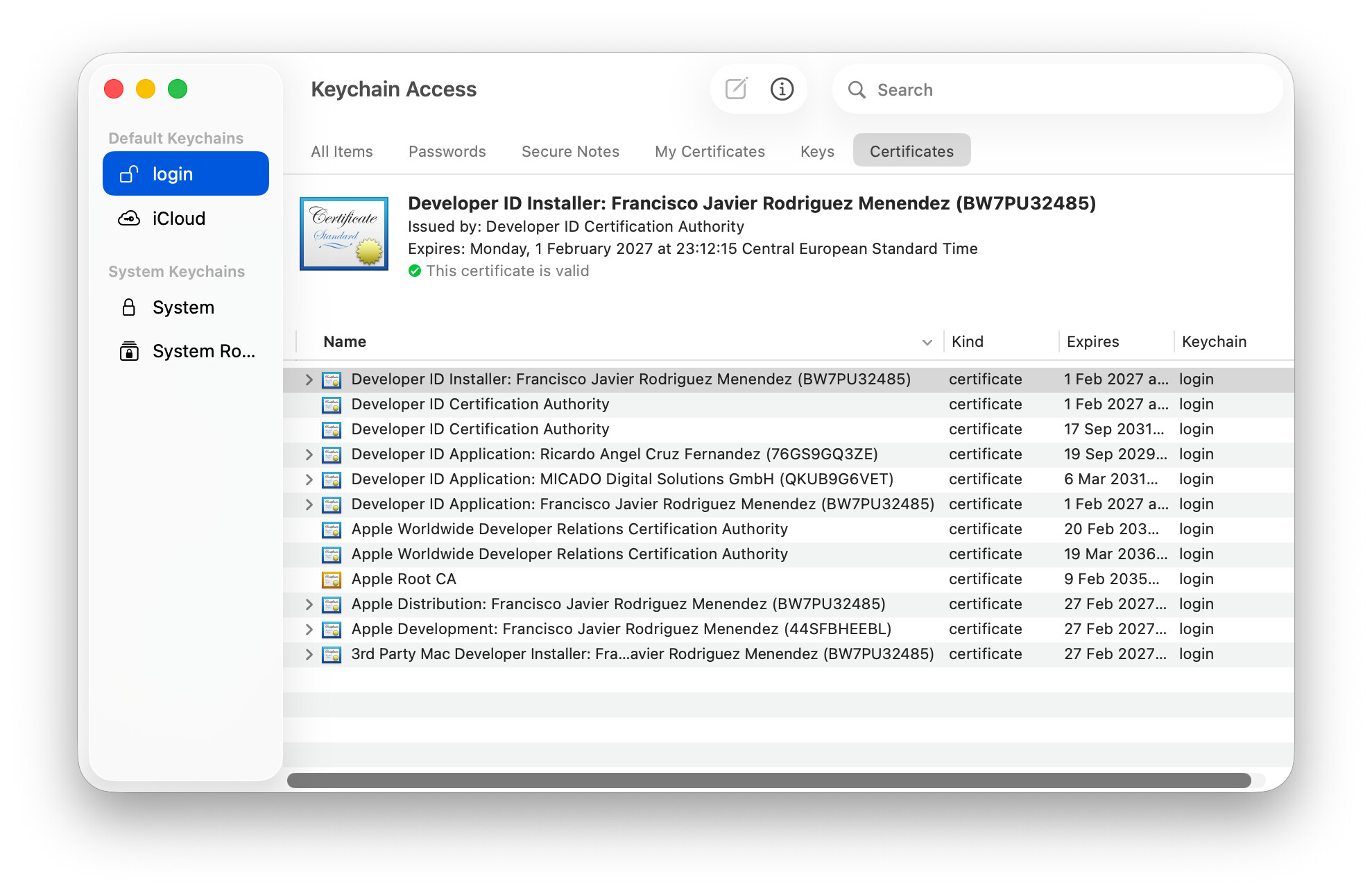
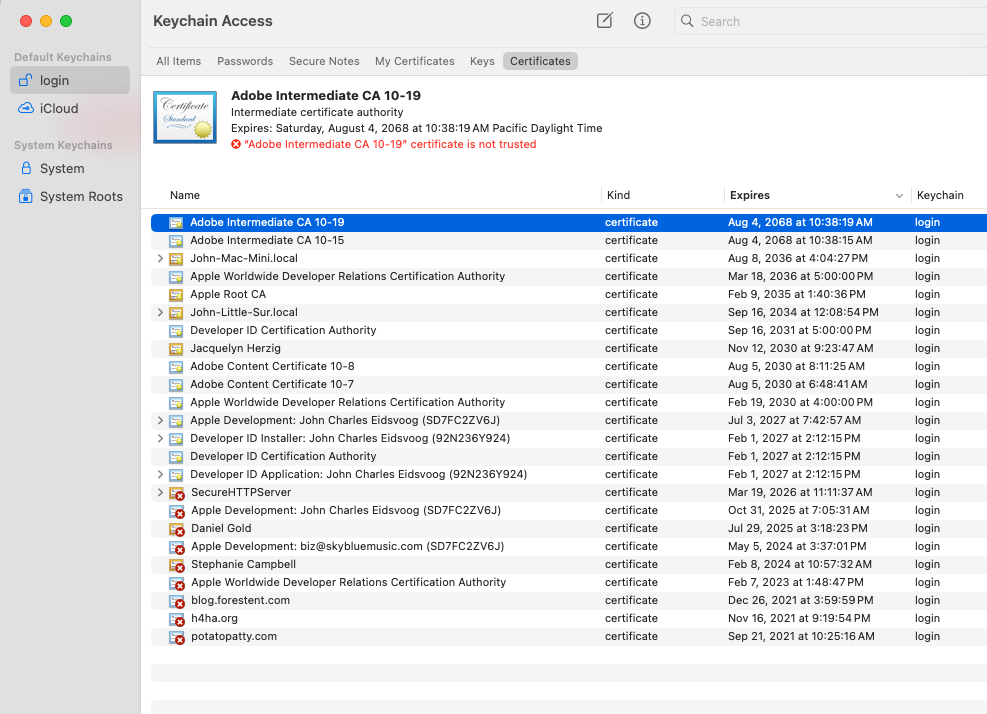
The certificate actually installed in the login keychain is:
Developer ID Application: John Charles Eidsvoog (92N236Y924)
When I select the displayed team in Xojo 2026r1.2, the Developer ID setting immediately changes back to None. Because it resets immediately, I cannot proceed to select a Build For option.
The same behavior occurs in a newly created blank Desktop project, so it is not specific to my existing project.
Expected behavior
Xojo should accept the team and use the valid Developer ID Application certificate installed in the keychain.
Certificate verification
Terminal reports two valid code-signing identities:
1) A927B8FD9995FD3A5C3DB26DD6CA12726A827E80
   "Developer ID Application: John Charles Eidsvoog (92N236Y924)"

2) E473834B4393D950C9ECADF7EC9B012B67D43713
   "Apple Development: John Charles Eidsvoog (SD7FC2ZV6J)"

2 valid identities found
The Developer ID Application certificate has its private key and expires February 1, 2027.
I also successfully signed a test executable manually:
codesign --force --options runtime --timestamp \
  --sign "Developer ID Application: John Charles Eidsvoog (92N236Y924)" \
  /tmp/noodle-sign-test
Verification showed:
Authority=Developer ID Application: John Charles Eidsvoog (92N236Y924)
Authority=Developer ID Certification Authority
Authority=Apple Root CA
TeamIdentifier=92N236Y924
This demonstrates that the certificate, private key, trust chain, hardened runtime signing, and timestamp service work correctly outside Xojo.
Additional troubleshooting
-
Restarted Xojo and the Mac.
-
Reset Xojo preferences and caches, with no change.
-
Restored the original preferences after testing.
-
Confirmed the required Apple root and Developer ID intermediate certificates are installed.
-
Confirmed that a blank Xojo 2026r1.2 Desktop project exhibits the same behavior.
-
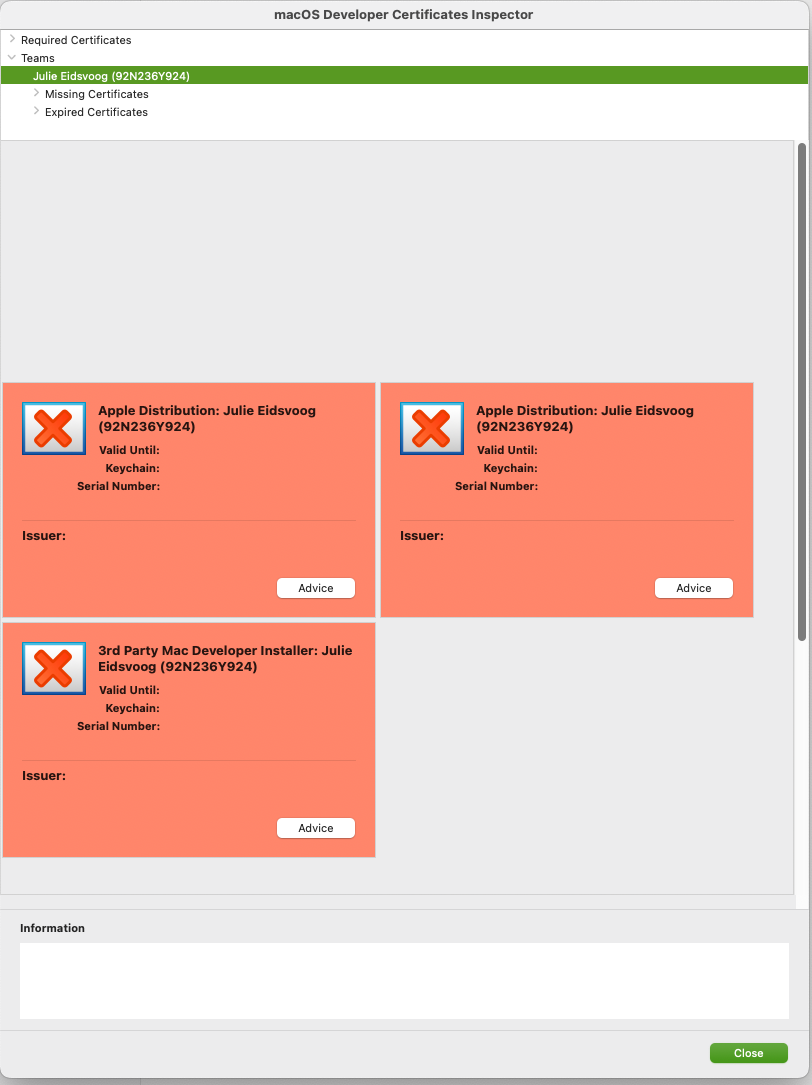
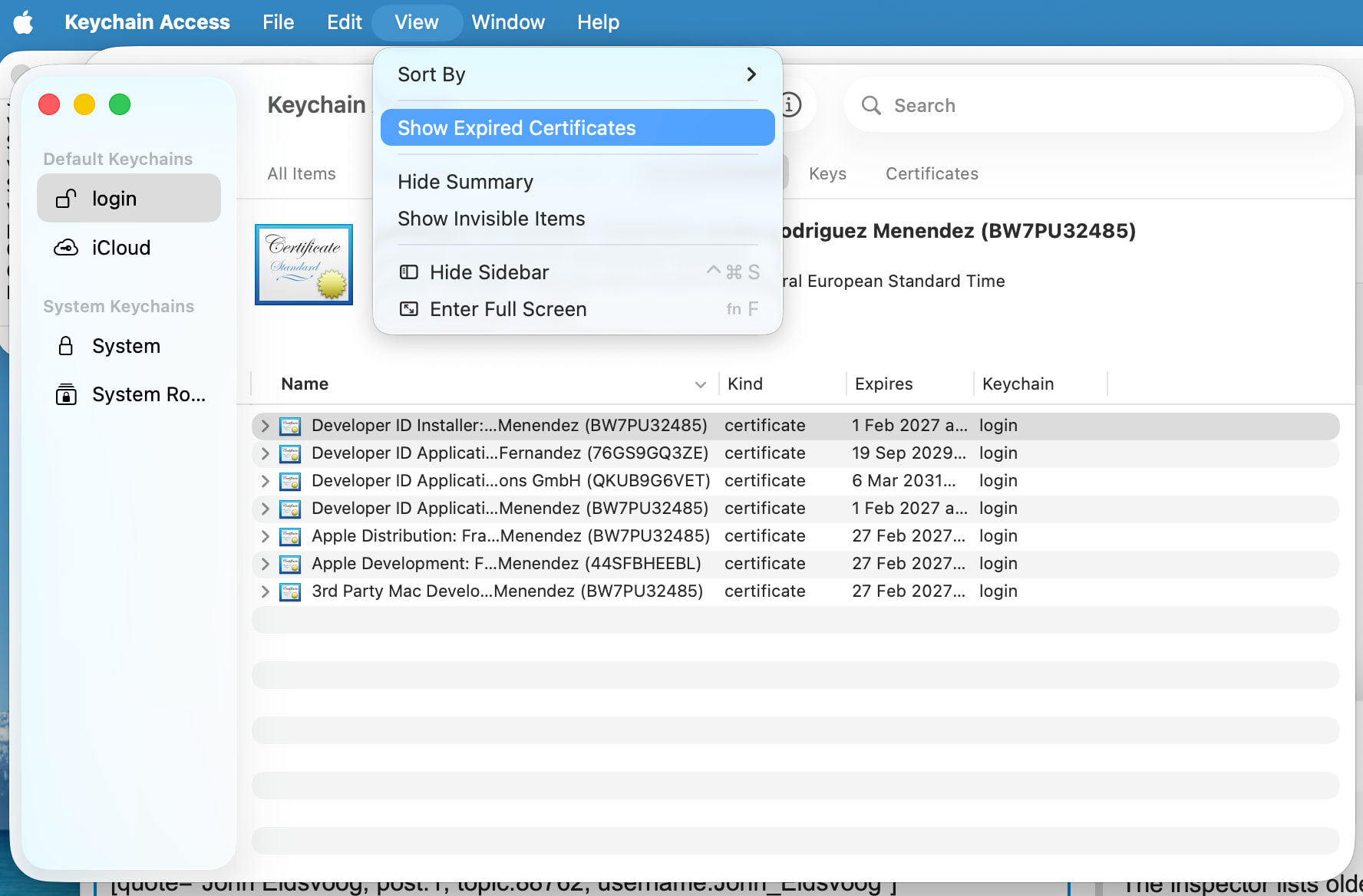
The inspector lists older missing or expired development/distribution certificate records, although those leaf certificates are not present in Keychain Access.
Important comparison
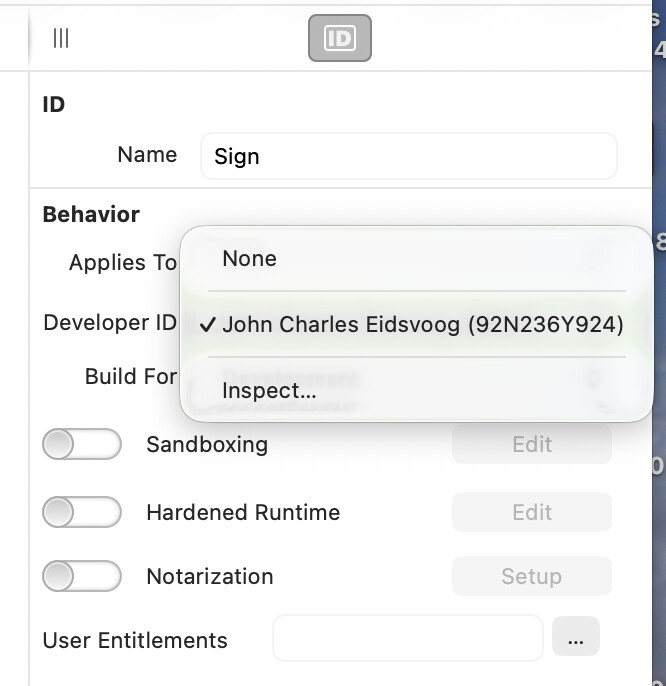
Opening the project in Xojo 2025r3.1 on the same Mac with the same keychain works correctly. That version allows me to enter/select my Developer ID and produces no complaint when running or building.
Therefore, the problem appears specific to the Developer ID/team-selection logic in Xojo 2026r1.2 rather than the project, certificate, private key, or macOS keychain.