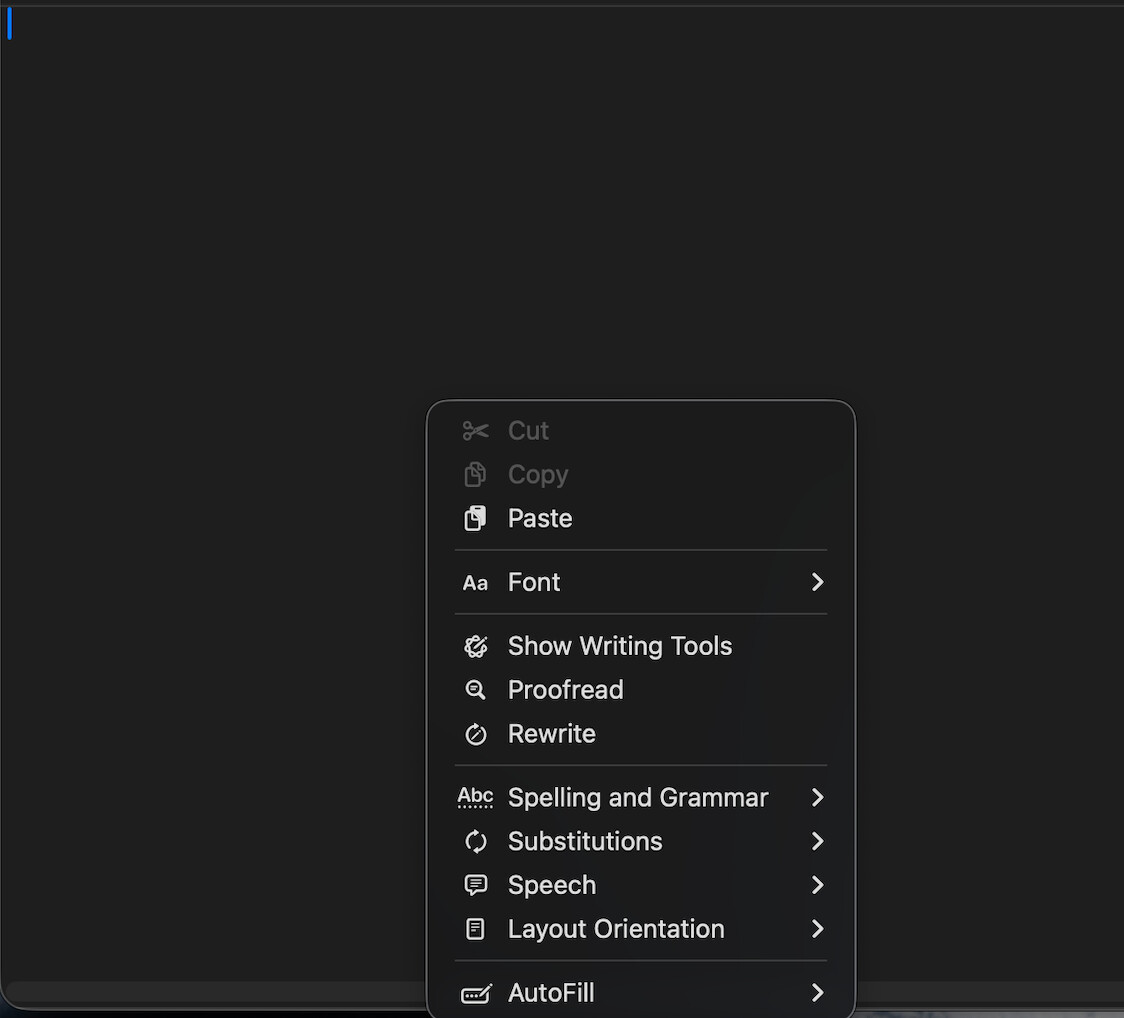
I am building a basic Text Editor and I noticed that the DesktopTextArea control when right-clicked will display the following items on the Mac. I am okay with it displaying Cut, Copy, and Paste, but I’d like to have it NOT display the other context menu items. I haven’t yet looked at what items appear when running on Windows and Linux, but I’d like for those to display only Cut, Copy, and Paste as well.
Something like this in the Mousedown event of the DesktopTextArea. The “Return True” suppresses the built in pop-up menu.
 If IsContextualClick Then

    ' ' example from the docs that clones the Menu bar's Edit menu (minus the Writing tools etc...)
    ' Var popMenu As DesktopMenuItem
    ' popMenu = EditMenu.Clone
    ' Var selectedMenu As DesktopMenuItem
    ' selectedMenu = popMenu.Popup
    ' Return True

    '  Or build your own


    Var m1 As DesktopMenuItem
    Var m2 As DesktopMenuItem

    m1 = New DesktopMenuItem

    m2 = New DesktopMenuItem("Cut","cut")
    m1.AddMenu(m2)

    m2 = New DesktopMenuItem("Copy","copy")
    m1.AddMenu(m2)

    m2 = New DesktopMenuItem("Paste","paste")
    m1.AddMenu(m2)

    Var Answer As DesktopMenuItem = m1.PopUp

    If Answer <> Nil Then
      Select Case Answer.Tag
      Case   "cut"
        Var selSt As Integer = TA1.SelectionStart
        Var selLen As Integer = TA1.SelectionLength
        TA1.Copy
        TA1.Text=TA1.Text.Left(selSt)+TA1.Text.Middle(selSt+selLen)
        TA1.SelectionStart=selSt
        TA1.SelectionLength=0

       Case  "copy"
        TA1.Copy

       Case  "paste"
        TA1.Paste

      End Select

       Return True

    End If

  End If
Yes, because I have users who use macOS for some things and Windows for other things and the right click results will differ for each OS and they’ll expect the same results.
Just did. It shows nothing on right click. I’m good with just cut, copy, paste.
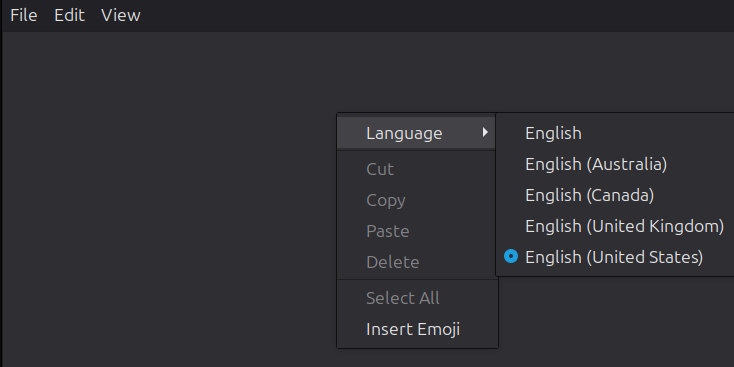
I also just tested on Ubuntu which I also use and it shows this (see below). I prefer sticking with the basic items + any additional ones I plan to add to the right-click menu in the future.