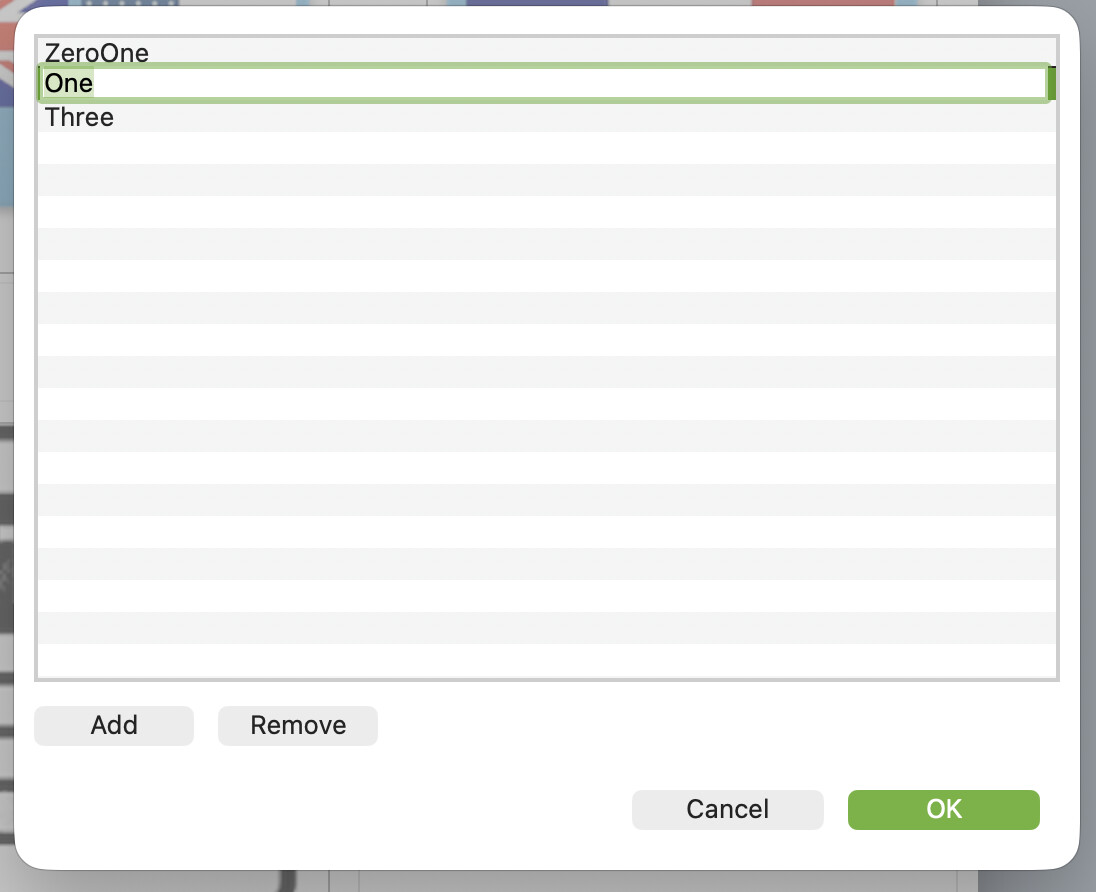
The documentaton says Tab is the column separator: I tried and all I get is to go to the next line.
The documentation says that:
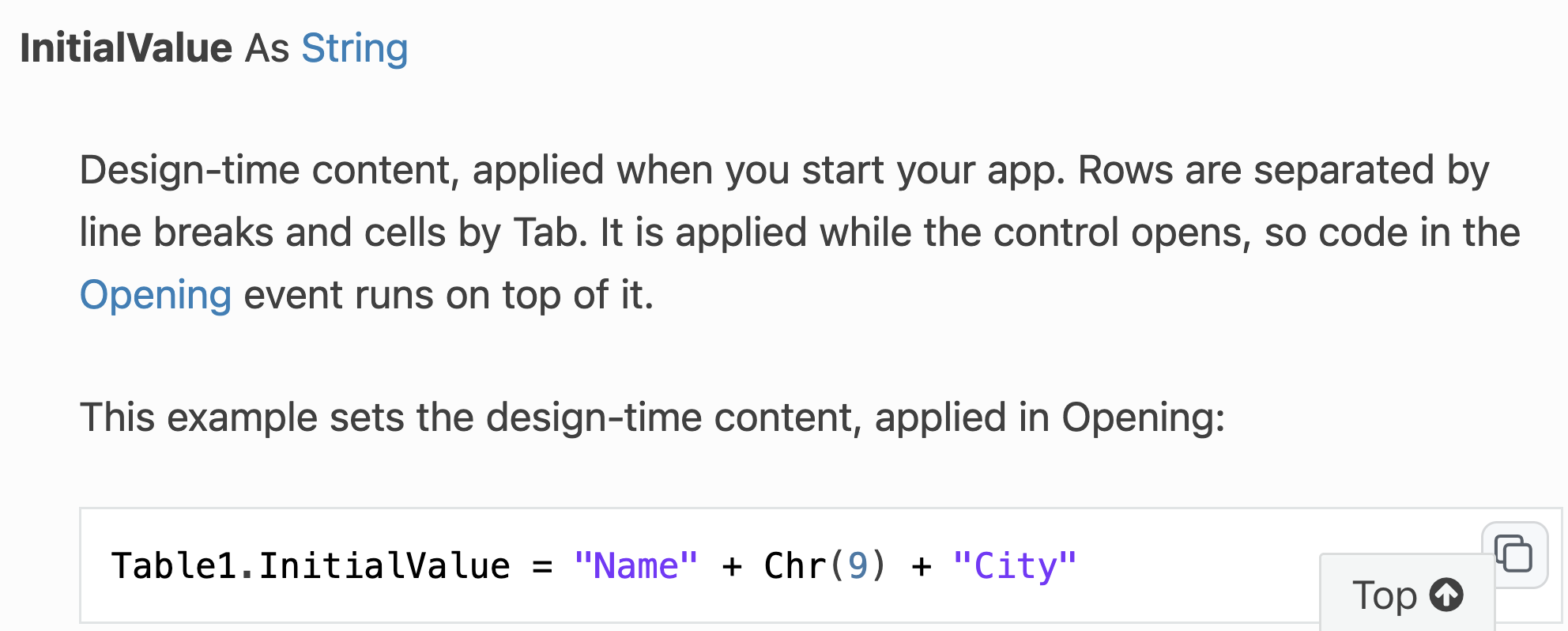
And do not talk about the example:
Emile Strasbourg
And now the good question is… What Strasbourg, the one in Canada or the one in France ?
I think it is time for a nap, now.