I found more detail in the release notes which may explain it:
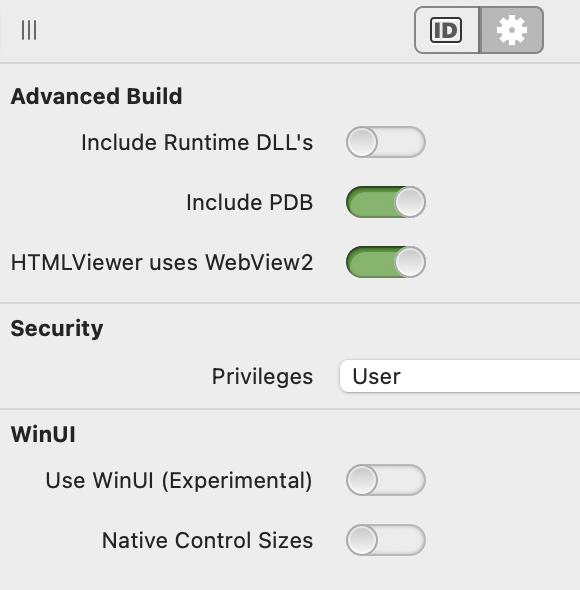
Windows : DesktopHTMLViewer now uses WebView2 when targeting WinUI. For non-WinUI Windows targets, WebView2 can be selected as the HTMLViewer backend through the Windows Advanced Build Settings.
I interpret this to mean:
WinUI build? DesktopHTMLViewer will use WebView2
Non-WinUI Build? you can choose by the Advanced Build settings.
Perhaps this blog post will help clarify things, but you can use the WebView2 based DesktopHTMLViewer on non-WinUI Windows targets too with that advanced build setting. For WinUI targets the WebView2 based DesktopHTMLViewer is your only option.