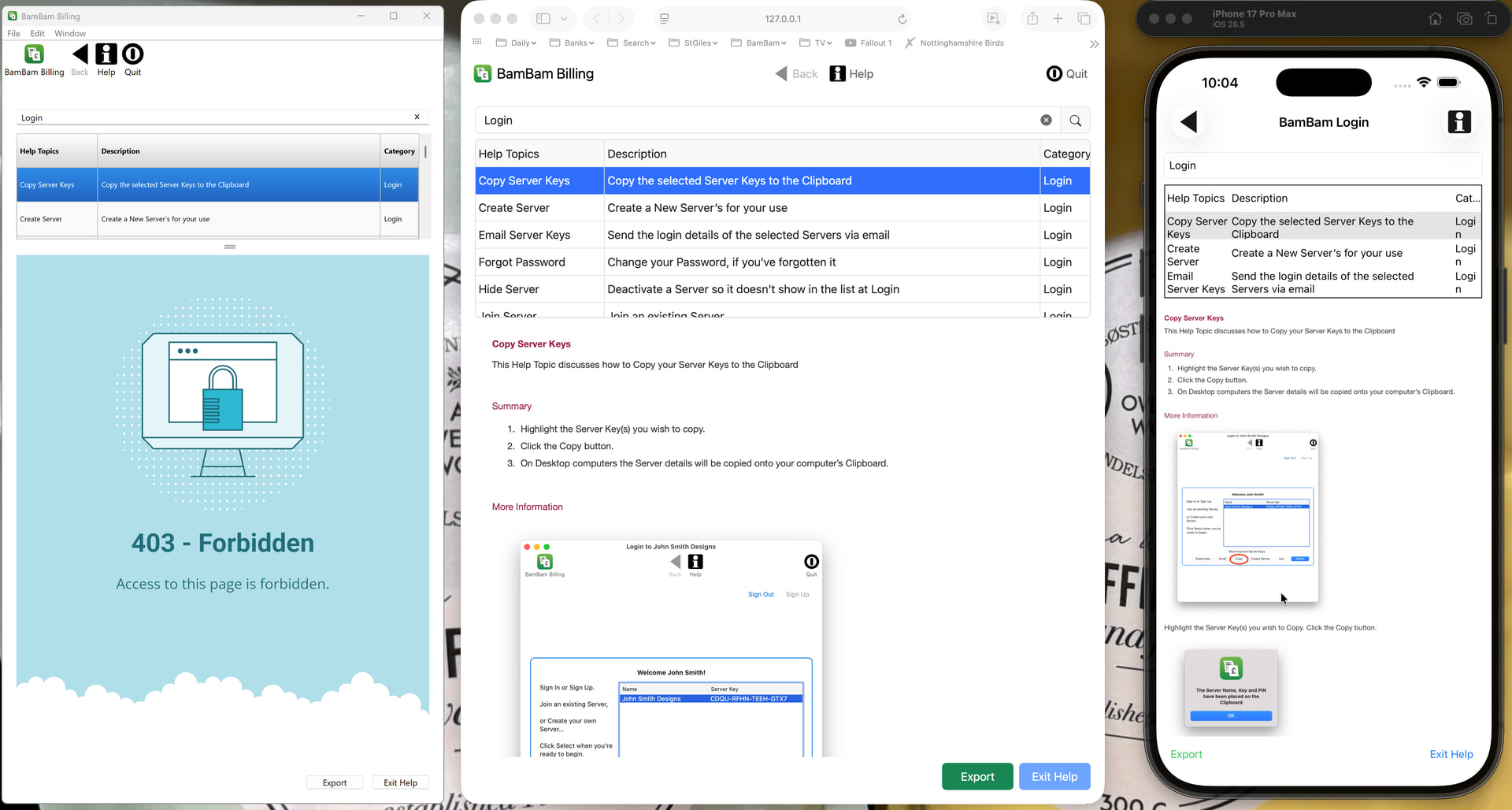
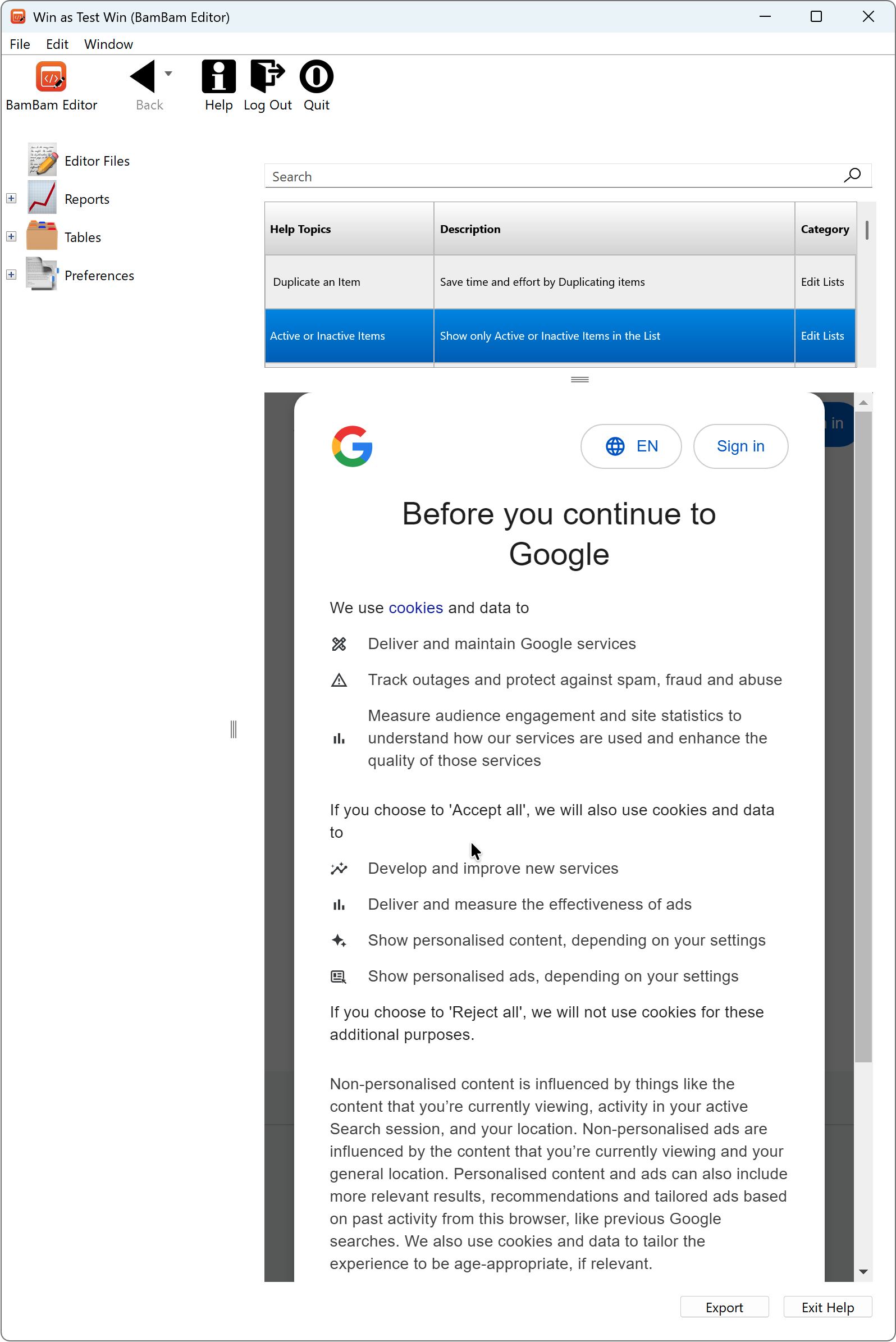
I have written a cross-platform app with a Help Container that has a ListBox of topics that, when clicked, shows a web page in a DesktopHTMLViewer below:
Var tempURL As String = getTopicURL

If tempURL = "" Then
  Return
End If

myHTMLViewer.LoadURL(tempURL)
My problem is that this URL displays just fine on macOS Desktop, Web App and iOS app, but in my Windows Desktop version the DesktopHTMLViewer shows a 403 error from my host.
All programs are running the same Method and get and display the same URL. Why can’t Xojo or my host display it on Windows without the 403 error?
Can you load some test urls into the html viewer like Goggle? What about the main domain? Is the webserver case sensitive and you used the wrong capitalisation? I would start with the domain and then work down.
The client does not have access rights to the content; that is, it is unauthorized, so the server is refusing to give the requested resource. Unlike 401 Unauthorized, the client’s identity is known to the server.
That is, the server likes your username but not the credentials you’ve passed. It’s possible that the cookie that is set when you “log in” is not being maintained or passed back to the site on Windows.
On Mac (assuming you use Safari in your daily life) the cookie store is pretty ubiquitous unless you go out of your way to isolate it. Windows is different. IIRC it uses chromium embedded, which is a browser in a box, completely isolated from the rest of the machine, a new “instance” is spun up whenever your app launches, and it may not have access to previously set cookies.
My web pages don’t need the user to ‘log in’ as they’re just plain HTML on a normal Linux host. I don’t set any Cookies in the app to view the web pages, I just load the URL.
The host is SiteGround.com and they provide https for me. The folders have 755 permission and the files have 644 permission, which is the same as all other normal web pages and images. If I try to load the main site ‘www.bambamsoftware.com’ I get the same 403 error, but if I load ‘www.xojo.com’ it displays OK.
I’m not sure what Cookie the DesktopHTMLViewer wants me to create or how to configure my host to allow the viewing of web page within a DesktopHTMLViewer.
Your site site isn’t redirecting insecure requests, so when you use the URL www.bambamsoftware.com that equates to http://www.bambamsoftware.com/ which the OS is blocking due to App Transport Security policy requiring secure connections. Change your URL to https://www.bambamsoftware.com/ or setup your server to redirect to https.
Edit: Just saw the Windows category. My bad. Testing there now.
Edit 2: The server is rejecting the UserAgent string. Try this in the HTMLViewer’s Opening event:
me.UserAgent = "Mozilla/5.0 (Macintosh; Intel Mac OS X 10_15_7) AppleWebKit/537.36 (KHTML, like Gecko) Chrome/148.0.0.0 Safari/537.36"