Hi,
My app has a few dozen sql statements, selects, inserts and updates but this particular one (the simplest actually) does no record update and doesn’t raise an exception of any sort. Am I missing something obvious as I’ve tried everything I can think of. I’m just updating one field in the [log] table based on the tabel [id] field.
So I have a function to return an sql statement based on a description, in this case “UpdateLogCredited”
Case "UpdateLogCredited"
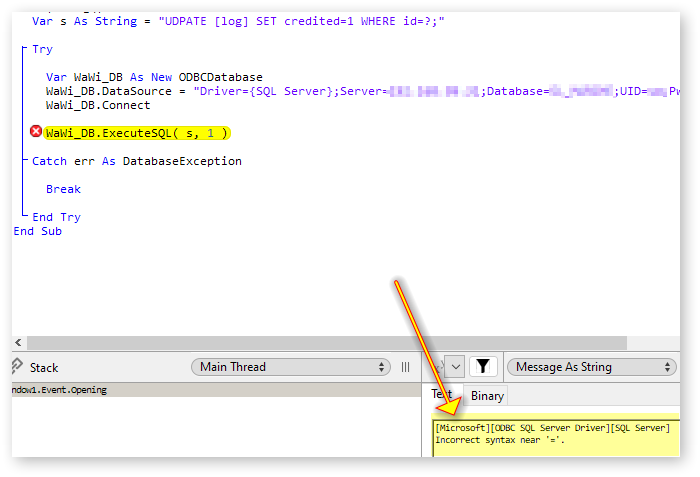
  Return "UDPATE [log] SET credited=1 WHERE id=?;"
I have a function called UpdateLogCredited() which is passed an integer LogID and returns true or false depending on if it’s ‘successful’. It adds the LogID parameter, as I think is the benchmark way to formulate such things..
Dim sql as string=SQLQuery("UpdateLogCredited")

Try
  //execute update
  db.ExecuteSQL(sql,LogID)
  Return True

Catch e As DatabaseException
  ShowError e.Message, CurrentMethodName
  Return False
end Try
This all runs ok and the function returns True so there’s no exception raised etc. However, the record is not updated and I’ve debugged the sql statement is correct and the id is valid and the one expected. The [credited] field in the [log] table is of type BIT so 0/1 are valid values. I can only think it’s something to do with the field itself?
Any help from an distant pair of eyes would be appreciated. It can’t get much simpler can it?
(Running Xojo 2025v1.1 on Windows 11 Pro with MSSQL local database)
Can’t believe that, I’ve spent a couple of hours trying to debug that. I believe the expression is ‘can’t see the wood for the trees’. How embarassing!
Error( 1064 ) 42000: "You have an error in your SQL syntax; check the manual that corresponds to your MySQL server version for the right syntax to use near 'UDPATE [log] SET credited=1 WHERE id=?' at line 1"
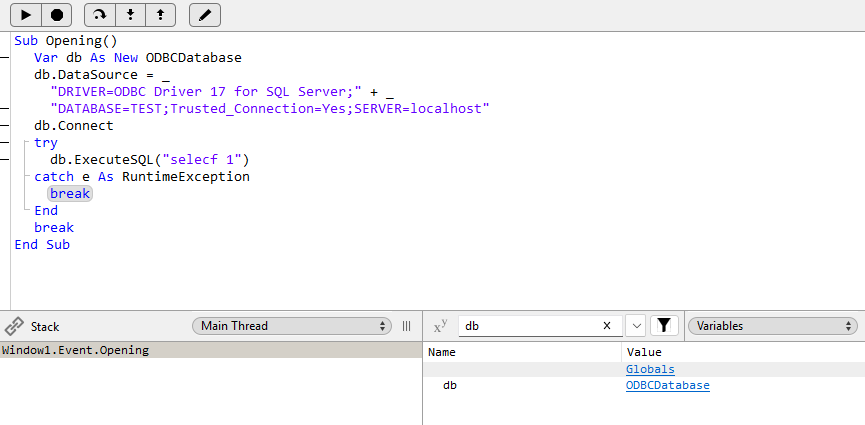
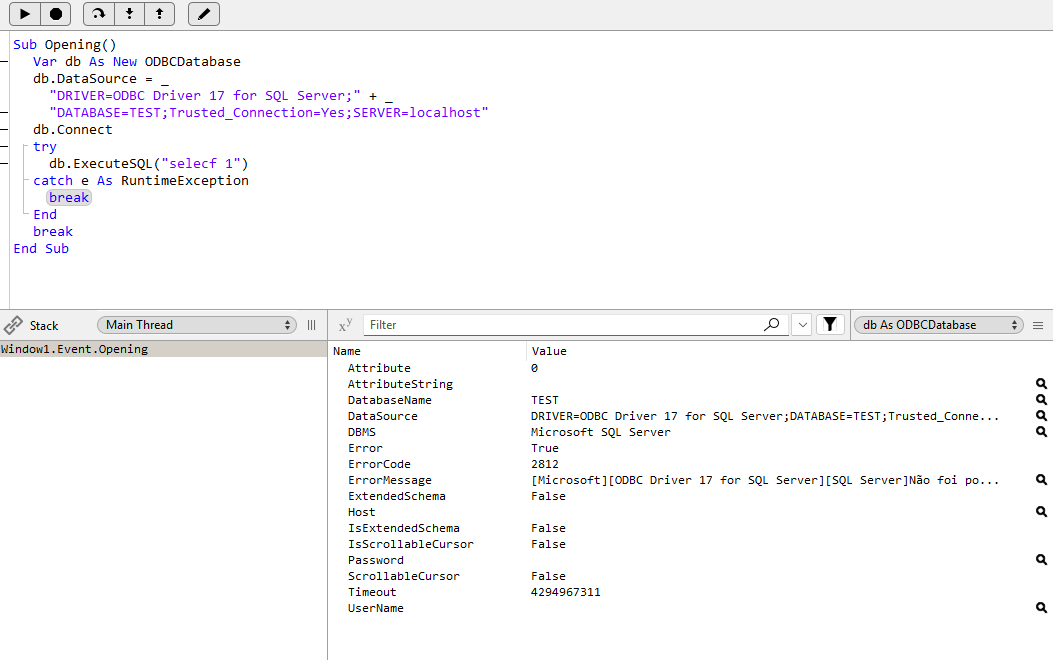
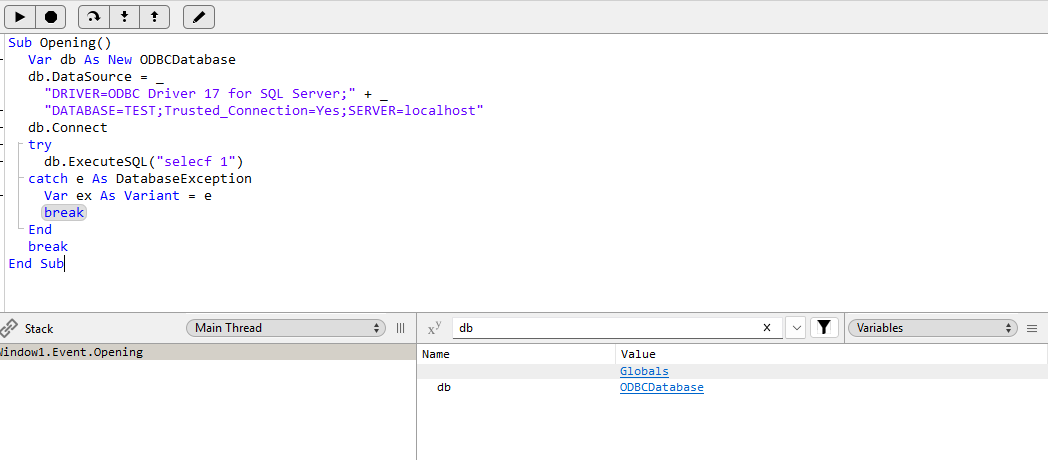
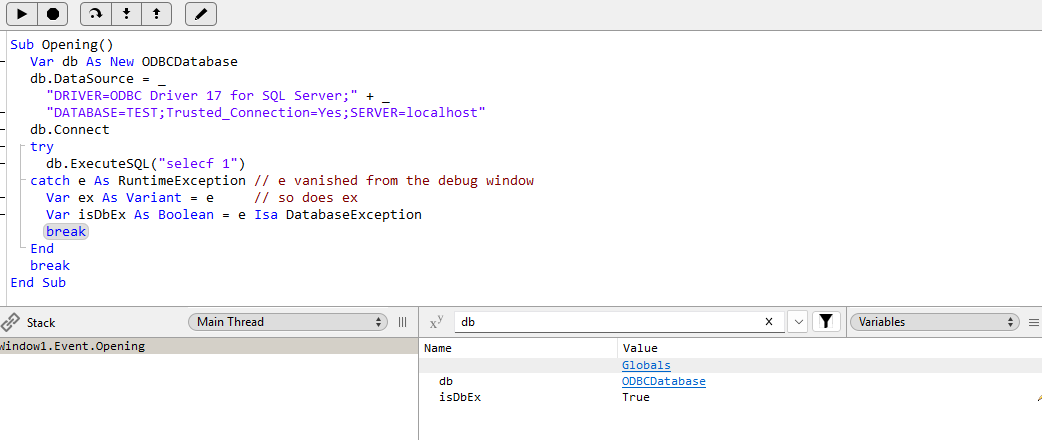
So just wondering now if I’m going to get any exceptions for sql syntax/parameters problems in my code. Could there be a reason/setting which means I’m not getting an error in such cases?
For a debug sample, it was purposely left out, because it should not break there, if it raised an exception there, I wanted to see there, not in the catch.