Hi
I don’t know how  !
!
I used to be able to do it pre-API 2.0, but now I’m directed to use the Insert when creating a class and none of the containers can be selected as parents
Thanks for any direction
Chris
Hi
I don’t know how !
I used to be able to do it pre-API 2.0, but now I’m directed to use the Insert when creating a class and none of the containers can be selected as parents
Thanks for any direction
Chris
Create or open a project. Go to the Insert meant and select Container. Alternatively you can Drag a window into your project and change it’s super to DesktopContainer. (similar for mobile).
Thanks Ian. I’m fine for adding them to a window. It’s creating a custom parent class I’m struggling with (I probably didn’t explain well enough)
None of which containers? And what is a custom parent class?
I didn’t talk about adding them to a window. I talked about creating a new container from scratch. The insert menu allows you to add a brand new, empty, container to a project. It doesn’t add anything to an existing window.
The Insert menu adds things to the project just, the Library on the right adds controls to already existing Windows / Containers.
Hi Ian. I think you’re still missing my problem (as Tim has also reiterated). I don’t think it’s possible to create a cutomparent class for a Container. Yes, you can add a container control to a project (in fact, I think that’s the only way to add a container to a screen/window), but you can’t assign the parent of the container added to the project to another container
I think it is not about parents it is about subclassing.
It was possible to use a custom container as super. Now with desktop it is not.
I think you are not explaining it.
When you add a container to the PROYECT, you are creating a custom parent class.
Try it, create 2 containers, name them A and B, add one instance of A to a window, change the super to B and the container changes to the custom parent class B…
If you mean subclassing a second container in the proyect, no, you cant do that.
But you could do It some time ago. In 2023r3 I tried it with web, some minutes ago. Its possible there.
Yes, Ivan. I think it became unavailable at the dreaded introduction of API 2.0, at the same time the alert to use the Insert" menu was added when you tried to type Desktop(or Mobile) Container into the Parent property of a class added to the project
You mean Super not Parent!?
I recall that for iOS the IDE went out of its way to prevent a special workaround for creating a non-interface container control parent class. I don’t know if that ever got remedied, I don’t use Xojo iOS.
This can be done, but not with a container control created as an interface layout. It has always worked this way and has nothing to do with API 2.0
Yes! Sorry for confusing things Super and Sub-class is what I should have been using!
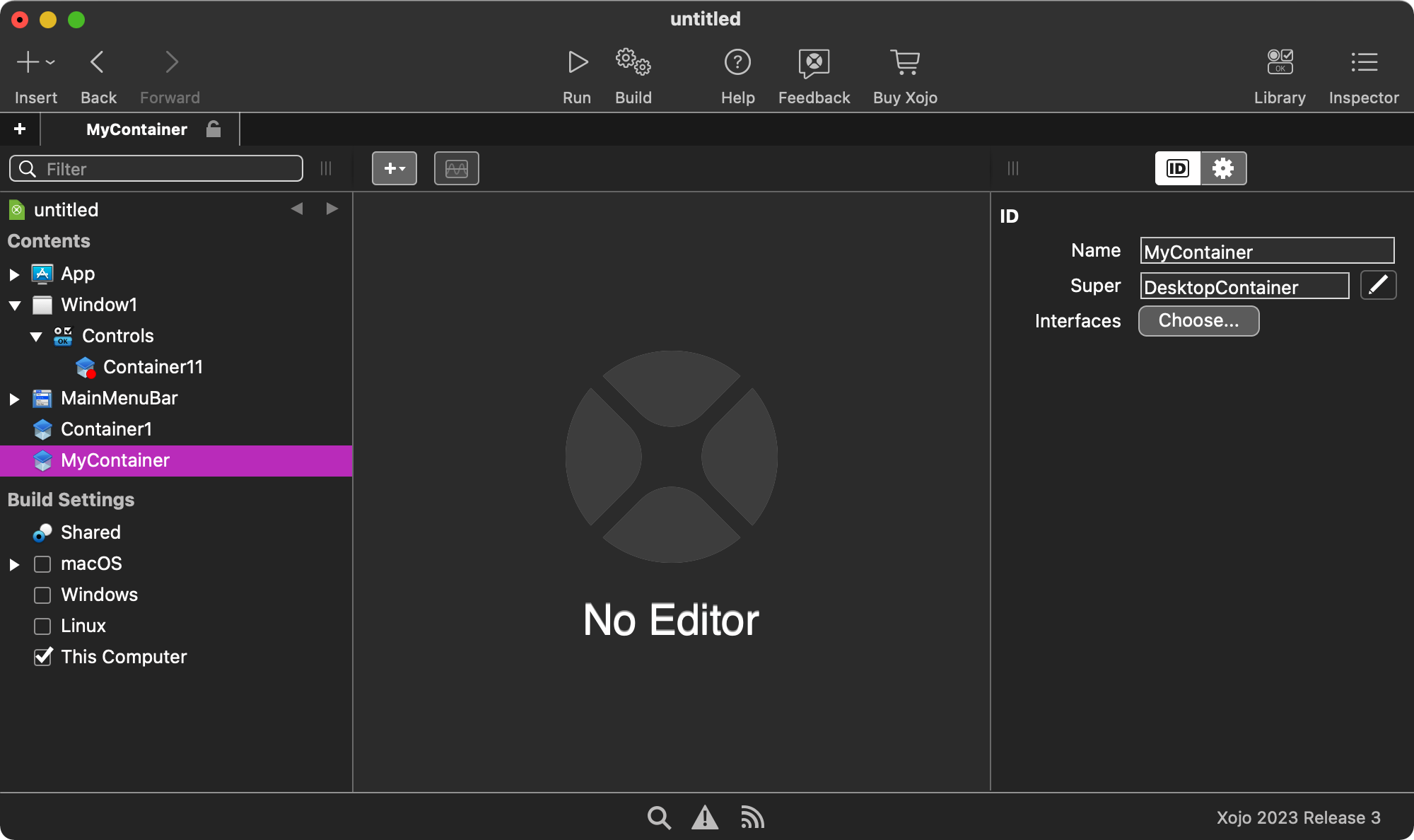
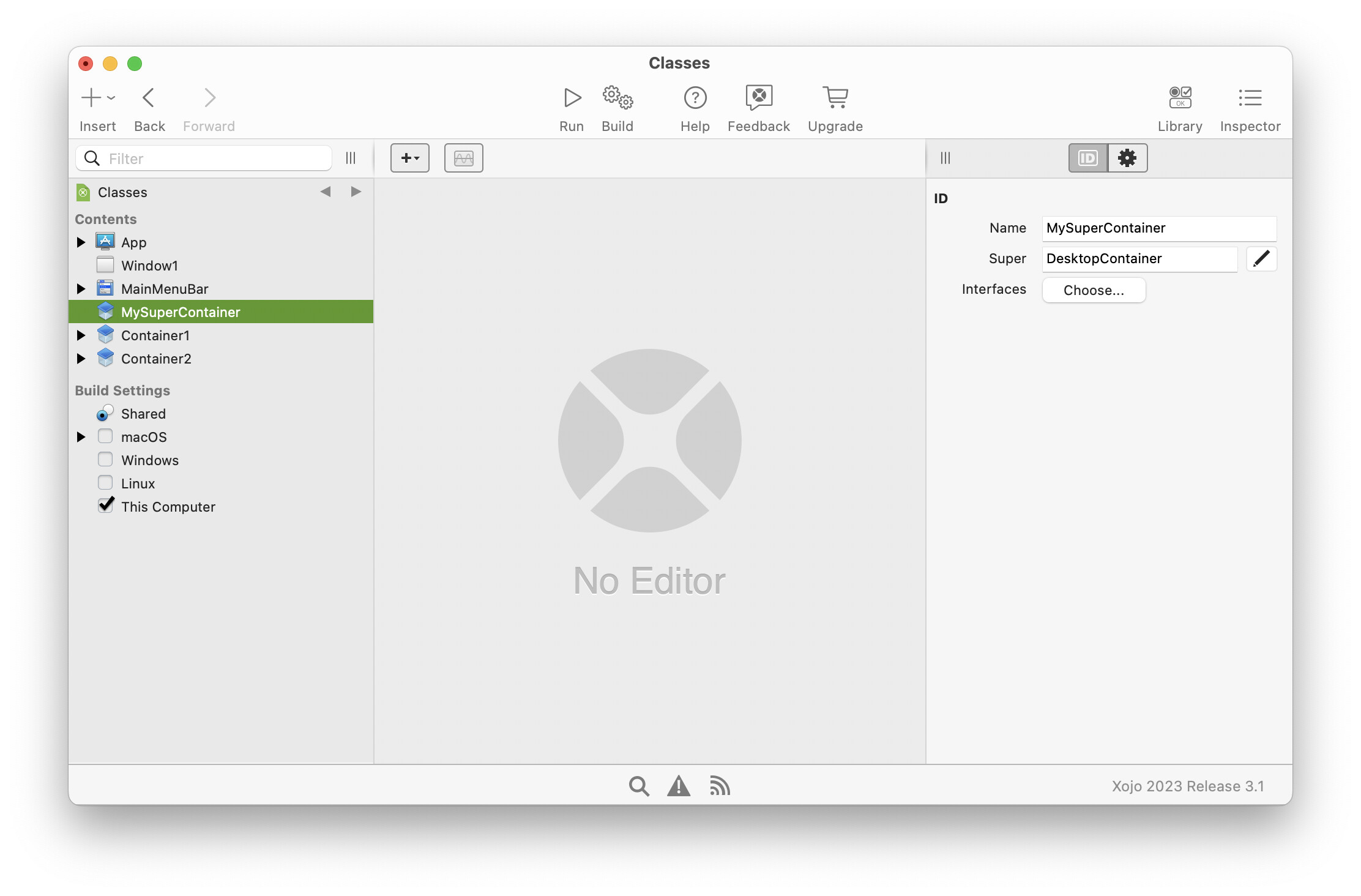
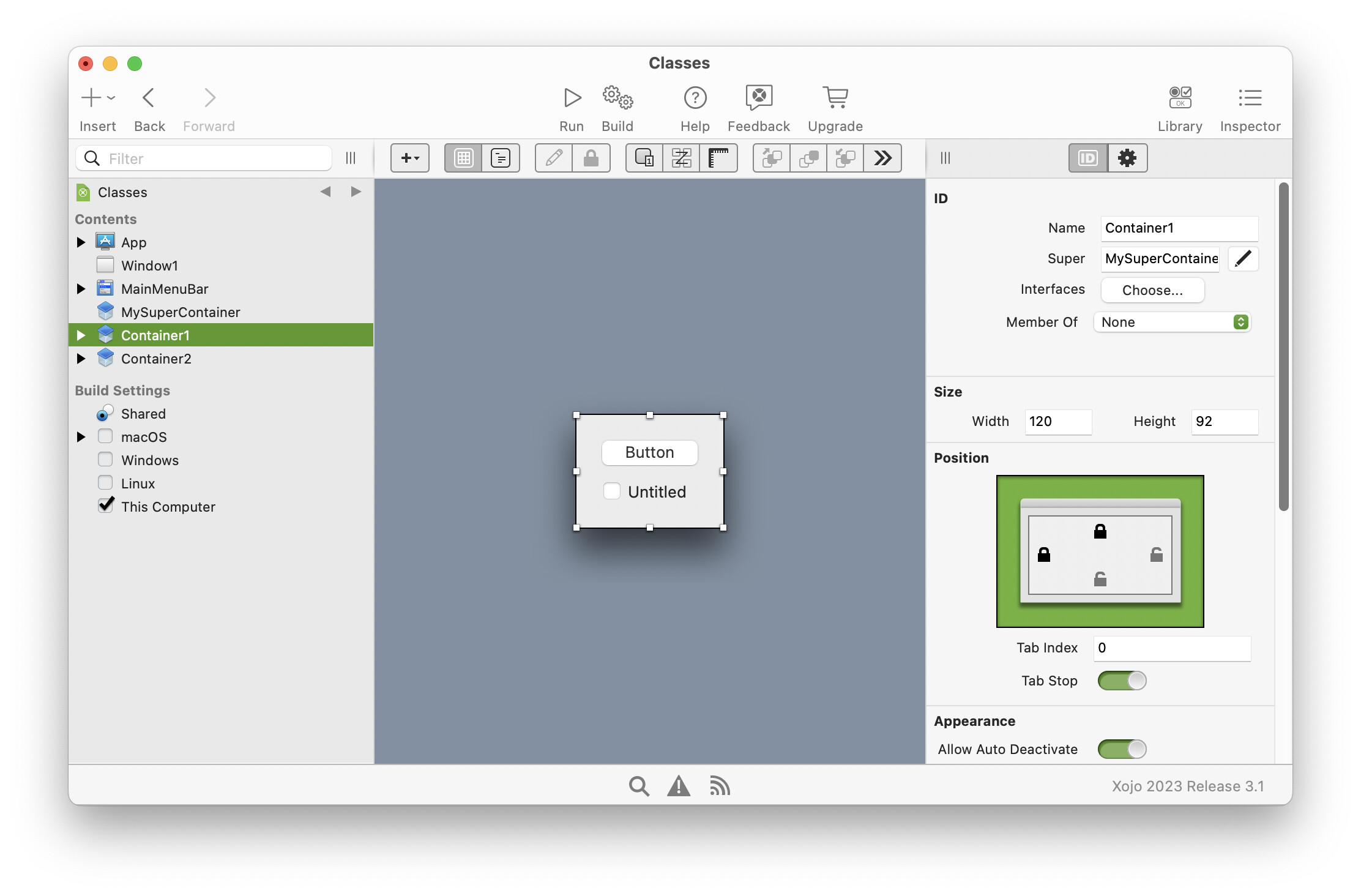
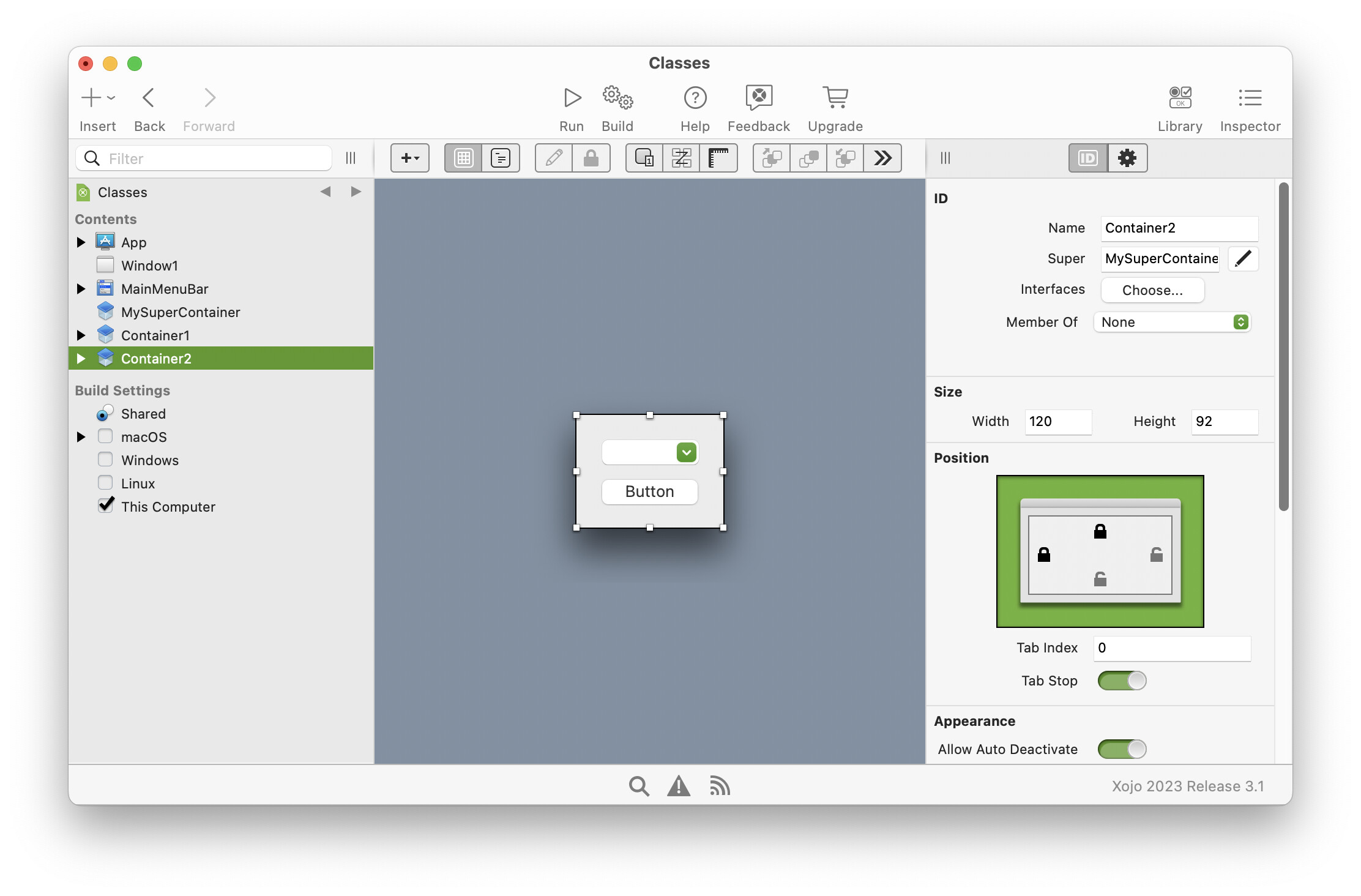
OK, I now understand the question, at least I think I do. It is certainly possible to make a super class container, but it must not have a visual layout. For example I have the following API2 setup:
Obviously, the “SuperContainer” class can have methods, properties etc like any other class can have.
Works perfectly for me, in fact I’ve just repeated those steps to ensure it did work.
What you can’t do, is add a DesktopContainer (with a visual appearance) and then make it the super of another DesktopContainer (with a different visual appearance). How, would Xojo even know what such a subclass would look like?
I see Tim Parnell beat me to it.
Ian, well done! That’s Class!  That will get me around the problem. Thanks very much
Thanks Tim! I spotted Ian’s solution before yours. Well done.
Just for clarity you can use the same method with DesktopWindows also. Add a Class, give it a name, set its parent to DesktopWindow. You can now add other DesktopWindows and set their Super to the class you have created.