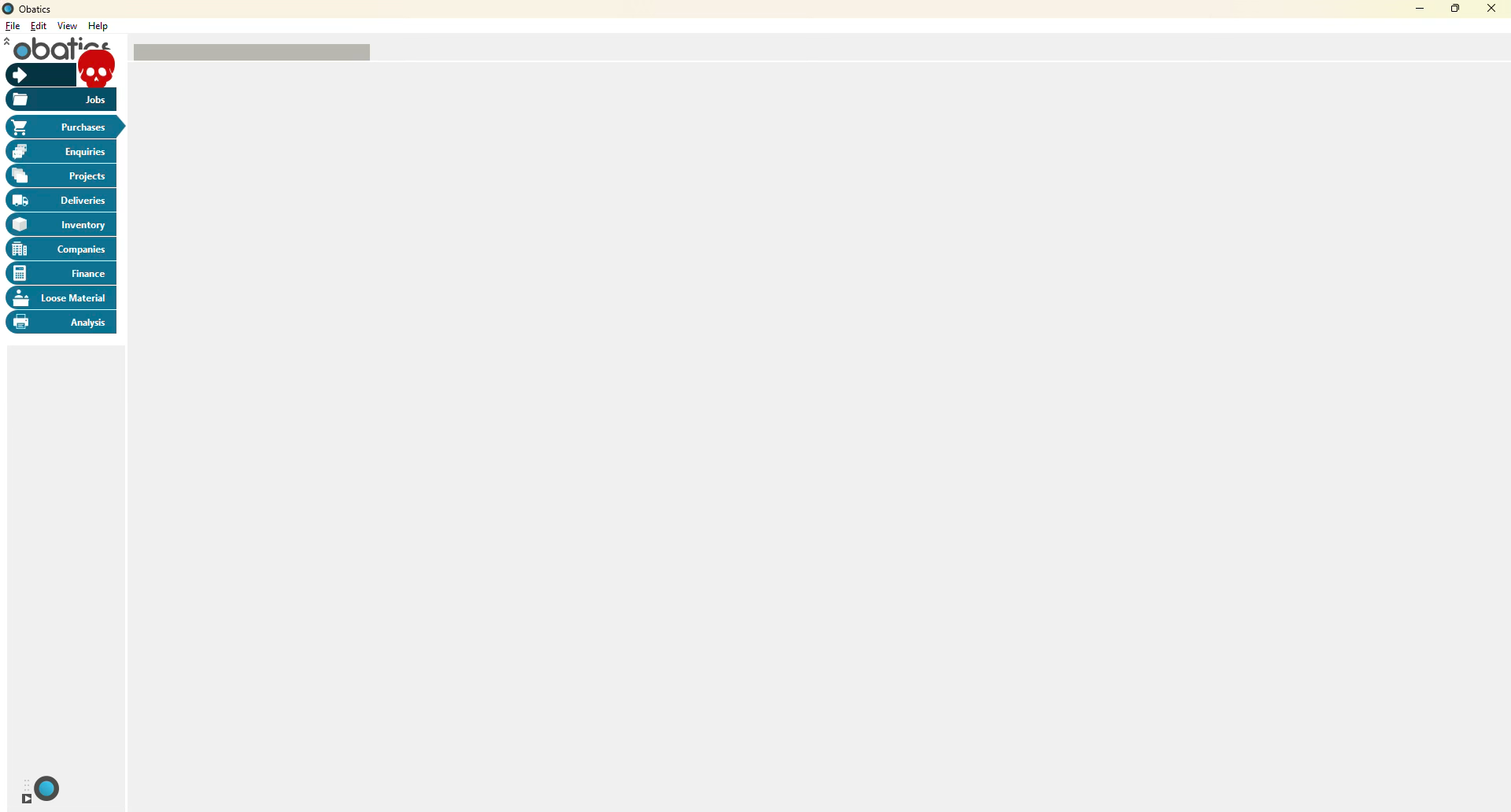
I wonder if any of you have experienced anything like the following. I released a new version of our product to a customer who experienced controls not refreshing (effectively not displaying at all) after the computer is left to go to sleep (10 minutes) about 90% of the time - Going back to the previous release a little over a month ago and there is no issue. I have checked any of the changes made in new releases and none of then, that I can see, could cause such a strange behaviour.
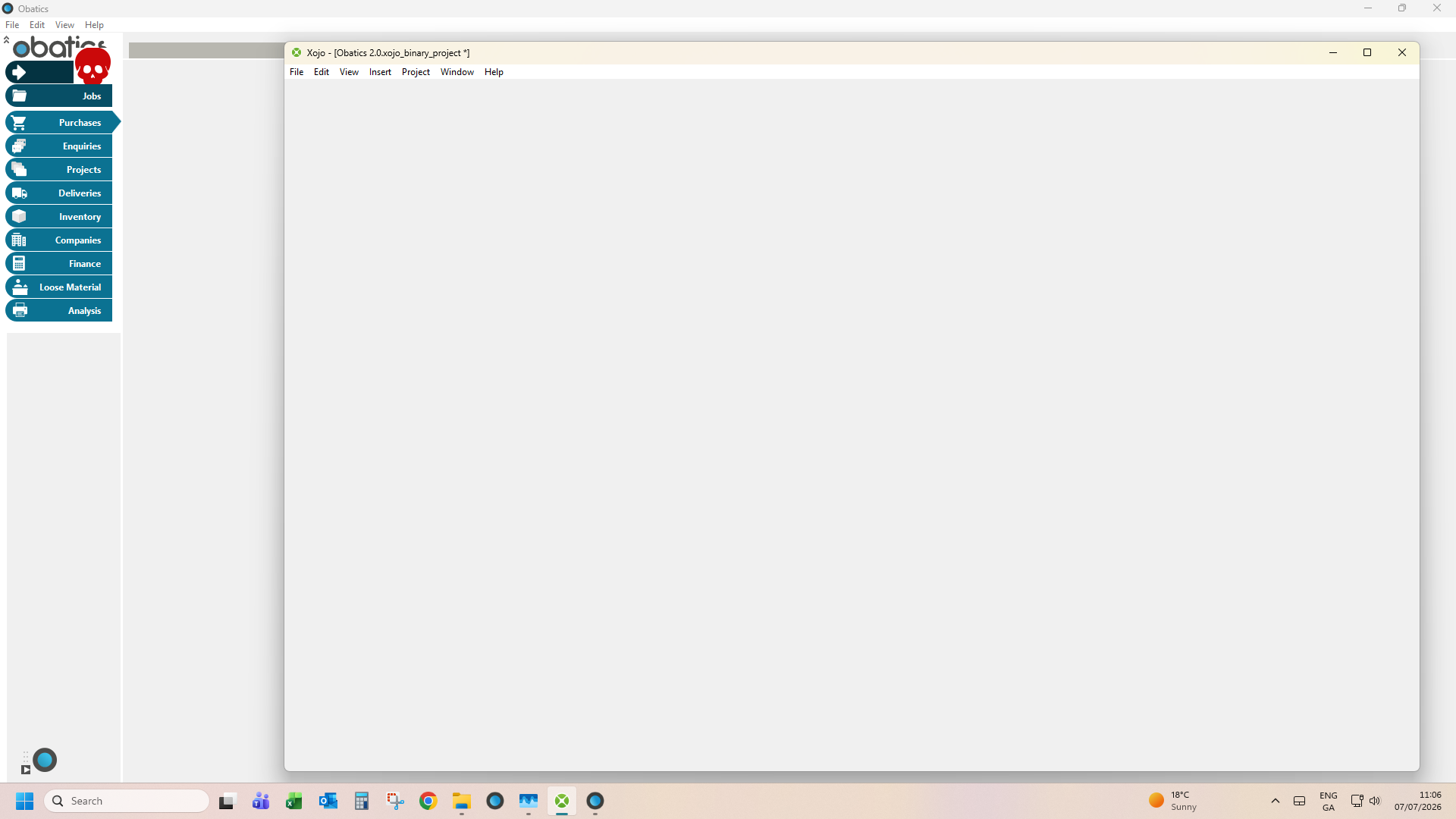
Menu bars are still active if you call a a menubar item which displays a new window, the window will appear off screen, but when moved on screen it has the same appearance as the the screenshots where the only control that seems visible is the DeskTopCanvas.
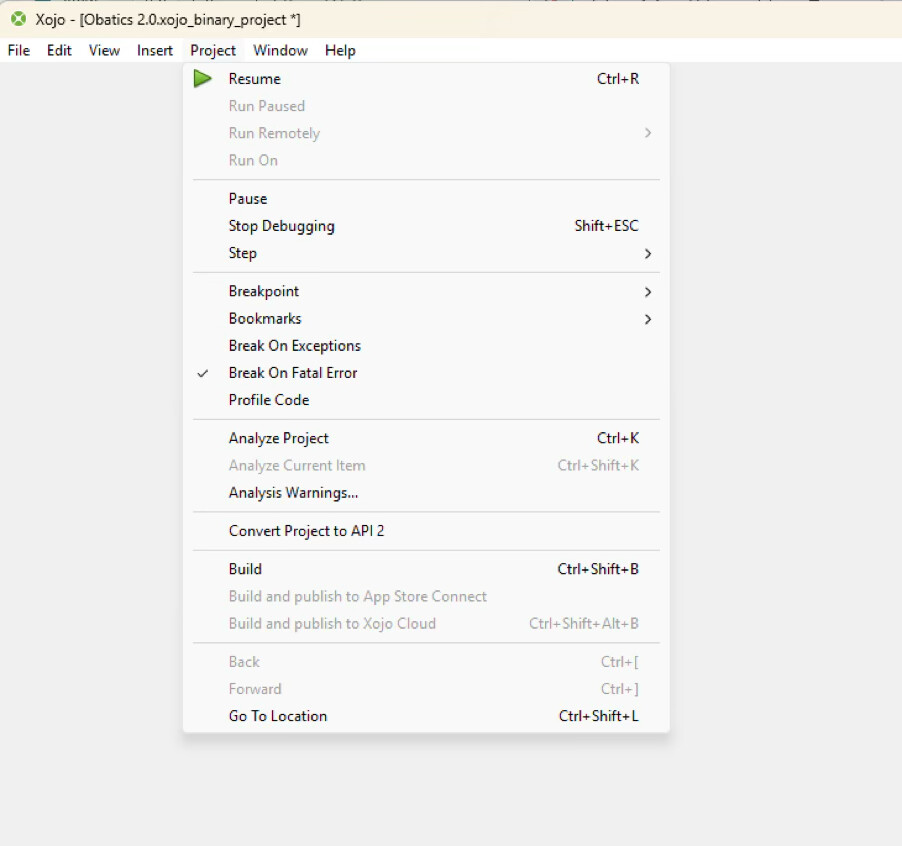
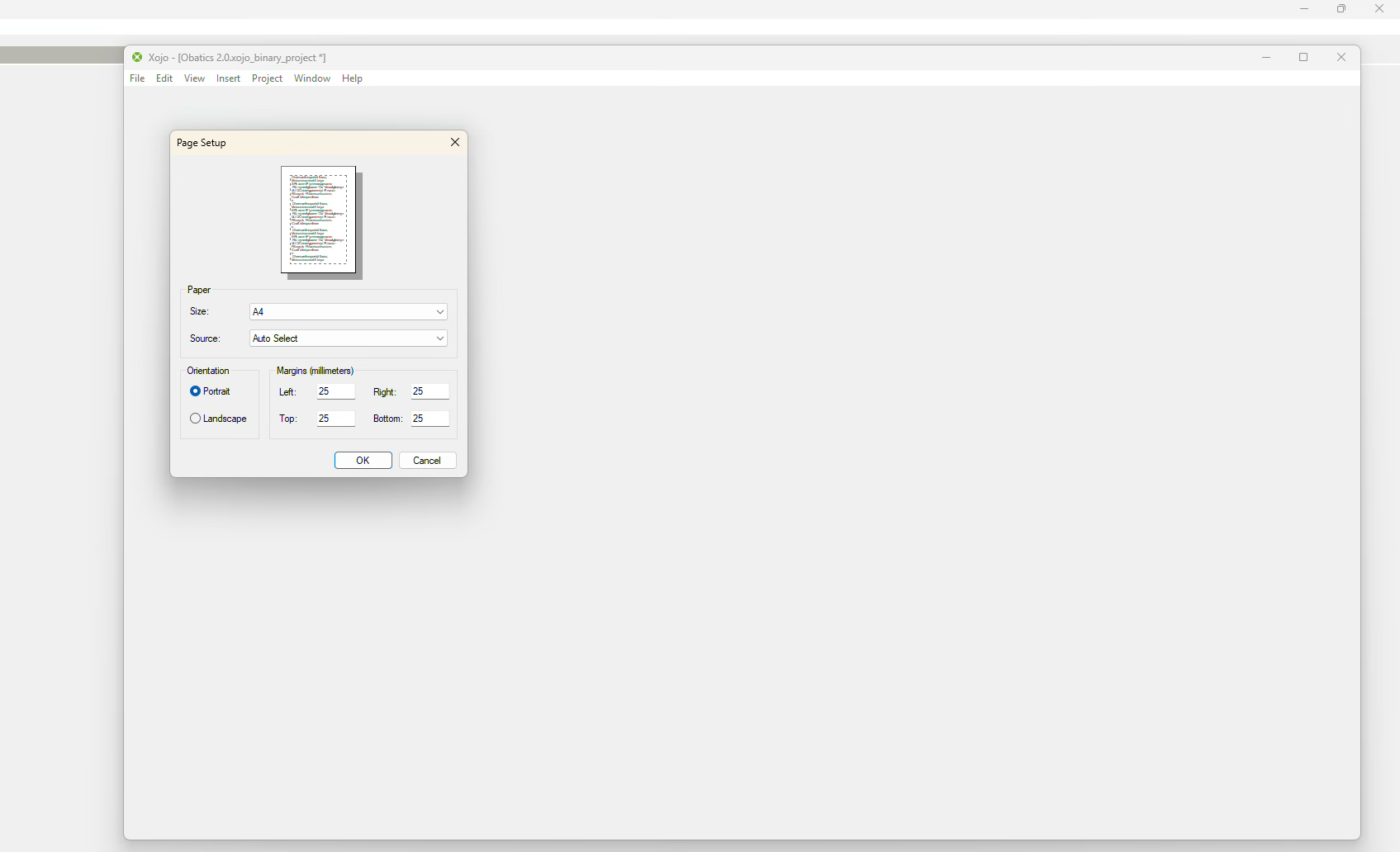
What’s more interesting is Xojo behaves a similar way at the same time, with the though the Settings window works fine. Pausing Debug seemed to have no effect.
Hopefully someone can shed light as I am starting to draw blood, I’m scratching my head so much!
(Don’t mind the skull - it’s just a flag running debug, the data is live)
Thanks everyone - @Mike_D , I’d say it probably is, Windows is up to date and, license wise, I’m usually ahead of expiry, but I thought I might hold off for a couple of releases before I upgraded again. At least I timed my upgrade with a current discount
Yes, for W11, but this was with Xojo25r3. Yes, two monitors - Two monitors recently have been a bane in my life in Windows when they have two different resolutions and two different scales. I’m currently upgrading to Xojo26.x to see if it resolves this one. Thanks
The IDEs are supposed to have been built by the same version of the compiler inside. Meaning if the 2026r2 IDE is missing controls, your build may be as well.
If you know in which IDE this behavior started, I would revert to the previous release.
Thanks Tim. The missing controls only go missing when the Windows machine sleeps after 10 minutes - it’s probably 80% reproducible on the customer’s site and 0% so far in our test site. So it has all the controls when it launches and it’s not hung when it happens - Xojo itself shows the same problem when it occurs - with the project items, code area, etc all missing. The only controls that seem to survive are Canvases
I have heard of this sleep issue before. I don’t have workarounds other than to build with an IDE where it doesn’t happen. I don’t know which version that may be.
MBS plugins can help you detect sleep / wake. I do so in Lifeboat to close the server window that got disconnected during sleep. Maybe you can use that to pop a MessageDialog that says “Hey, sorry, but you need to relaunch.” or an automated relaunch?
Thanks Tim. Not a great solution if more of our customers start experiencing the problem - I was using 25.31 since it came out and the problem only manifested with changes we made to the code in May. We’ve gone back disabling, what we think, is all the added functionality and it doesn’t resolve - then roll back to the release early May and there’s no problem. So strange Xojo IDE has the exact same problem though - It really points to a bug in Xojo. Looking at the Task manager there is no build up of resource use or anything.
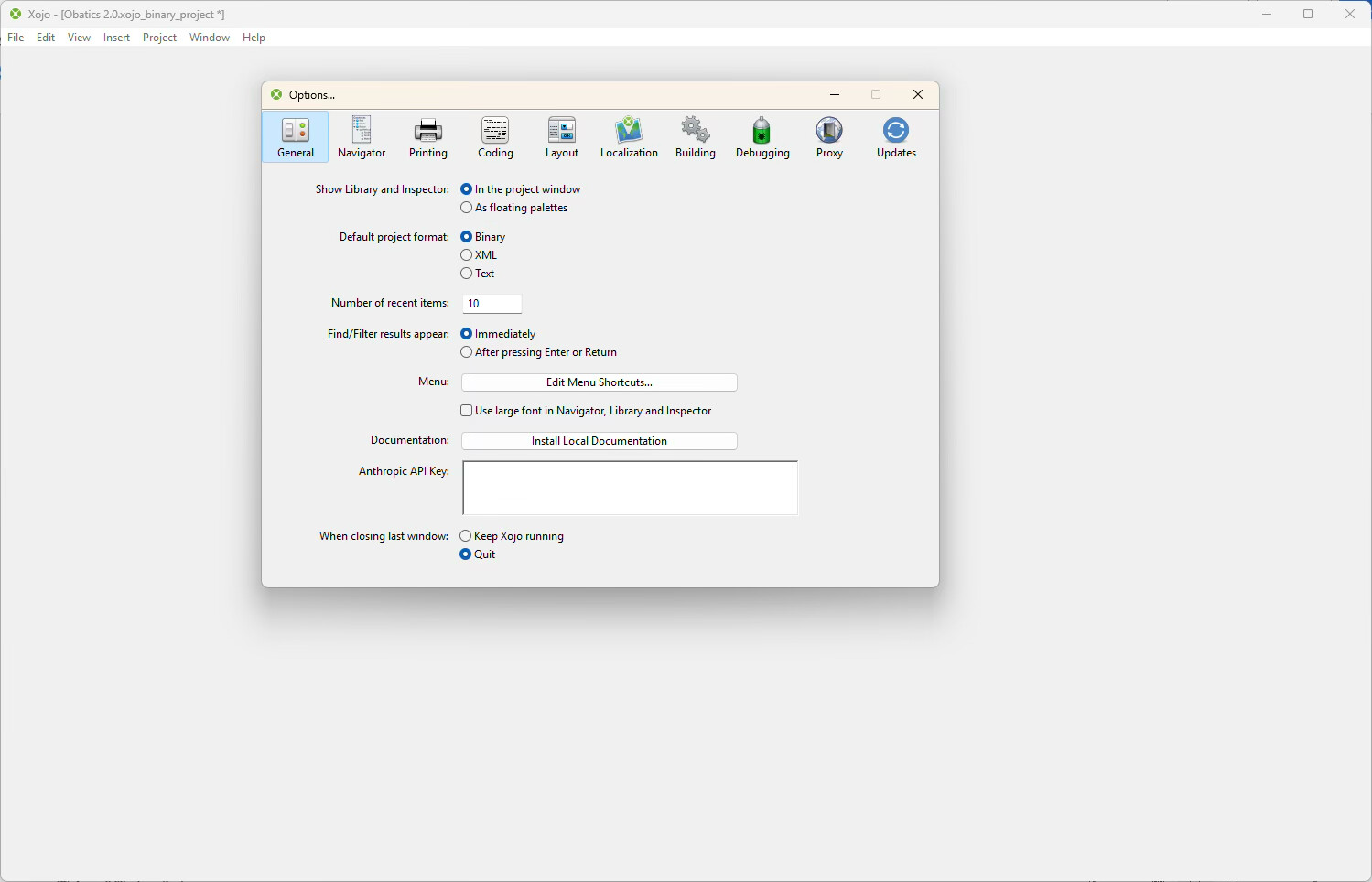


 Good Advice! Thanks Tim