hello,
someone have a good code signing provider (europe/germany)
i need a .pfx certificate file to have a valid setup.
For Windows?
If yes, you now need a yubikey instead of a pfx file.
Windows 11/11
currently C# VS 2026 ClickOnce in a hurry.
in future something for Innosetup and Xojo as well.
OMG everything get more and more complicated with usb-stick or cloud.
There is another way with a cloud service. But cannot find the thread about that. I also think it was Thom who did this.
If you are in the USA, the best way is to make use of Azure signing. Thats what Thom does these days, and what I would have preferred. It’s cheaper, and gets instant reputation, apparently.
But as a lowly UK resident, they’ll let me rent Azure space, but wont sell me Azure signing. Twonks.
So, outside of the US:
Contact SSL.com
You can either sign up for their cloud based signing service which charges ‘per signing’ or ‘per month’ (Cant recall as I chose not to do that)
Or you can buy a code signing certificate installed on a Yubi key which they will ship internationally to you.
Or you can buy something that can be installed by you on a Yubi key you buy privately.
All these things require you to jump through some hoops to prove your business is bona fide.
Buying a key and installing onto it is cheaper than having them do it - the readymade Yubi is a good 2 or 3 times the price of manually doing it with your own, but I personally didnt want to fuss with it.
You can buy ordinary code signing, or EV
EV costs more, but gives you ‘instant’ reputation. OV requires time to build up a rep, and until it does, users may see a notice that warns them the software is not commonly downloaded, which they have to work around. I’ve had 3 difficult customers over that. (I cannot know if/how many gave up at the demo stage.)
Lastly, SSL will bundle 30 days complimentary cloud signing without asking. Like all ‘30 day free’ things, that actually means they will start charging for that after 30 days, and they expect you to notice and turn it off by yourself to avoid the charge.
In my experience, do not buy an OV certificate for B2C software under any circumstances. I tried. I have a popular app. Microsoft changed something that makes OV untenable.
In the past it took my app hours to build up reputation, and it was never an issue for the life of the certificate. With my latest, after 3 months, reputation never built up enough to avoid the warning. And Edge makes it undiscoverable for people to bypass that warning. You’ll get increased support tickets and reduced sales. This is a $600 lesson I learned the hard way.
..It is extortion..
Can’t disagree with you there.
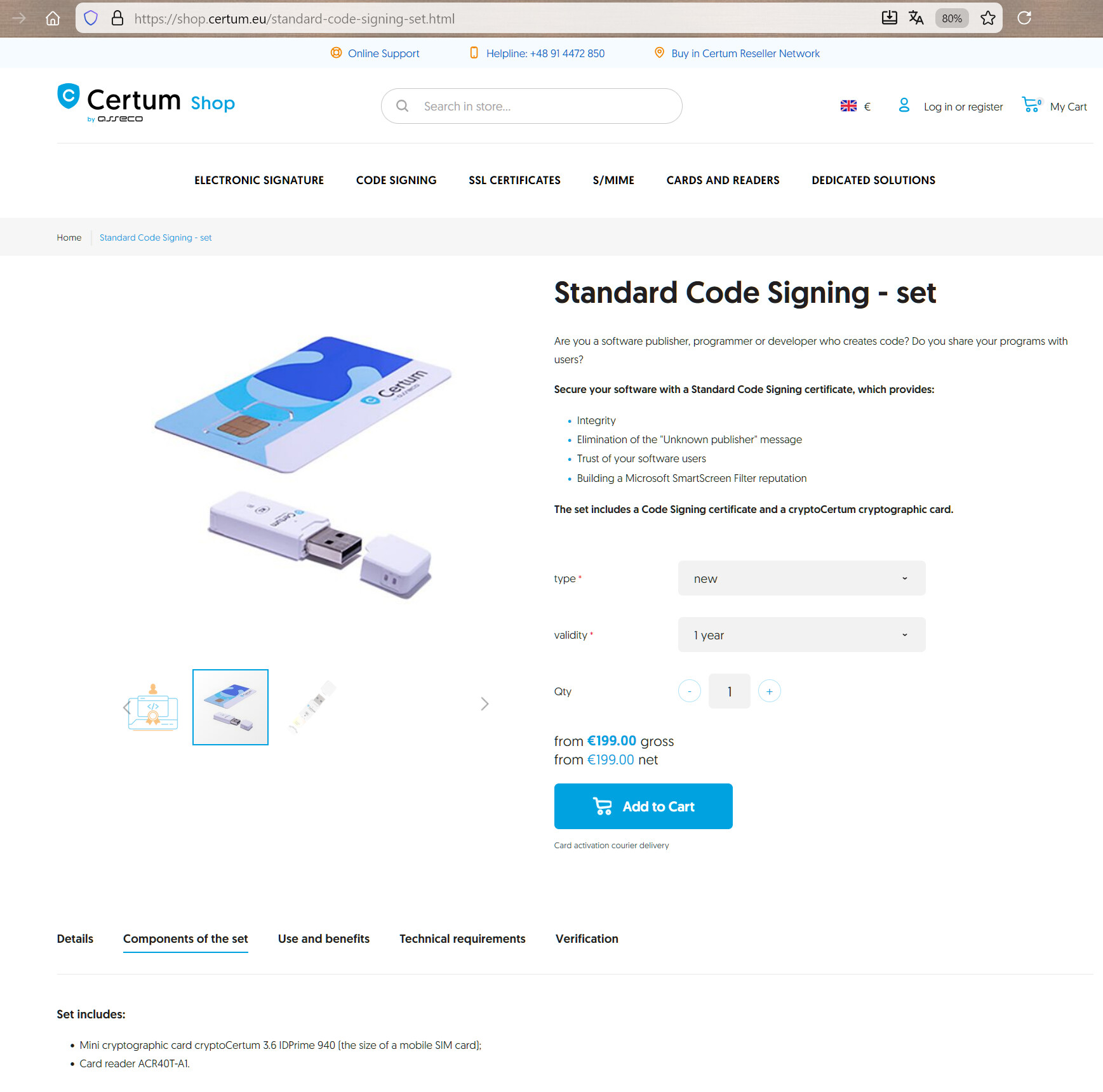
That reads like it’s an OV certificate, which we’ve been finding don’t gain reputation. You should find out whether its OV or EV before you purchase.
It would be great if you keep us all posted of your findings. I need to renew mine OV cert in march 2026 and not sure where to buy.
i think its basic OV, EV is much more expensive.
EV is somehow pay to win, seems immediate reputation.
at least we not have unknown publisher.
i got my c# app sign in vs 2026 with the use of certum authority.
it need special software (free from certum), special hardware (a bundle) and the workflow was game of chance.
basically i got a usb stick reader with a smart card (looks like a phone sim card)
then a software download the certificate to the smart card very secure …
from this software it was possible to put this certificate into the microsoft windows certificate store as user or computer. (in one of a path)
then in the vs ide at build a dialog appear to select this, you input the pin of the smart card
to grand access to the private key and the build sign the click once setup.
export a certificate from windows store is only the public key which can also be download from certum direct.
export in .pfx (Personal Information Exchange) is not possible.
i not need but it seems possible to use a tool for export the private key from smart card.
ms have also a sign tool to sign any exe via command line.
to get a valid certificate from authority you have to provide the company data.
this had done my business executive. similar to age validation process via camera.
after this it will be activated.