may be a easier way to get to this would be to just add a préférence to save the output of errors and/or messages to a log file inside the project folder ?
It happens to me often in Web projects, but Desktop projects seem to behave a bit better.
One item of note is that importing WebContainers via .xojo_code files currently always fails. My workaround for that is to edit the .xojo_code file and change them from WebContainer to WebPage, import them, then change their Super back to WebContainer once they’re in Xojo.
I’m trying out Claude Code with Xojo, and it’s so so impressive…
For those who missed the messages from Jean-Yves and other contributors on this topic:
- In the free Claude desktop app, and even with a basic $20 subscription, you have a “Claude Code” tab where you can specify the folder where your Xojo project is located in xojo__project format.
It can then connect to your project, and you can ask it to analyze and even optimize specific classes, modules, functions, SQL queries, or even entire business logic.
It can write the code directly into your Xojo project! Or, of course, it can write the suggested code in its app, and you can paste it after verification. It can also connect to a local database, JavaScript files, etc.
- From what I understand, it wouldn’t take much for the Xojo team to make it even more compatible? Just a refresh of the automatic code (but there’s that, thanks Hikaru), a check of the xojo_project format structure, and error message returns?
- Is the point of Cursor to add a layer to structure projects? To structure your project upstream and keep it structured and maintainable?
It seems that Xojo, and all of our own apps too, will only survive by quickly inserting themselves as useful, cost-effective building blocks that can be connected in this world of AI… (unless there is a human revolt…)
In the case of Xojo, it can position itself both as a “tool for those who want to remain programmers” and as a cross-platform tool (I suppose that remains a small advantage) in the world of AI.
PS: And for those who haven’t tried it in a long time, give it another shot! It’s improving so quickly! Claude Code describes what he understands of the requirements and specifications, describes how he will go about it, describes each step of what he does, and describes his proposal. It’s very impressive how often it’s relevant and well thought out.
And as many have already said, an experienced programmer ultimately finds their place, because for now, there is still a need to challenge AI, to direct it effectively, etc.
In the very beginning, these tools were mainly useful for providing alternative ideas that we hadn’t thought of, like a partner, but now they are much more structured and usable as is.
Just a f/u in case people are debating whether to try. I connected Claude Code desktop app to Xojo via xmcp which allows Claude to directly control the xojo IDE, i was reticent at first, but quickly learned to trust. 3 anecdotes for fun:
-
when first getting to know Claude Code + xmcp, i took it for a test drive: i mocked up a window with some gui elements (canvas, buttons) and asked Claude to write all the code to read a bunch of spectra from a csv, extract the spectral data (i did not have to tell it the data format of the csv, it read a sample and figured out where the spectral data columns were), plot the overlay in the canvas, and wire in a live crosshair cursor readout that displays the intensity/lambda values as the cursor is moved around. In 60 seconds and a single try i had a flawless app. Then for fun, I simply asked it “Now code the equivalent app in Xcode using Swift” (I’d never written a single line of swift in my life). 60 seconds later a flawless app written in Xcode, with precisely the same gui elements (it copied the xojo design to Xcode itself, i didn’t even launch Xcode myself). wow.
-
my very big app hung intermittently after processing 2 dozen or so images. Deadlocked threads are the usual suspects, and as we know, some of the worst type of bug to stamp out. I let Claude Code Opus 5 loose on my .xcode_project, described the symptom, and pasted the hung app’s sample from Activity Monitor. Not only did it fix one deadlock, it found a 2nd that was then exposed, and fixed that one, in about 15 min. This would’ve taken me half a day (+ it found other subtle unrelated bugs like rowCtr declared as single which it informed me would bite from rounding but only in images > 16.7 Mpixels…)
-
i have a plugin written in C/C++. I have a pixelwise operation that was very compute-heavy and planned on MP’ing using xojo workers. Instead I asked Code to write a plugin method in C to perform the operation, and MP it using Apple’s MP API. I just gave it the path to the Xcode project. One shot, flawless method, it wired in the required REALmethodDefinitions, etc. And created separate x86 and arm64 forks using different vectorized instructions optimized for each architecture.
-
then there are the complex shell scripts that i will never understand…
While i feel a bit uneasy about losing control of every single line of code I used to write, Code has saved me countless hours of xojo, C, shell and python programming allowing me to focus on the bigger picture. Not perfect, but quite astonishing actually. and keeps getting better. thought i’d share in case any of you are wondering if it’s worth it, or just hype.
thanks you for posting this…
as I made this thread one year ago, I’m amazed how far I’ve been with Claude Code
from almost zero to all I’m building today…
Yup, me too. For reasons I wanted a web companion app not made with Xojo. I went with Go which is true vibe coding.
One of the aspects with AI that haven’t seen mentioned are the code-related aspects.
I can make a spec document for new features so that ChatGPT can orientate itself on that for multiple chats. This also can make an extensive test suite so that the code has a better quality than ever.
Yesterday I adapted a security skill so that ChatGPT can alert me if any feature needs security improvements.
I migrated my 2 manual websites to Shpinx in a day each. The goal is to remove the mostly copy-and-paste translation of English to German. If I can add a short feature description to the ticket system then I could improve the changes for each new version.
That’s why, I guess, the future of Xojo is looking pretty slim. And the same probably applies to every small development environment.
We are on a turning point where we can simply talk to AI and AI does the actual work faster and better than we could do it.
Some time ago I asked Claude to rewrite my biggest Xojo projects while keeping all the features intact. To my surprise it went incredibly well. Now when I need a new feature, I just describe what I want and within minutes it is implemented.
Do I understand all the code it generates? Mostly. But honestly I don’t really care anymore. If there’s a bug, I just ask AI to fix it.
Call it lazy if you want but in the end the result is the same or even better.
Why would you think so? I have to think more and not less than before. I don’t want to convert my 100k lines of Xojo code to something else.
I worked 20 years for Opel/GM. One of my tasks was to do workflow creation and optimization. Normal users think in fields and not in workflows. Normal users for the lives can’t articulate how they work or what they need. At all. Ever.
Our job is changing. But for sure it will not be eliminated.
Xojo has traditionally been known for being easy to learn and use so attracting people who want to build an app but don’t have the skills or experience to work with tools like Xcode or Visual Studio. Those have traditionally had a steeper learning curve.
But AI has changed that dramatically. Today, almost anyone can build an app with the leading development tools regardless of their previous coding experience.
The ‘cross platform’ is not important anymore either.
Yes I understand , same here for my 2 Xojo projects.
But I would not choose Xojo for a new project for sure. Hence the slim future for Xojo.
I’d bet sales at Xojo Inc. are declining. Why pay a whopping $500 when you can get the same or even better for less, or even for free? Xojo is a fantastic tool! But became obsolete for new users IMO
I’m pretty sure in 5 years or so there will be only one app in every computer and every phone: the AI.
that will be able to understand its user and do all that is done today with many different apps.
for me I builded a big xojo tool to edit my local and remote databases and build xojo windows from it
I started it around 2015, so 10 years of intermimment but going updates to it.
I wanted to add features that involved some big changes in the code, especially existing working code you dont want to break. I asked claude to rebuild it with the new features, and my 10 years work was done better in 2 weeks… and like you if I want new features they are done in minutes.
Still Xojo stays to me the best easy environment for multi platform programming. but yes the future is slim…
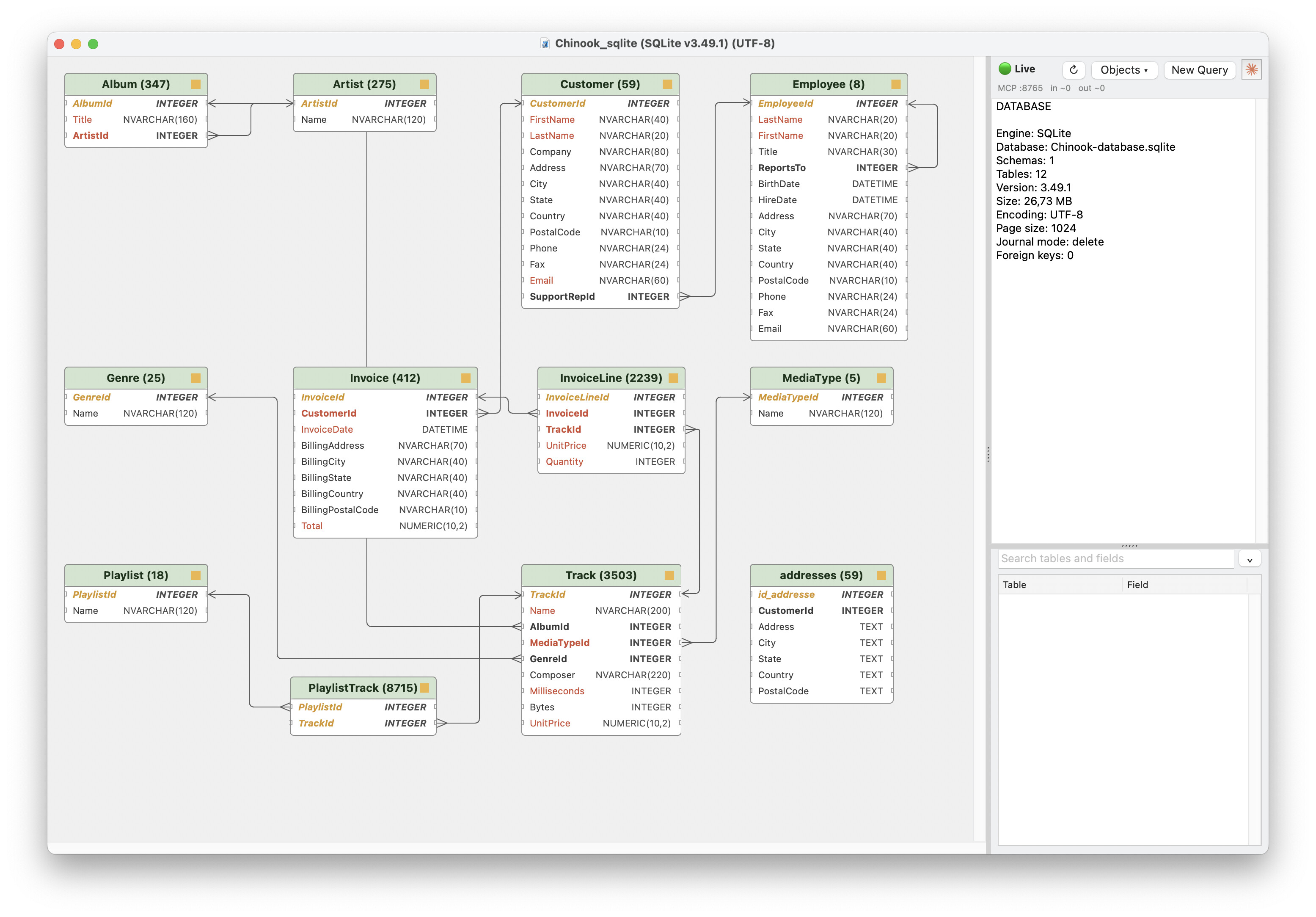
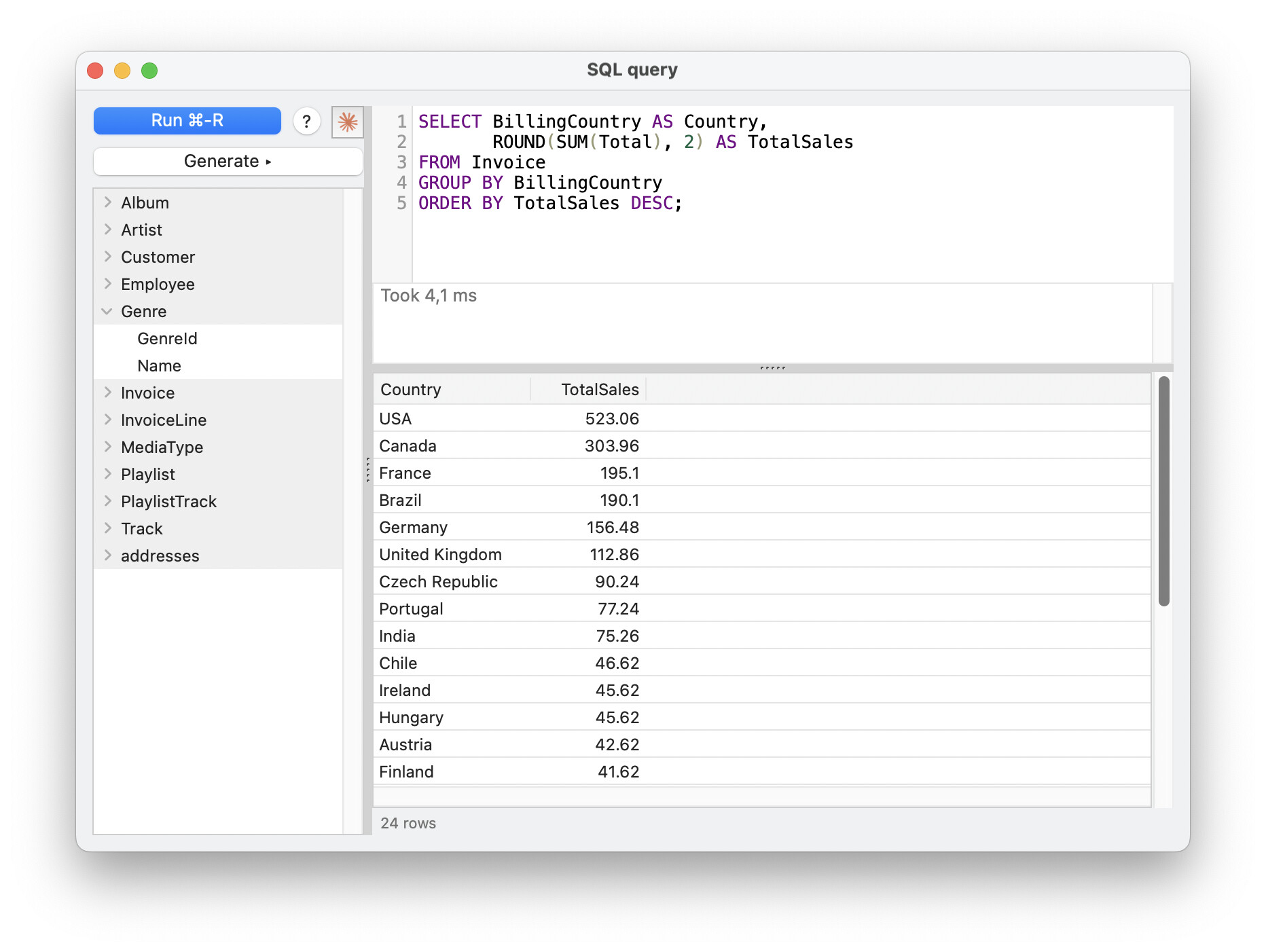
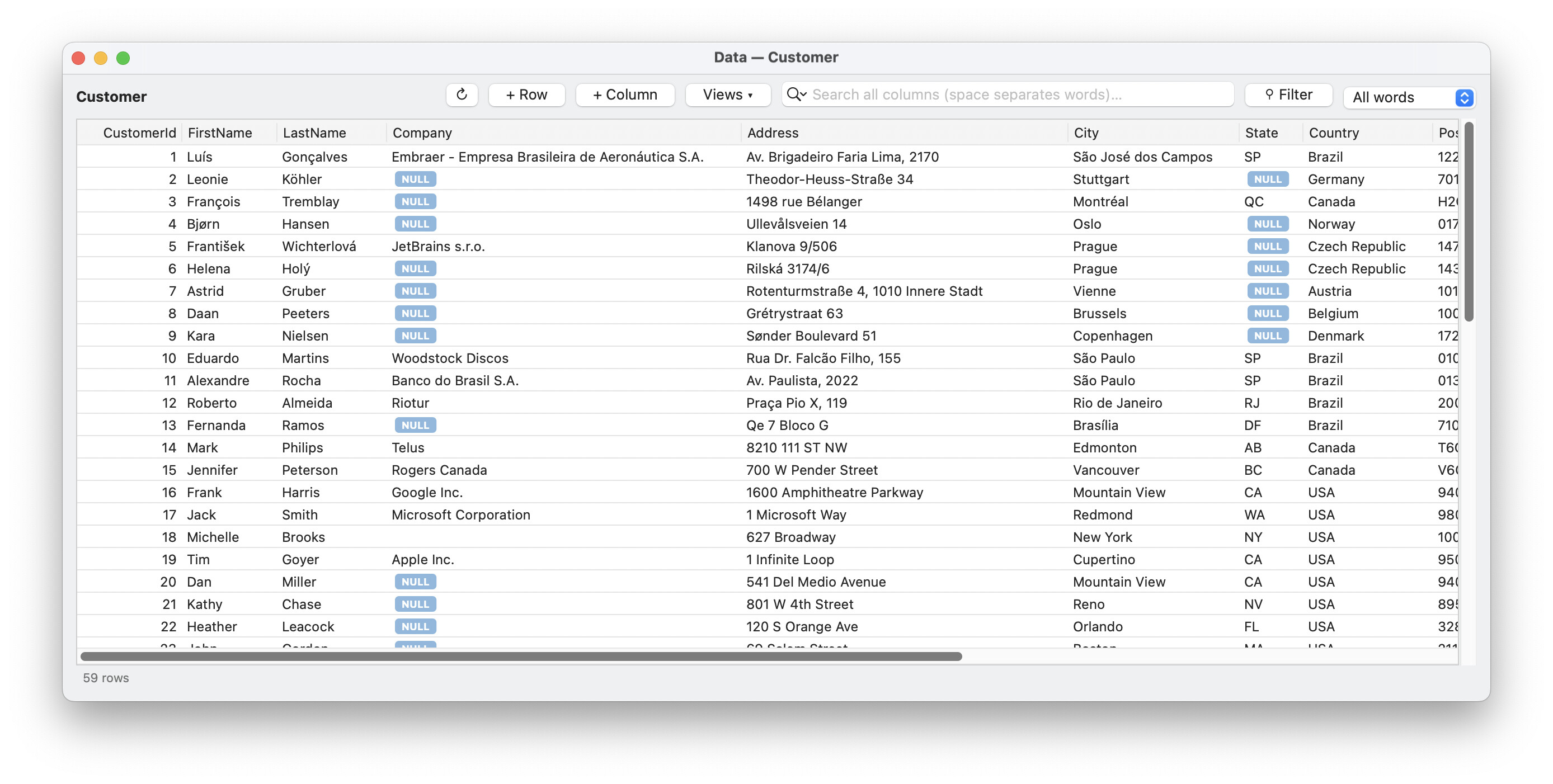
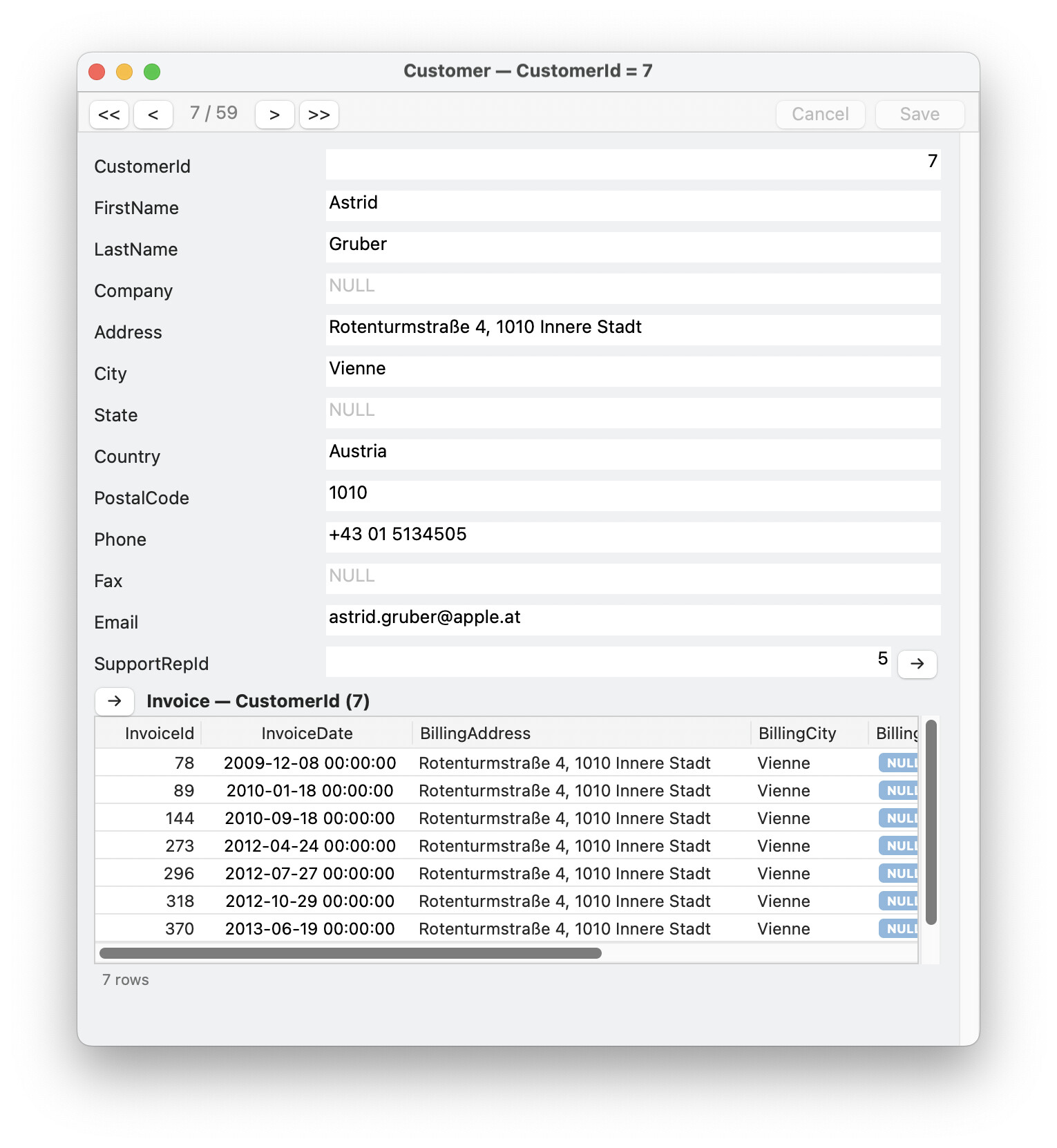
Regarding using Claude Code with Xojo, I posted free open-source tooling for doing exactly this a few days ago, and for some reason no one said a word about it. It generates full documentation parsed to be efficient for LLM use. It self-updates its own documentation. It generates greppable indices of every class and member along with flags and deprecations/replacements. It handles all the project types. It understands the format of every .xojo_* file format. It has a basic linter. It has cross-platform IDE control to analyze, fix, and run its own work. It has a comprehensive solution for fully-automated API 1 to API 2 migration. It can easily make surgical or broad changes to an app or one-shot a new project from scratch. And yet…crickets.
¯\_(ツ)_/¯
I’ll be adding your plugin to my setup:
| Skill | What it provides | Value for you |
|---|---|---|
| xojo | Searchable local Xojo documentation, API signatures, deprecation mappings, and text-project format references | Useful. Reduces incorrect or outdated Xojo API suggestions. First use downloads about 180 MB and refreshes weekly. |
| xojo-lint | Checks .xojo_* files for malformed tags, manifests, resources, indentation, and serialization problems | Very useful. This catches corruption that Xojo’s syntax analyzer may not explain clearly. Formatting is conservative and opt-in. |
| xojo-ide | Controls the running IDE: open, reload, analyze, build, run, save, close, or execute IDE Scripts | Mostly redundant. Your existing Xojo MCP workflow already provides project reload and syntax analysis and is embedded in your project rules. This alternative could cause conflicting workflows. |
| xojo-migrate | A large, staged API 1.0 → API 2.0 migration process with scanners and rewriting scripts | Only for a deliberate migration. It rewrites many files, creates multiple commits, and repeatedly closes the IDE with --discard. Not appropriate for ordinary maintenance. |
This was still on my to-do list. Thanks for reminding me.
Looking interesting. Will check this out right now.
You motivated me to give it a try.
I used XOJO and XMCP to create a sererate version of xojo_migrate that uses just XOJO. It searches old code and can display just those rules that apply. Then allows changes to be made one at a time or not at all. I ma still working on it, but can make the code available on github if anyine is interested.
That is an impressive contribution. I am using a modified version of XMCP with claude desktop, and XDOX for the documentation, but will jkeep an eye on your project.