Been playing around with a transparent canvas on top of an OpenGL object to do tracing of key elements. It works fine on Mac but not on Windows for some reason. Is there some sort of limitation here om Windows in this respect? If so, I have to come up with another idea to do this.
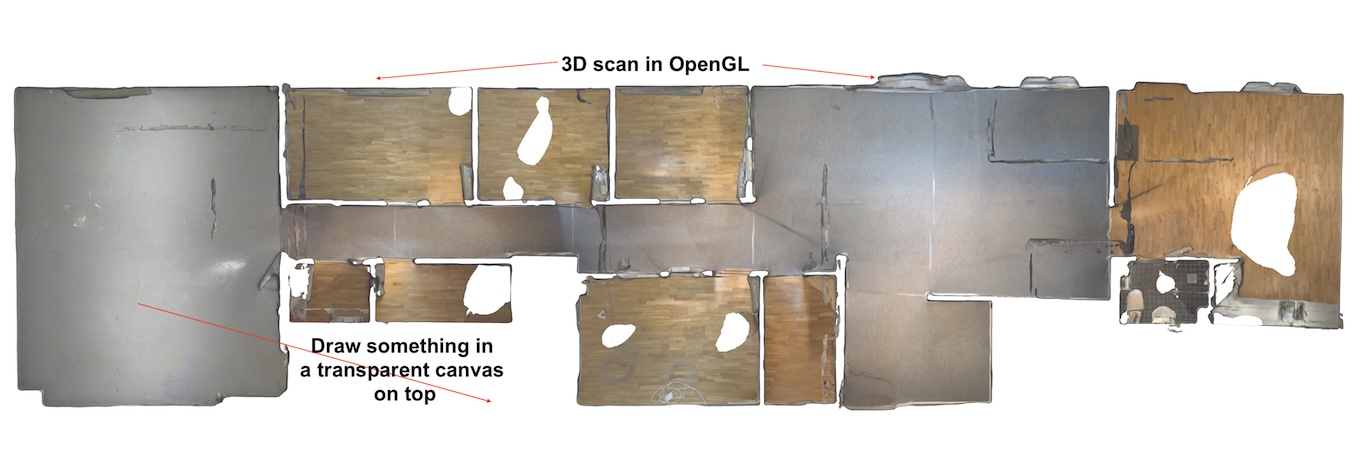
opengl surface is not made for on top canvas.
xojo opengl is very outdated.
you could draw into a texture and put this square into 3d scene.
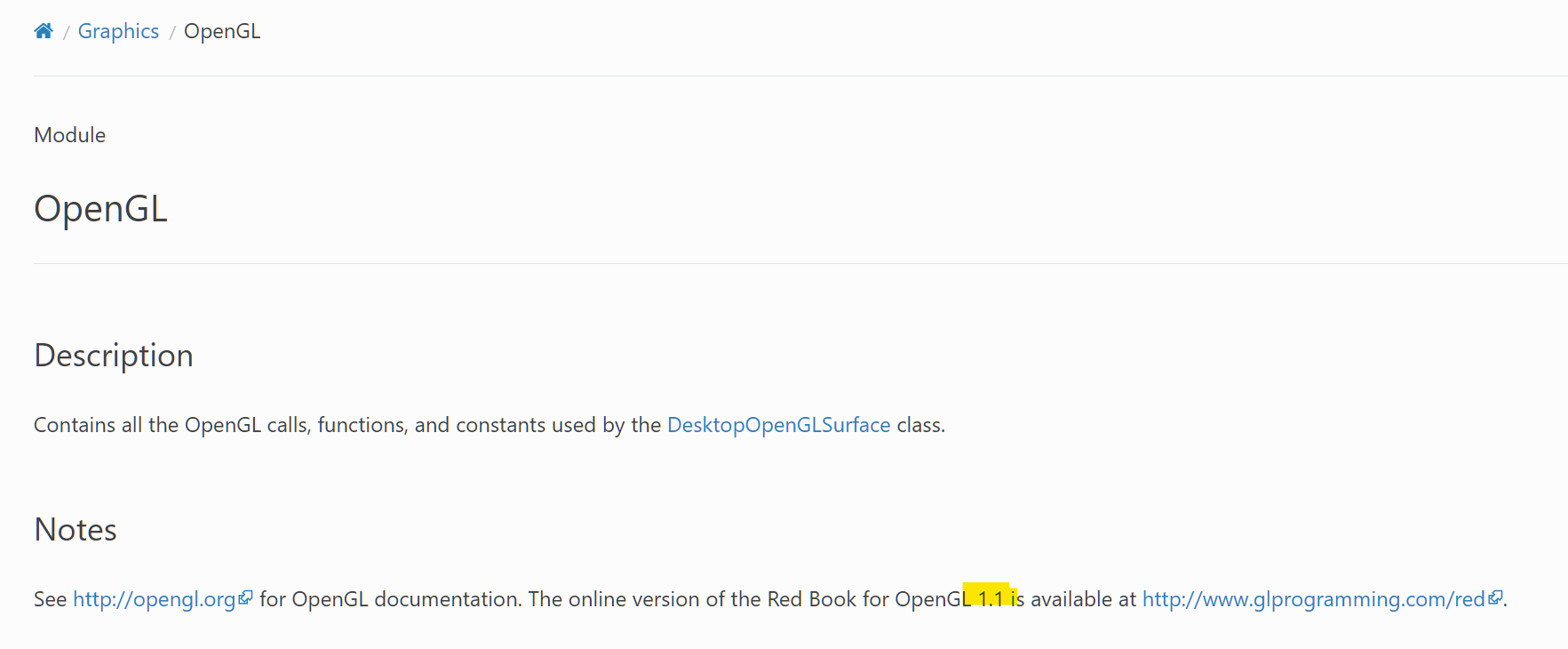
https://forum.xojo.com/t/xojo3d-not-working/75646/4?u=markusr
Xojo Windows apps does not allow canvas’s on top of each other. This changed a while ago with the double buffer changes. You will need to render anything you want “on top” within OpenGL, loading a picture into a texture and drawing that. or drawing all the parts your self using OpenGL tools.
Also note openGL on macOS is very deprecated, i think macoOS 10.13 or 10.14 was the last supported version. You would need to move to Metal to ensure future support.
If you have the MBS plugins then you might be able to use OverlayMBS to achieve what you want.
It is worth noting that the overlay is not associated with the window so you would have to keep its position in-sync with your OpenGL control when the window position / dimensions changed.
or WebGL
1 Like
Thanks guys. Just wanted to confirm that it does not work. Will simply try another idea, where I simply avoid the overlap.
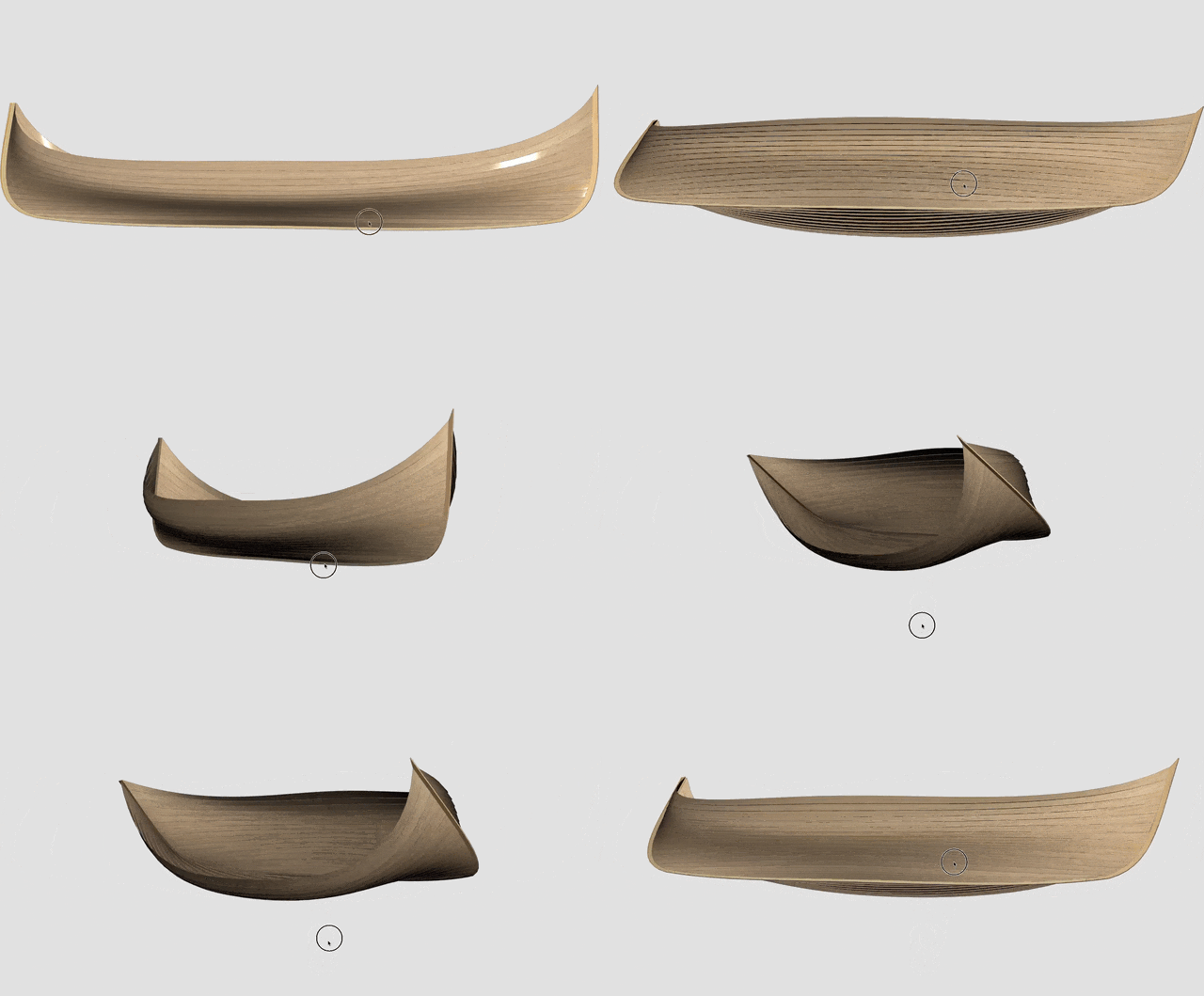
You can use DesktopOpenGLSurface.DrawInto to draw the model into a standard picture. Once the user is done manipulating the view, use DrawInto to create a placeholder picture and then draw on top of that - then draw the resulting diagram on top of the surface (perhaps via a hidden Canvas object).