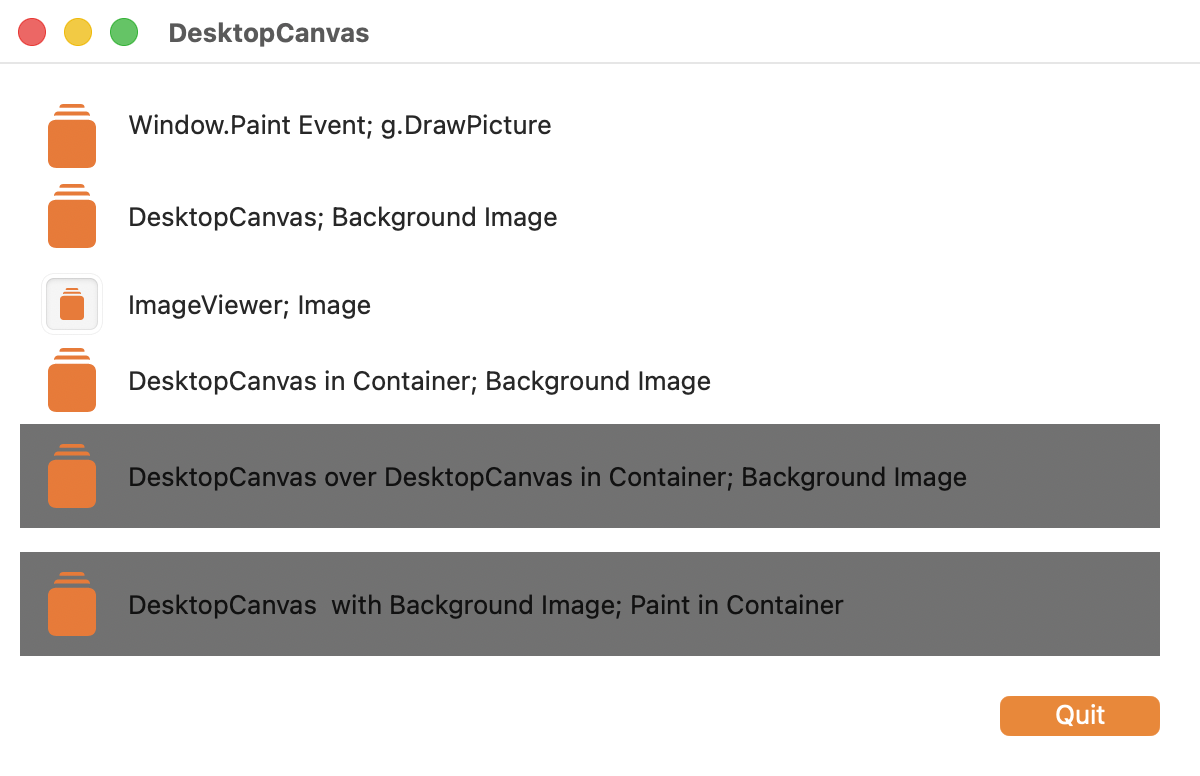
If I use a DesktopCanvas and place it over an existing DesktopCanvas it looks like it should on macOS and Linux. See the last two dark grey objects.
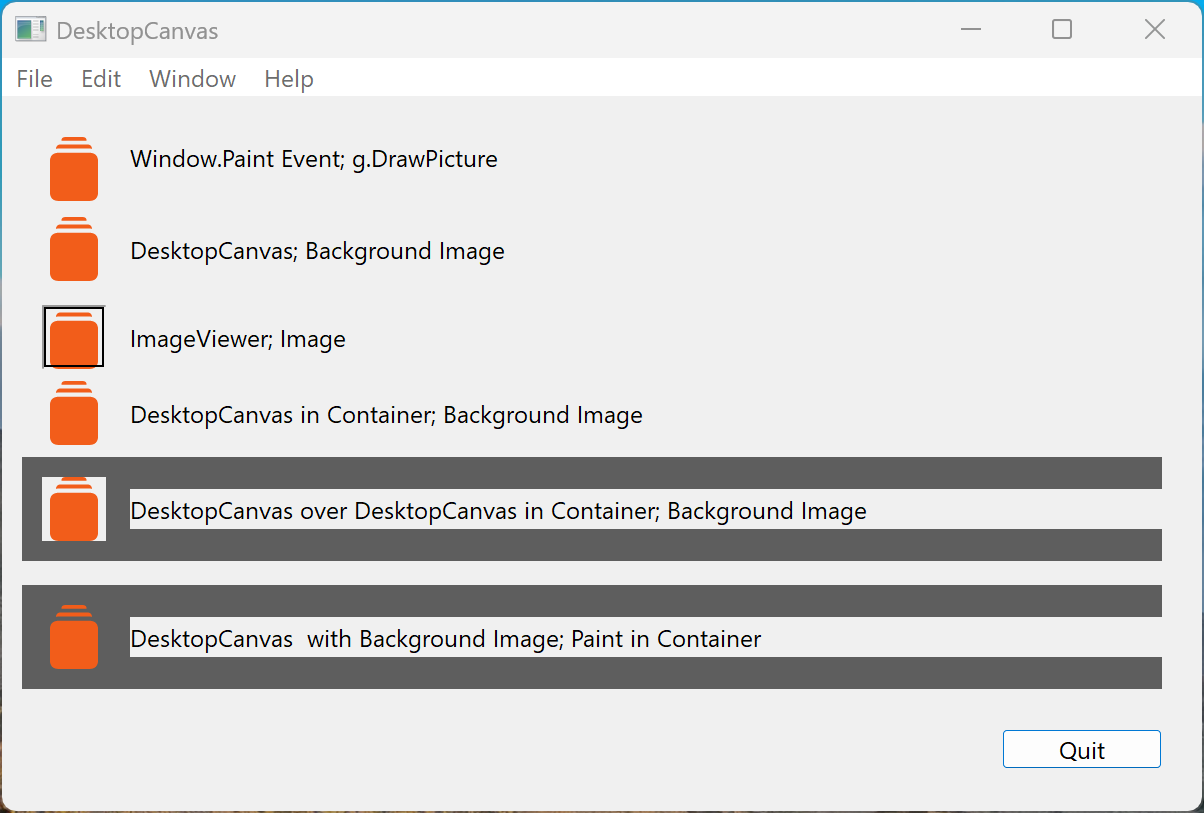
But on Windows (Windows 11 ARM), it looks not good. See the last two dark grey objects.
Has anyone a solution for this?
Here are the project as a zip file.
DesktopCanvas.zip (17.6 KB)
Transparency on Windows isn’t true transparency, while it is on the other platforms. Try to avoid layering controls.
Also, make sure that you’re setting the Transparent property of your label controls to True for Windows if you want stuff behind them to be visible.
After many hours, now I have the solution. Place all controls into the canvas and everything looks good on Windows platform.
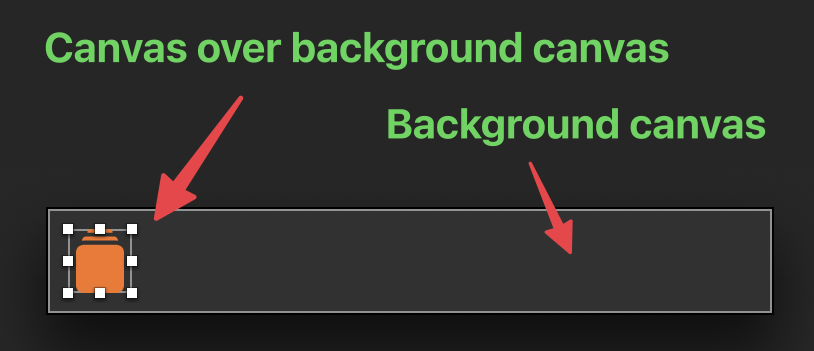
Example, of controls placed over the background canvas:
Example, of controls placed inside of background canvas: