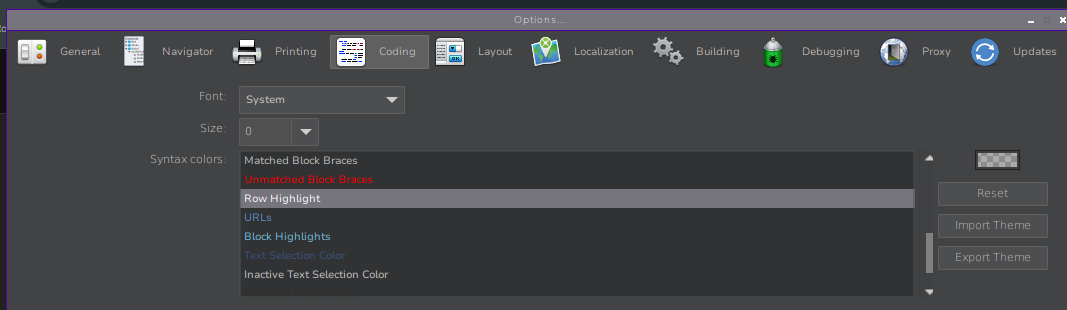
My IDE is in Dark Mode.
While debugging the ‘current line/ Instruction Pointer’ is not discernible.
i.e. the grey scales are so similar to the background, you can not see the selected line.
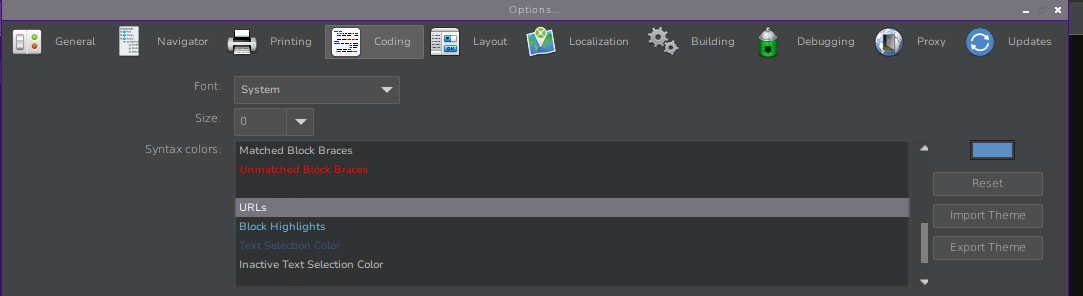
There must be a way to set this in the settings.. just can’t find it..