I have a question and I will try to explain it here.
i’m doing my first iOS app. it’s simple. but i’m strugling to understand how to do it.
i have:
msHome (mobileScreen named home)
ScrollableArea1 (MobileScrollableArea with a container (behavior))
tblEvents (iOSMobileTable)
this container has a “mivs” subclass of a “miv” subclass of MobilelmageViewer
on miv (will use on other projects), i have a pressed event
on mivs (specific for this project), i have another pressed event that SHOULD change the tblEvents…
but i can’t change…
how can i change the tblEvents content from “outside” the parent mobileScreen?
I downloaded and tried to run, but there are some bugs on code.
I’ll keep looking for an easy solution. I don’t know, in fact, if the xojo IDE is unable to do this, or if this is a normal behavior (and i don’t know how to do it)
Open the project, copy the JKNotificationCenter module to your existing project. Then you can use it immediately. That module is pure Xojo code and will work straight away
You can look through the iOSKit project to see an example of how to use the notification module, but it’s in general very simple. You’ll define a method for receiving the notification within the view that has your tblEvents and do your update from there
sorry, didn’t get. with my xojo skills, i’ll not go so far…
could you please make an example on my project?
i’m sure with an example i’ll understand and go further.
i don’t want to make a “gambiarra” (makeshift)
i could, for example, put a timer to pull the information updated…
It would certainly solve the problem, but it’s not the right way to do it.
I’m not sure how you didn’t get it. It’s literally just open the iOSKit project, copy the module, paste it into your project. Try it again, I bet you can figure it out
But I assume it should work in the MobileScrollableArea too.
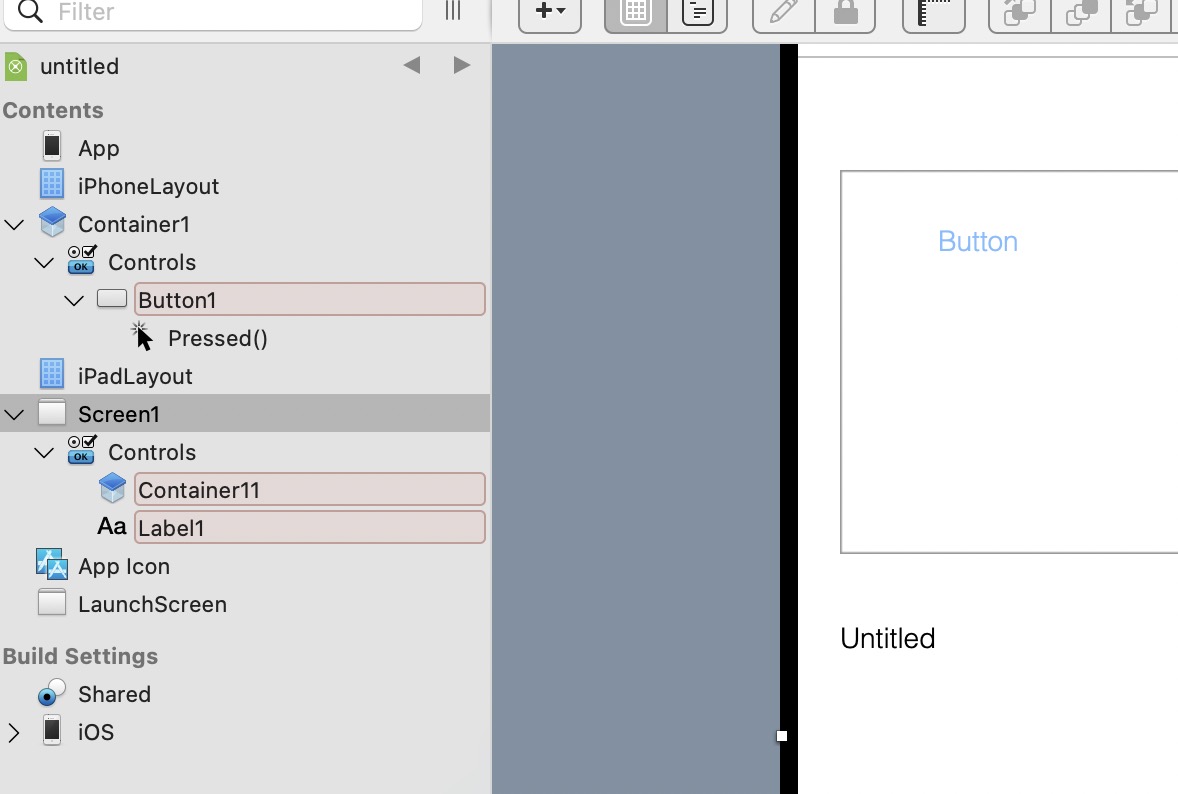
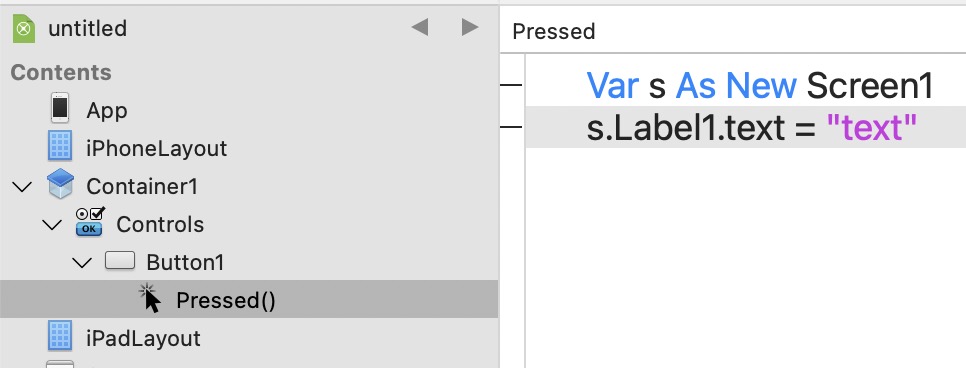
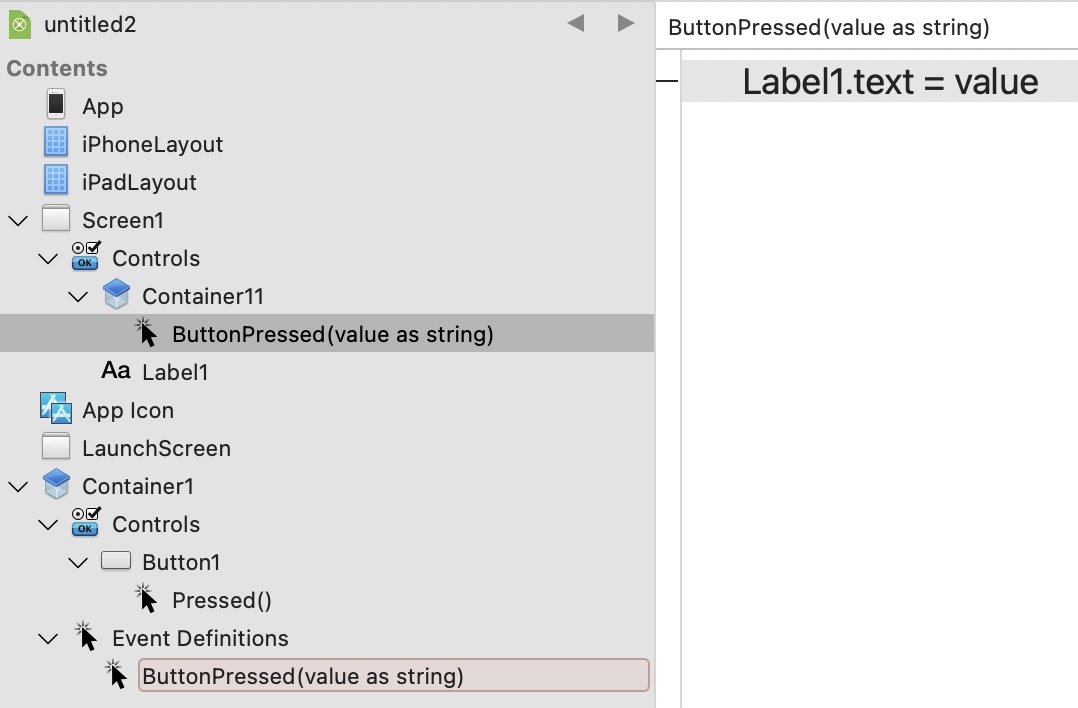
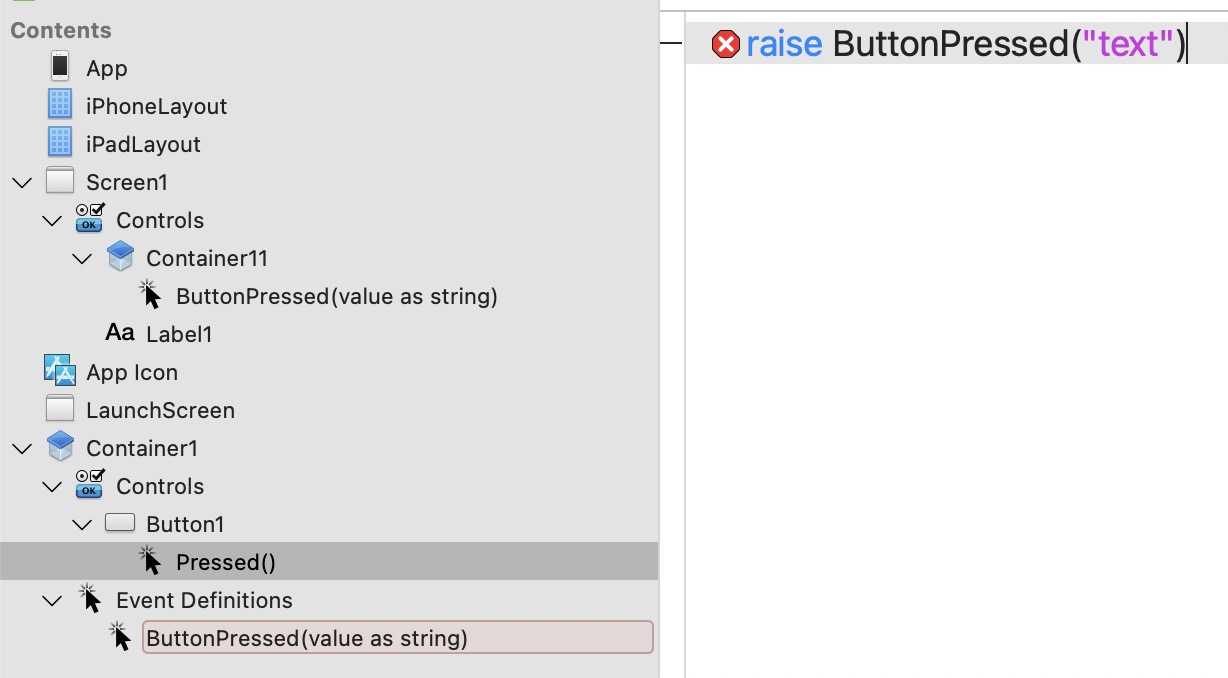
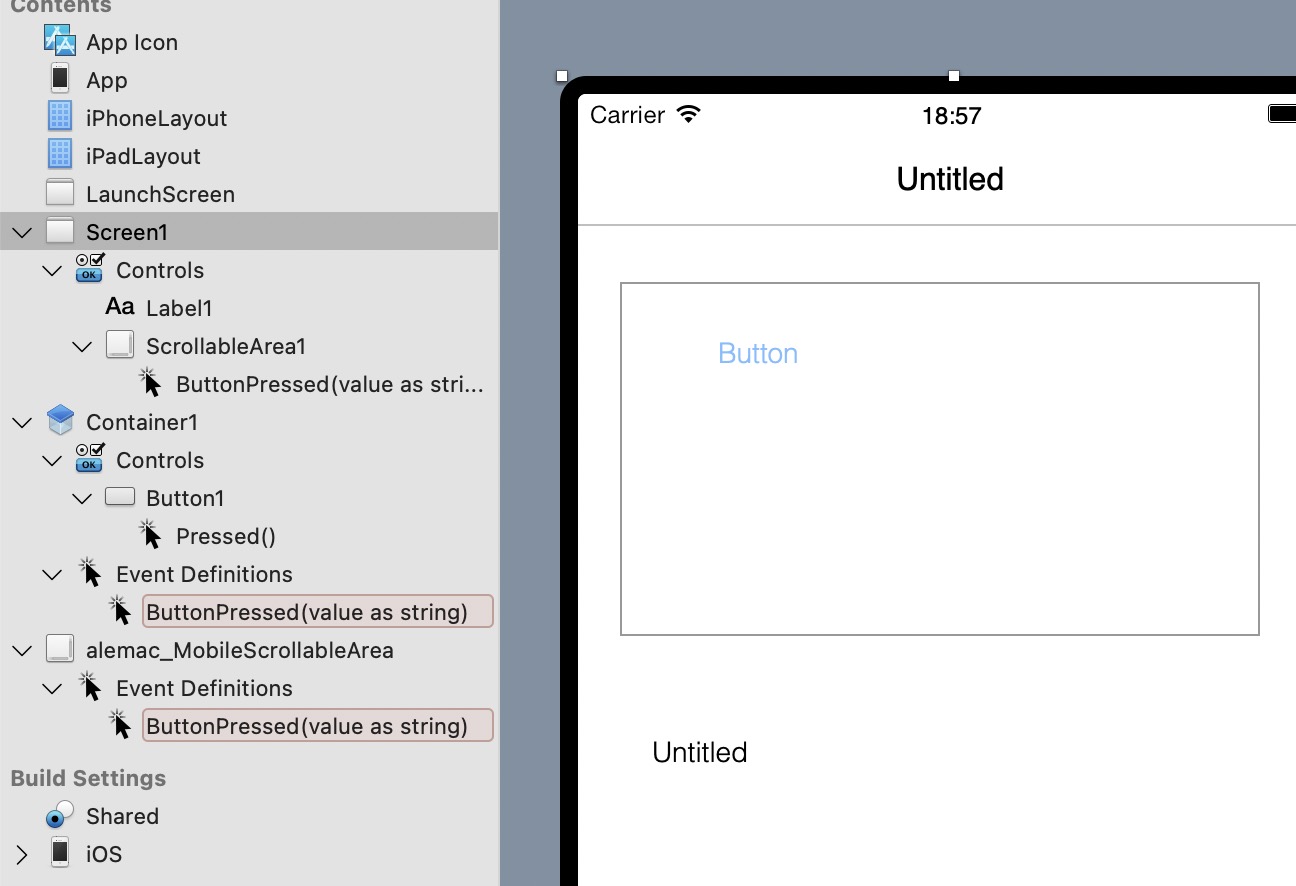
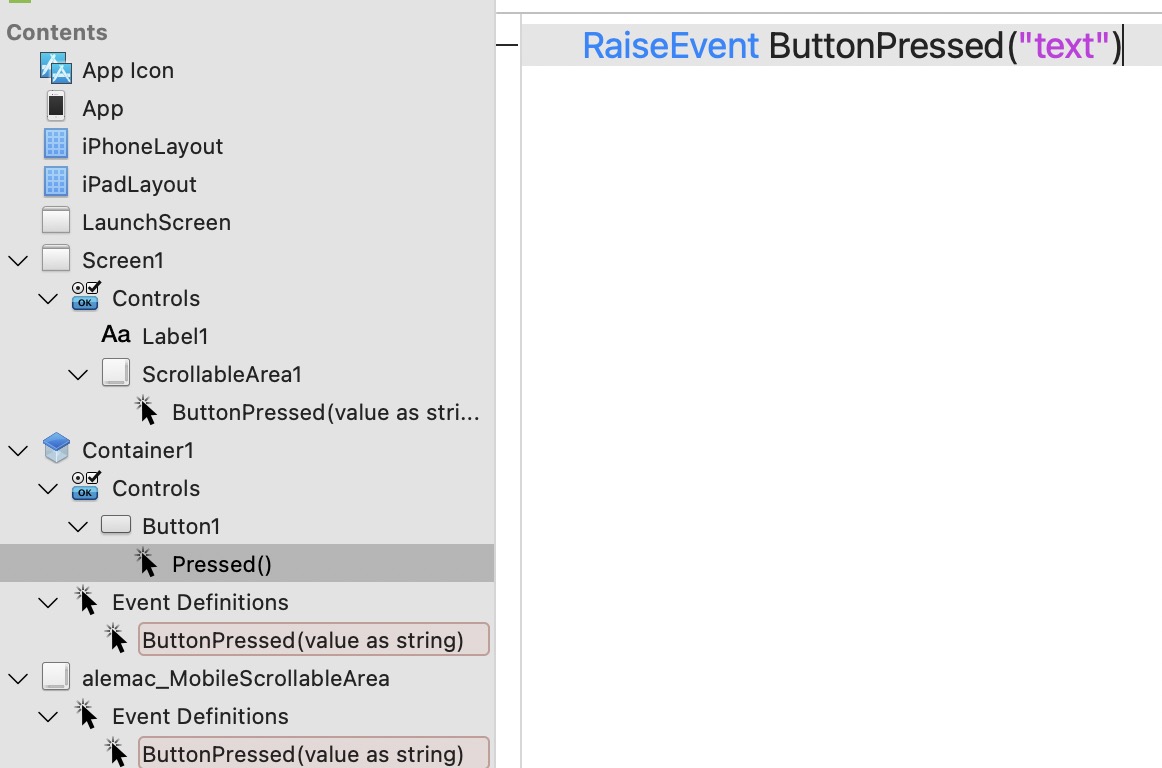
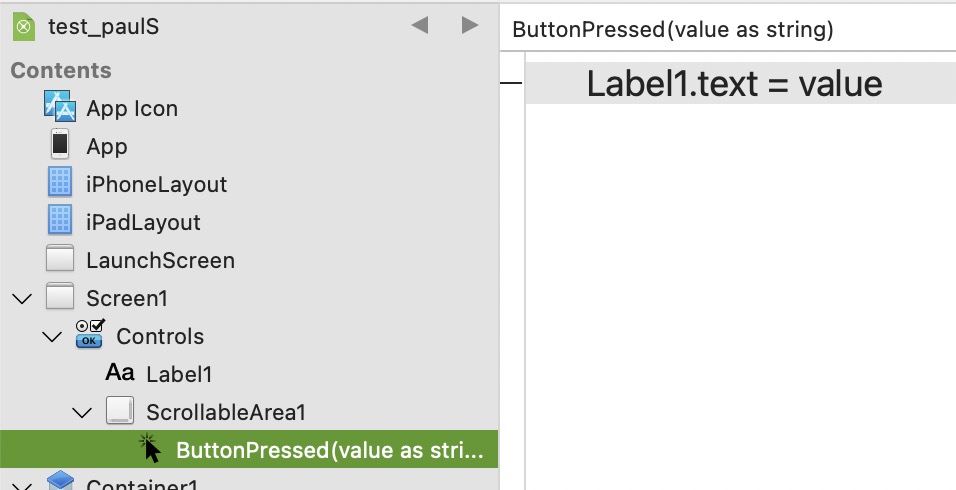
Maybe you have to add a PressedButton Event Definition in MobileScrollableArea and add a RaiseEvent in the PressedButton event of container1 inside a MobileScrollableArea.
That would give you again the PressedButton event in screen1.
With other words. You can keep using RaiseEvent until you are at the level where you want to do something with that event.
As mentioned before I’m not familiar with iOS development in Xojo.
When I look at the test program, I see that Container1 is added to alemac_MobileScrollableArea in Screen1. Container1 isn’t added to alemac_MobileScrollableArea itself. Therefore there is no ButtonPressed event available in alemac_MobileScrollableArea.
Unfortunately my solution isn’t going to work in iOS when using a MobileScrollableArea.