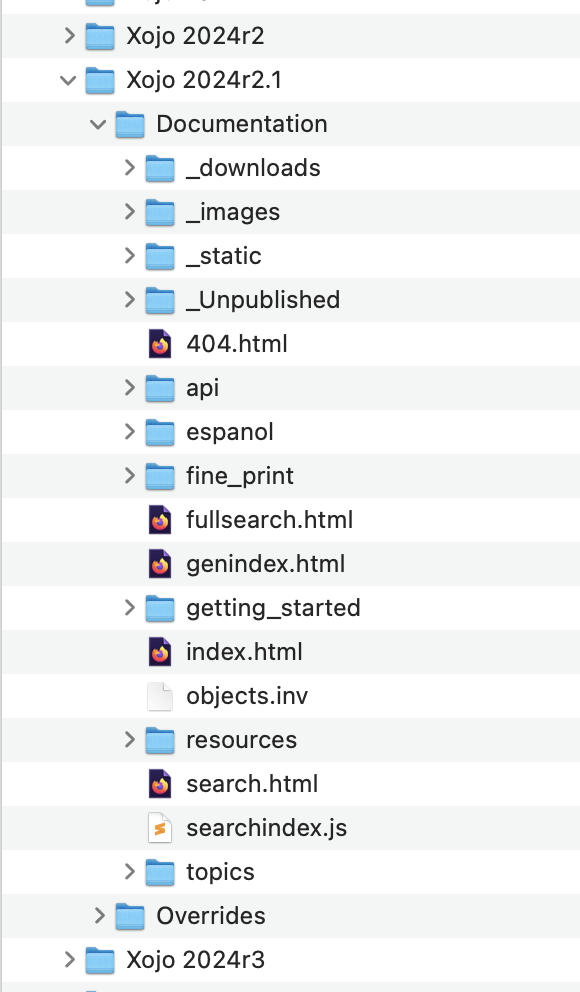
I don’t have the same regarding the documentation.
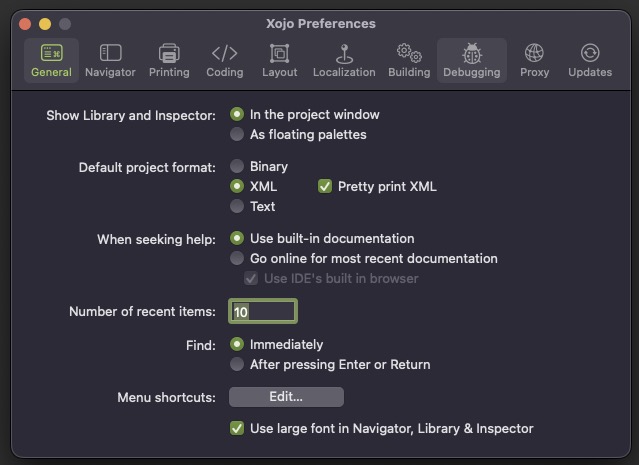
Emile, did the previous build app work on your computer, and the last one don’t ?
well it seems there was a problem in the way I zipped the binary.
will upload a new version soon.
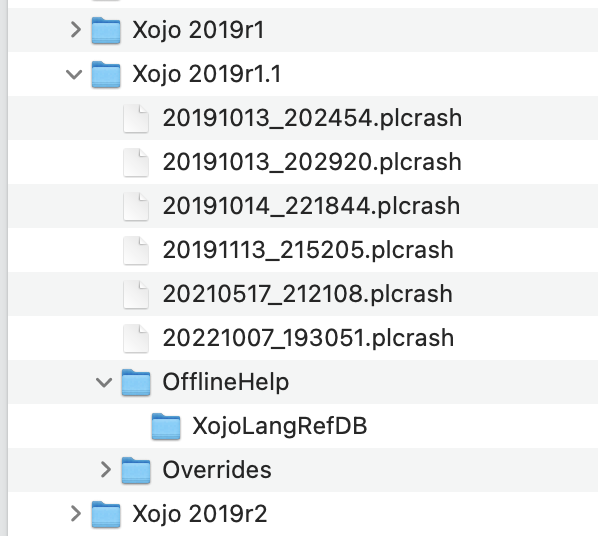
I have a bunch of plcrash file..and make a copy and put it into the 2019r1.1 folder. create a OfflineHelp folder and put the XojoLangRefDB file inside and it is working now
WONDERFUL. THANKS A LOT!!!
I change the folder to Xojo 2021r3.1 and it work too
I think they are not needed !
Better Xojo Help 0.17.0 — and an apology to anyone who could not open 0.16.0.
That was my fault, not your Mac’s. The zip carried AppleDouble ._ files into the app’s framework,
which breaks the code signature — but only if you unpacked it with something other than Finder, which
is why it worked for some of you and not others. Fixed at the source; 0.17.0 unpacks cleanly with
anything.
New in 0.17.0: your AI assistant can read the Xojo documentation on your Mac. Switch the MCP server
on in Settings and point a client at it — Help ▸ MCP Setup has the commands. It can read every doc
set you have installed, so asking about RecordSet gets live classes from 2018r3 and deprecated ones
from 2026r1.2. Local only, 127.0.0.1, never the network.
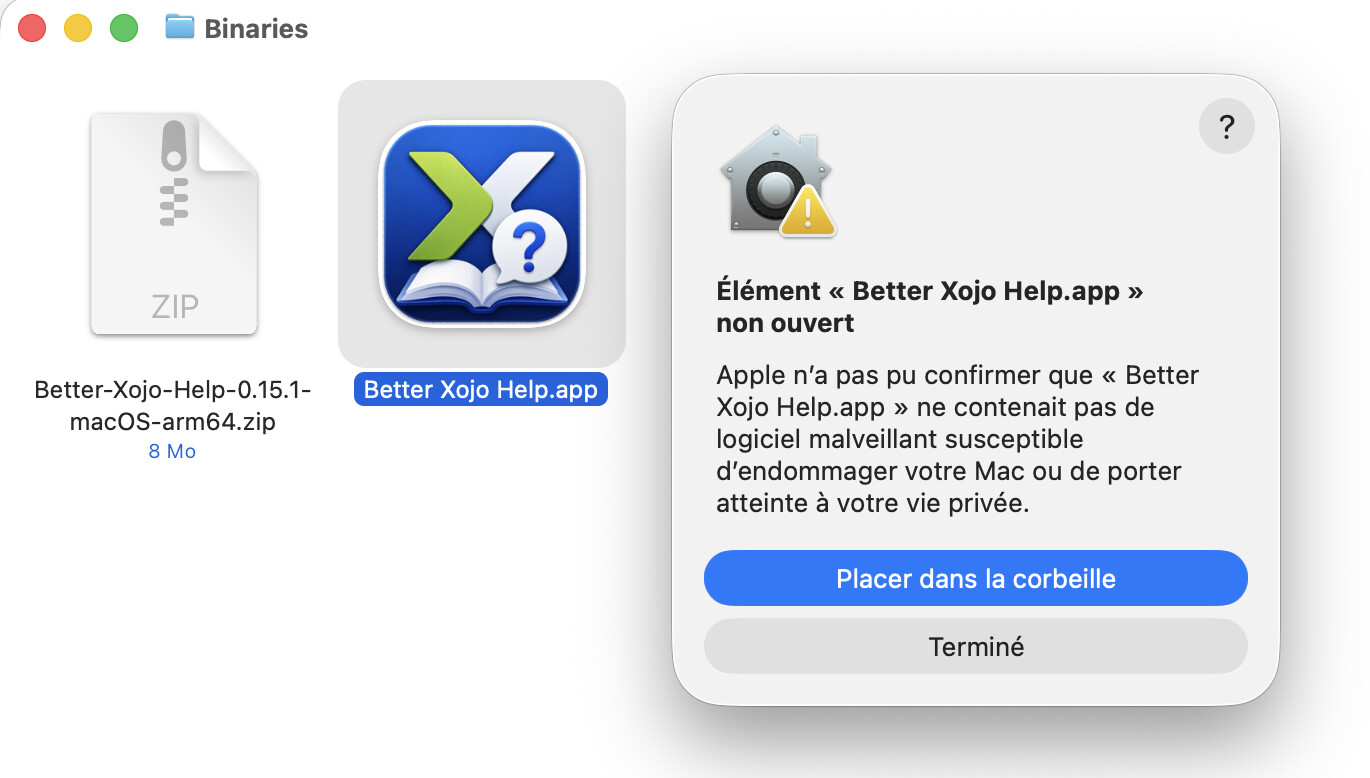
It looks like you’re trying to launch version 0.15.1 but the fixed version is 0.17.0
I downloaded and installed it, and the 2019 doc is recognized just fine—thanks Jean-Yves!
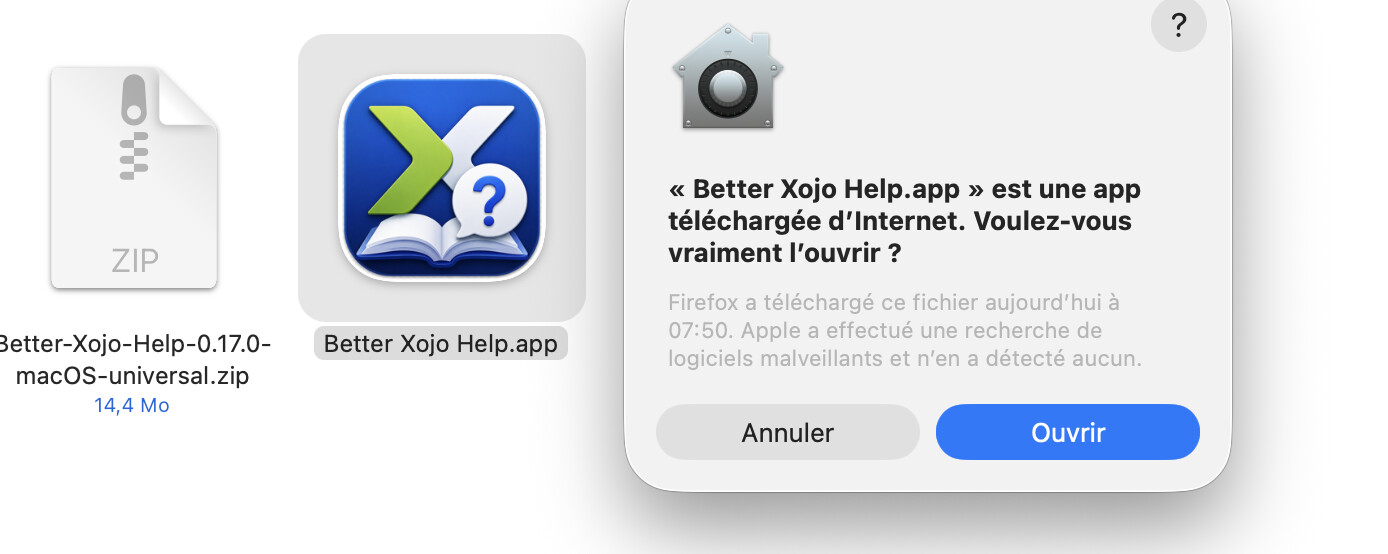
so it’s working you can open it now !
Seems so, I do not had time to really fire it and look at it (I was in Germany this morning and just be back in France).
You may eventually add the ability to open a Folder with the help files (in addition to looking at Xojo file in Library).
I stored the folders for the two Documentations I need (current and 2015r1) beside your application for the moment.
Thanks
I trashed these folders installed ine the last 6 years to get rooms in my small SSD.
Better Xojo Help 0.18.0 — you no longer need Xojo installed to read its documentation.
File ▸ Install Documentation… takes either an old XojoLangRefDB or the docs.tgz from inside a
Xojo application bundle, and installs it into the app’s own folder. It works out which release the
file is for where the file says so, and asks you where it does not — the 2020–2021 databases carry no
version number, and neither do the first few 2022 sets.
So if you kept a copy of the documentation from a release you no longer have installed — or can still
reach an old Xojo app bundle — it is readable again. Settings has a button that opens the folder if
you want to remove one later.
It compiles for Windows too, and works there — tested on Windows 11 (ARM) against 2026r2. Linux
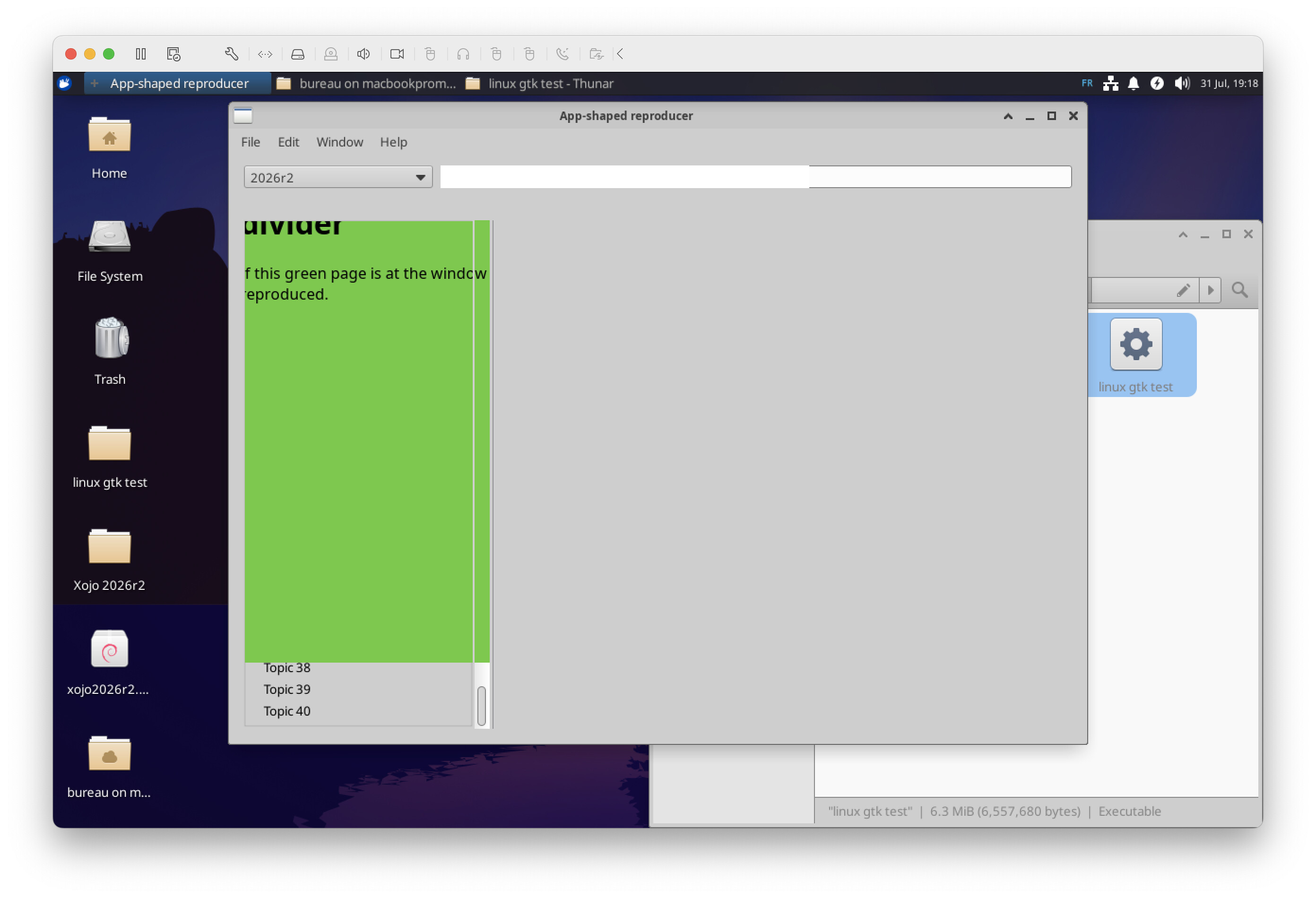
compiles and finds the documentation, but the reading pane is misplaced by GTK, so treat Linux as not
validated for now. Only the macOS build is offered as a download: the Windows one is 118 MB zipped,
over GitHub’s file limit, so build from source if you want it. Nothing to configure — open the project
and pick your target.
THANK YOU Jean-Yves.
a word about the linux version
I’ve spent a lot of time trying to fix it but I cant…
I’ve made a issue report here
https://tracker.xojo.com/xojoinc/xojo/-/issues/81717
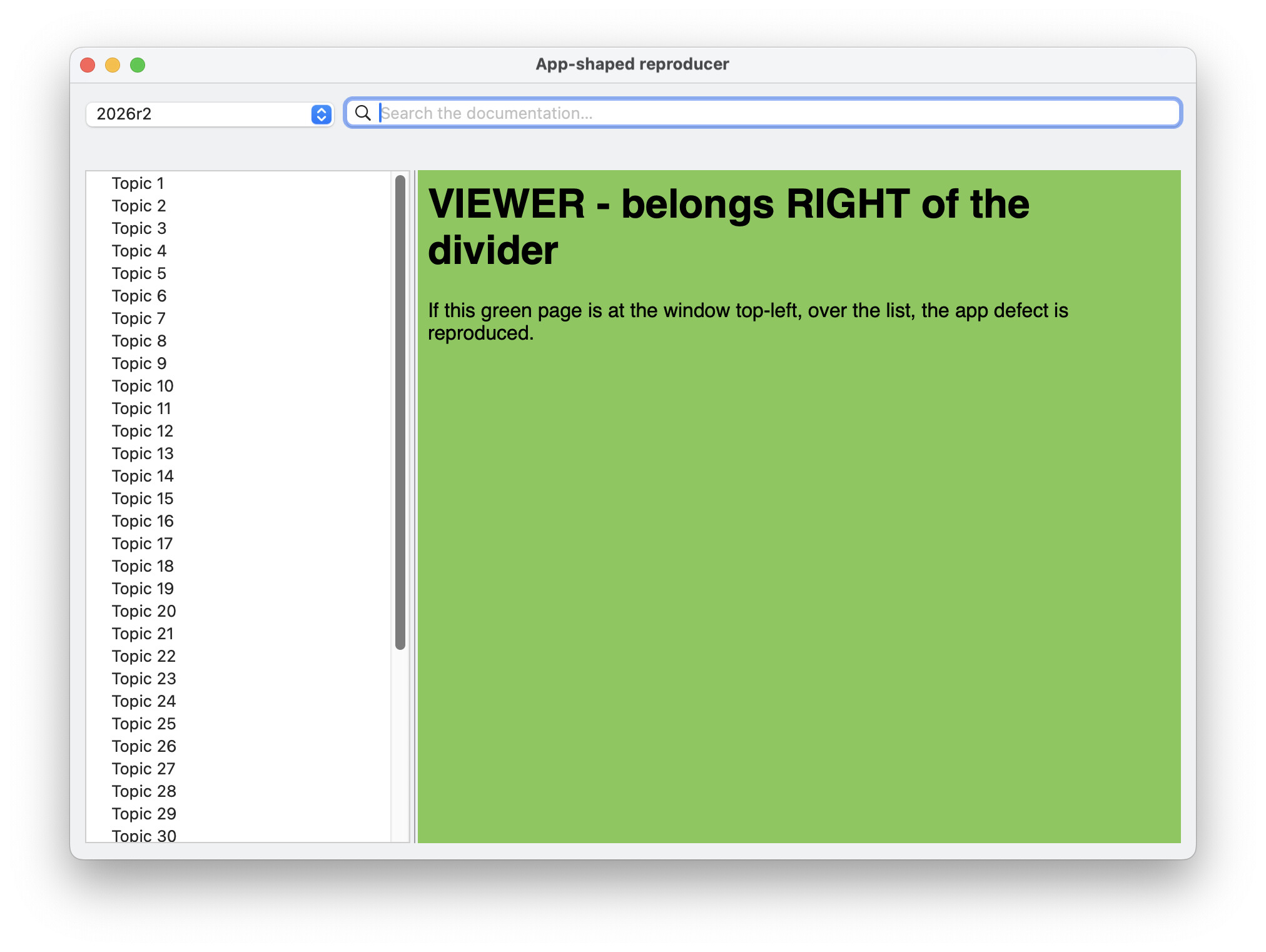
the htmlviewer is always stuck on the left of the window, using any trick found on the web about using webkit with xojo under linux…
if any Linux guru can solve that, that would be a huge relief !
thanks.
Better Xojo Help 0.19.0 — a Home button, a button that copies the current page’s address next to
the one that opens it, and a Settings choice: reopen the last page you read, or start every launch
fresh on the newest set.
The toolbar is proper icons now, sharp on Retina and following light and dark mode. Two fixes worth
naming: the window remembers its size and position again, and a tab opened on a member is captioned
with the member rather than with its class.
Linux works now. It took two Xojo issues worked around: hardware acceleration off for WebKit,
which their documentation recommends, and deferring the popup selection until the window is on
screen — that one displaces the reading pane entirely, and Xojo has confirmed it as #81717 and will
fix it. Both are handled by the app, so there is nothing to configure. Tested on Ubuntu under XFCE.