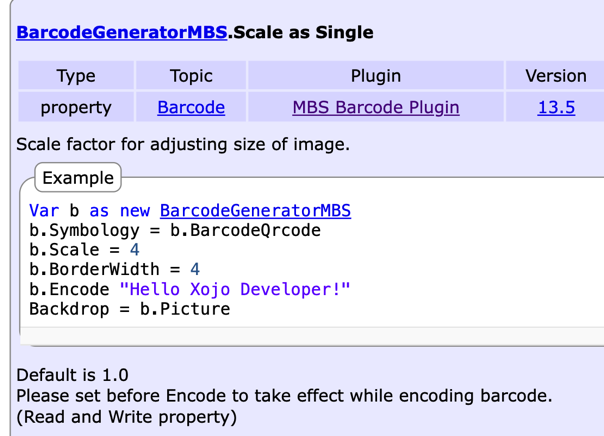
The label on the left (which printed correctly) was printed by my app running under Xojo 2021r2.1 with MBS 241. The one on the right, which has a major scaling error, was printed by my app running under Xojo 2026r1.2 with MBS 262.
The data being printed, the printing code, and printer setup string are exactly the same in each case. The issue is present under both target MacOS and target Windows. I don’t know if it’s caused by a change in Xojo or a change in MBS.
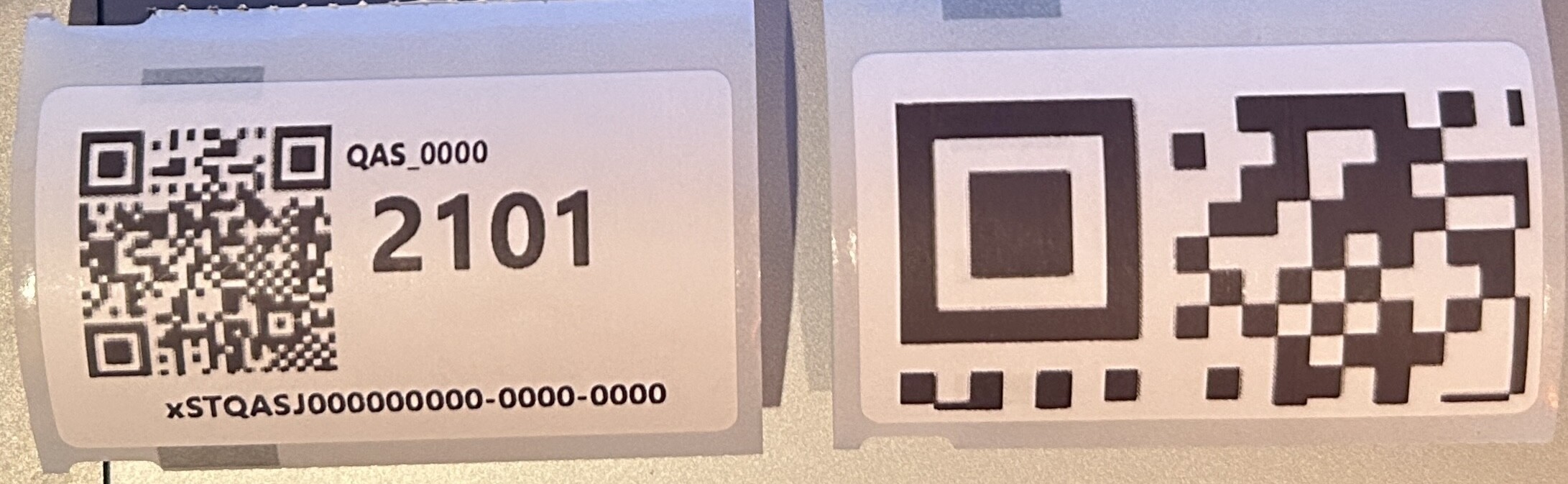
b = New BarcodeGeneratorMBS
b.Symbology = b.BarcodeQrcode
b.ShowText = False
b.Option2 = 0 // "Auto"
b.Option3 = BarcodeGeneratorMBS.OptionSquare
b.Encode code
g.DrawPicture(b.Picture, 0, 0)