Repository
About
A Model Context Protocol (MCP) Server for querying Wikipedia written in Xojo.
The tool will query the Wikipedia API to find the best matching article for your query, retrieve the HTML and then convert that to Markdown. It does some processing to exclude parts of the article that are likely not helpful to a language model. Currently the tool returns the whole (processed article) so be mindful that these can be large in terms of token count.
Usage
Build the project and place the built components in the desired location on your system. I’m on a Mac and I place it in my Users folder: /Users/garry/mcp-servers/mcpwikipedia.
In your MCP client application (e.g. LM Studio, Claude Desktop, etc), follow the instructions on how to add an MCP server to the application. This usually involves editing some sort of mcp.json file.
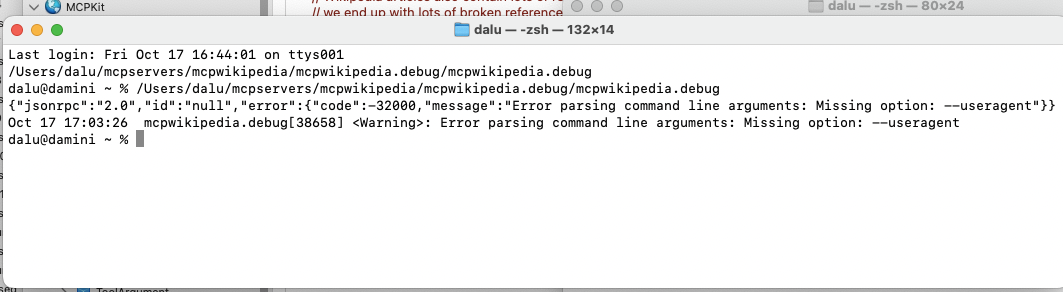
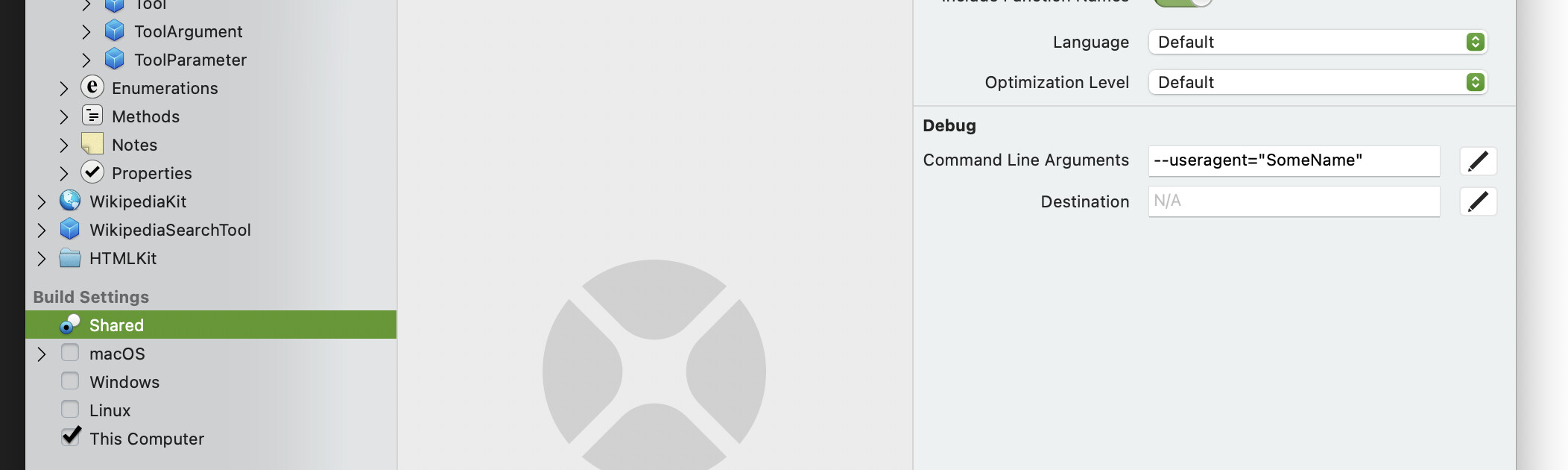
mcpwikipedia requires a --useragent command line argument containing a name for your MCP server. This is a requirement of the Wikipedia API. It can be anything you like, just not empty.
You can also pass a --verbose flag to mcpwikipedia which will instruct it to output detailed logging to stderr.
Here is what my LM Studio mcp.json file looks like:
{
  "mcpServers": {
	"mcpwikipedia": {
	  "command": "/Users/garry/mcpservers/mcpwikipedia/mcpwikipedia",
	  "args": [
		"--useragent",
		"MyXojoMCPWikipediaSearcher"
	  ]
	}
  }
}
Once you’ve informed your MCP client about the server, you normally have to restart the client to finalise things. Once that’s done, you’re local LLM will use mcpwikipedia to search Wikipedia web using the official API.
Hopefully looking at the code will demonstrate how easy it is to build your own tools to use with LLMs using Xojo.
Related
This tool utilises two of my other open source Xojo components:
MCPKit:
WikipediaKit: