VersionTracker is a tool to help developers maintain and generate version history logs. Featuring multiple export formats and a handful of automatic functions, writing change logs has never been easier.
It has been a couple of years since VersionTracker last had an update. This version is full of awesome new features including Search / Find, UI fixes and improvements, and Quality of Life improvements that make adding new on-topic entries even faster.
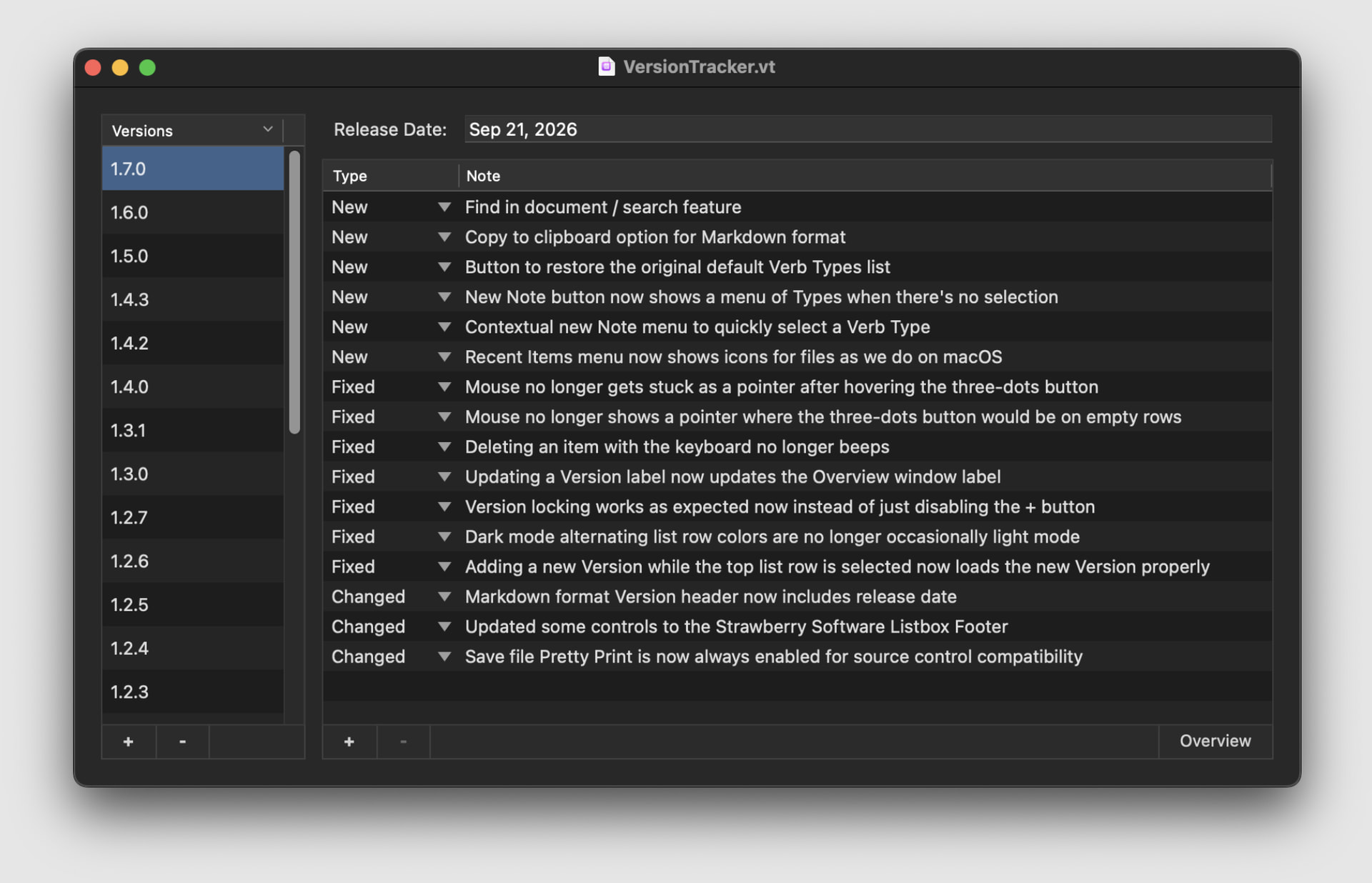
**Version 1.7.0**
```
New: Find in document / search feature
New: Copy to clipboard option for Markdown format
New: Button to restore the original default Verb Types list
New: New Note button now shows a menu of Types when there’s no selection
New: Contextual new Note menu to quickly select a Verb Type
New: Recent Items menu now shows icons for files as we do on macOS
Fixed: Mouse no longer gets stuck as a pointer after hovering the three-dots button
Fixed: Mouse no longer shows a pointer where the three-dots button would be on empty rows
Fixed: Deleting an item with the keyboard no longer beeps
Fixed: Updating a Version label now updates the Overview window label
Fixed: Version locking works as expected now instead of just disabling the + button
Fixed: Dark mode alternating list row colors are no longer occasionally light mode
Fixed: Adding a new Version while the top list row is selected now loads the new Version properly
Changed: Markdown format Version header now includes release date
Changed: Updated some controls to the Strawberry Software Listbox Footer
Changed: Save file Pretty Print is now always enabled for source control compatibility
```
VersionTracker is free of charge and available for Mac and Windows!
More Information and Downloads: https://strawberrysw.com/versiontracker