Hi,
when I run a project I do not have an icon in the App Selection Window nor in the Dock, etc.
Of course (I think), adding an Icon in the App entry of the Navigator is (certainly) the solution, but I do not wanted to do that (it adds the icon into the project and slow down the load and save operations, I think).
Some minutes ago, I decided to check an idea I had in mind since… months (if not years): add the App.icns to the debug file at build time (err… add the .icns on the fly at debug time).
In fact, it is really easy:
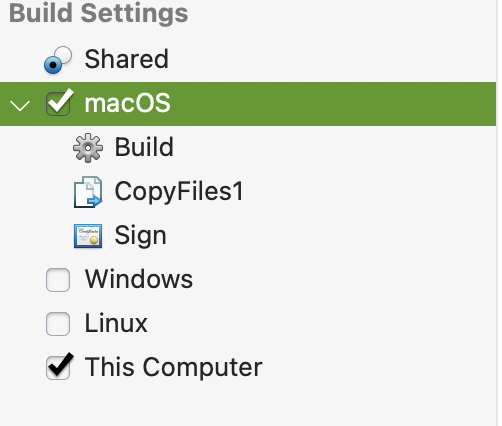
Choose macOS in the Navigation Pane,
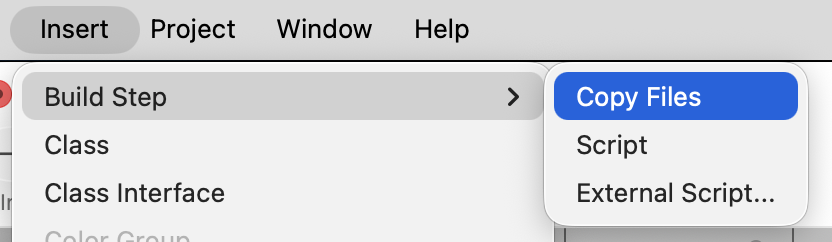
Add a Build Script (first item in the Insert Menu),
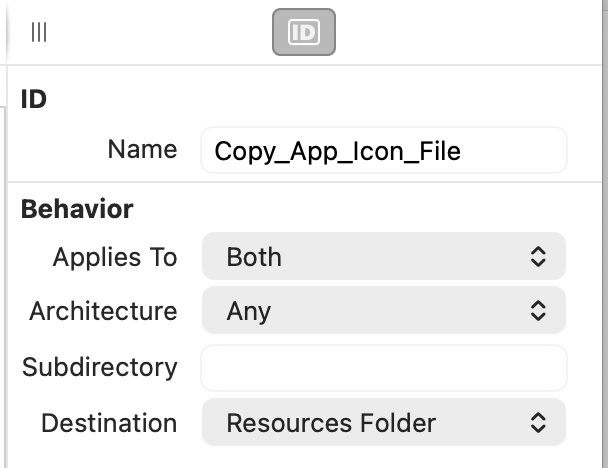
Set the target Folder to resources,
Drop the App.icns into the Build Script editor
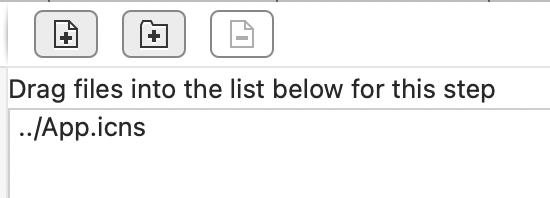
Run, Cmd-Tab and enjoy your Nice Application.debug Icon.
You have a trouble with the above ? Just ask.
PS: I had a drawing on hand, si I copy it into the Clipboard, Get Info on the file, Paste the image into the Get Infor Icon area, close the Get Info,
Open it again,
Click in the Custom Icon,
Copy,
Paste in the Apple’s macOS Preview application,
Save,
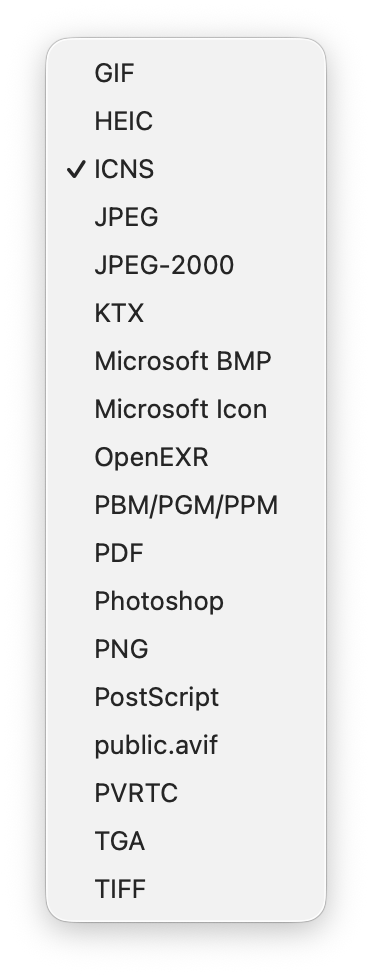
In the Save Dialog, I pressed the Option Key and click in the file type PopupMenu,
I selected icns as the File Type to use,
Then type the App name as the file name and choose the project folder, then click in Save.
That was the file I droped in the Build Script Editor area.
This works in all macOS version I can remember (probably with the first macOS who needs .icns files !).
Preview → File → Export…
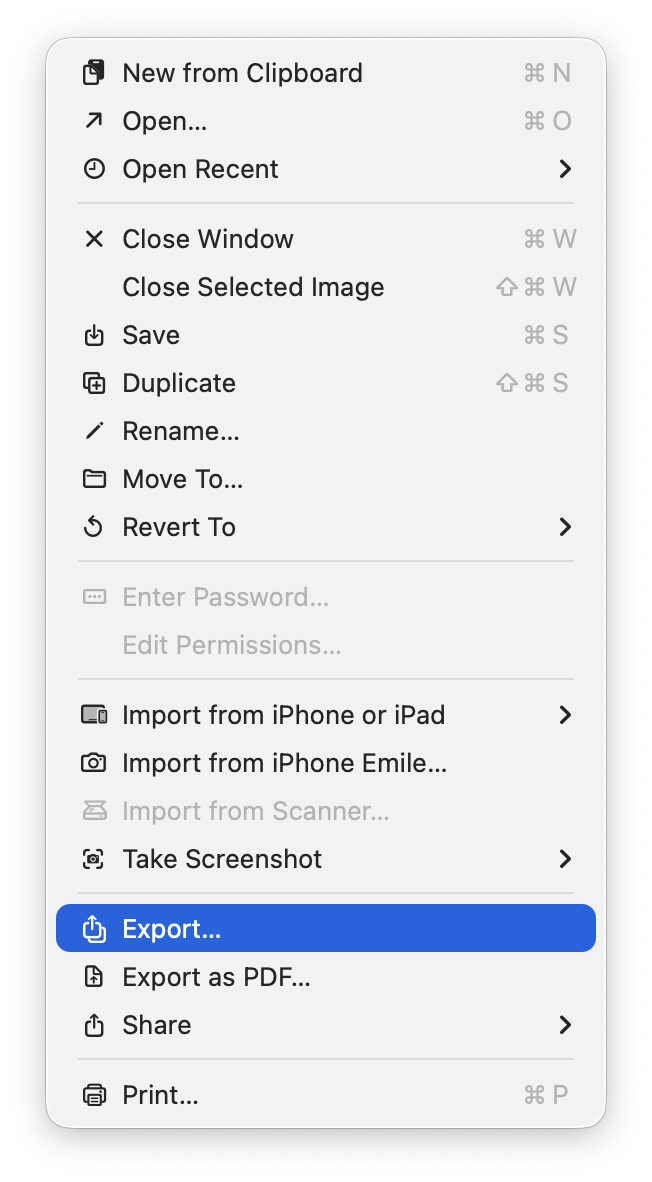
App.Icns File Name (top-mid of the dialog):

Export file type popupmenu: