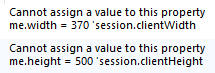
Getting this error. pContainerSkillButtons2 has a super that IS a webContainer, containerSkillButtons, but the error is telling me it’s not.
pContainerSkillButtons2.Name
The project item pContainerSkillButtons2 can not inherit from a web page, dialog or container that has a layout (containerSkillButtons). To share code, use a Class whose Super is WebPage, WebDialog or WebContainer as the Super instead.
pContainerSkillButtons2
That error would be just as relevant in older versions. You’re getting that error with code that worked a previous version?
What it’s telling you is that containers which have a layout cannot be used as a super. So if you use Insert → Container, that creates a container with a layout. If you want to make a container super, you need to use Insert → Class and set its super to DesktopContainer. You’ll notice it has no layout, and you can use it as a super for other containers.
If that error pops up in 2026r3 and not 2026r2.1, that’s alarming.
@John_Scanlan what are you trying to achieve? Setting the container Width to the WebPage.Width or Session.ClientWidth will make the container fit the screen. Setting a WebPage.Width & Height was being silently ignored in previous releases.
If you share little project, screenshots or something to understand what you’re trying to do and the issue you’re seeing, we’ll be able to help.
I need a webpage that fits the screen. and on the phone it should be full height and width of the phone screen.
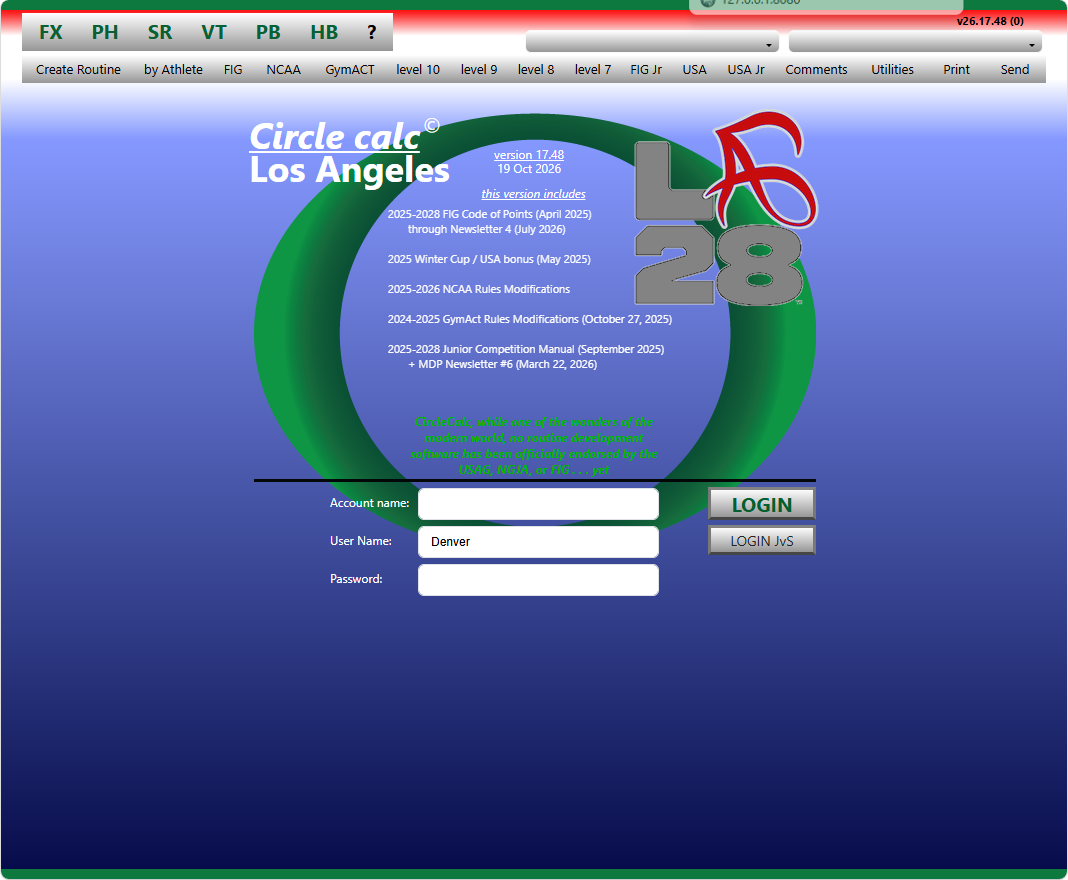
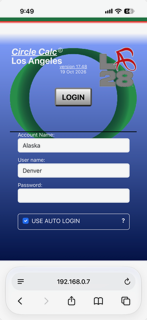
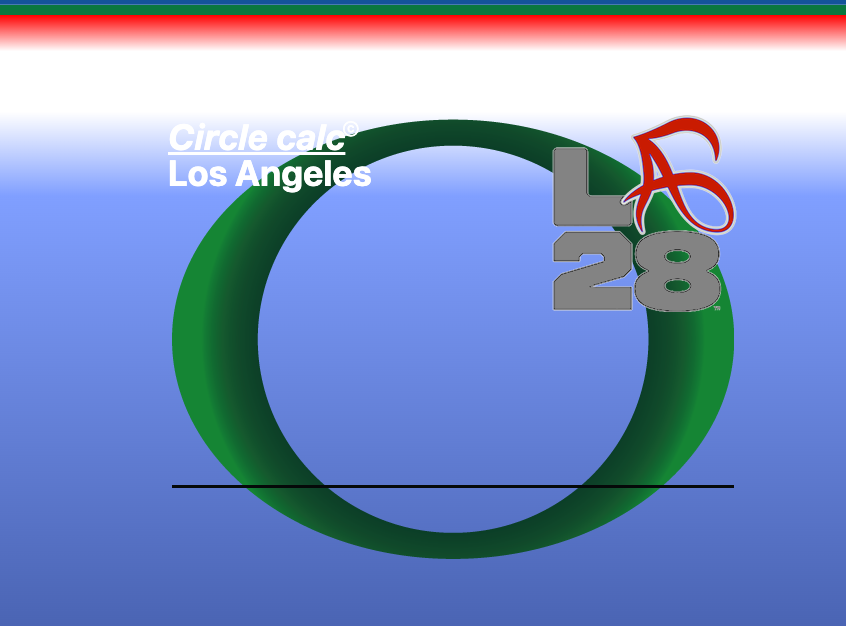
When I’ve tried to size the first container to the size of the phone screen, it ignores and give me this huge floppy window spilling out way over the edges of the screen (see below).
webpage.width = session.clientWidth was a way I found to make it static on the screen.
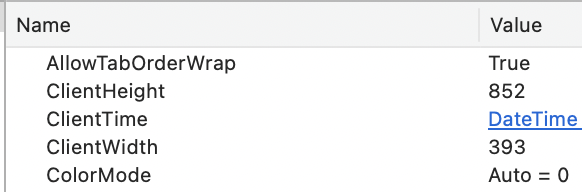
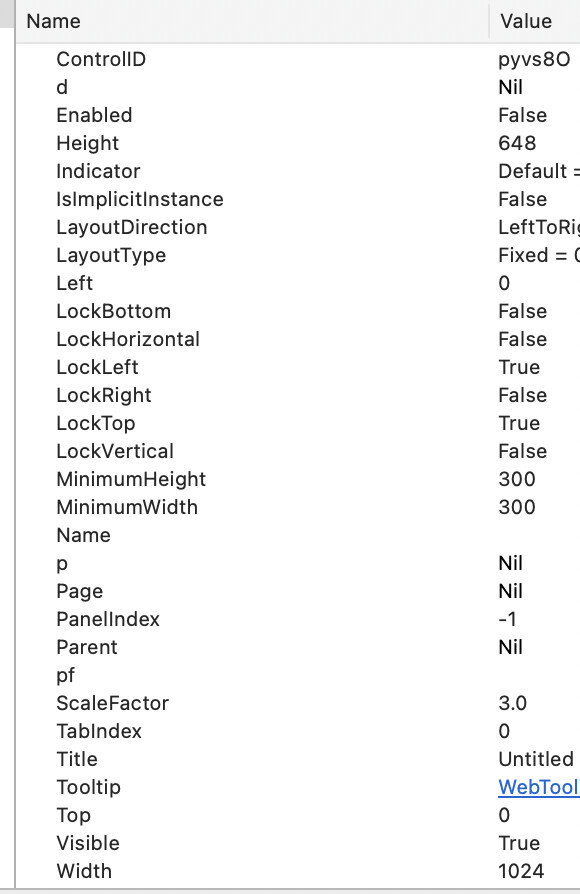
Within WebPage.Opening, the values of WebPage.width and WebPage.height are showing the values set in the IDE (648x1024) not the size of the browser window (393x852).
@John_Scanlan the login in your session.opening code is using self.width and self.height for the iPhone container, whereas for the larger container you are using session.clientWidth and .clientHeight.
Edit: also see same behavior in Xojo 2026 r2.1, so doesn’t seem like anything has changed, at least not recently.
The difference that can be seen is in the desktop browser. Container contents were allowed to overflow before, 2026r3 fixed that issue, for consistency with the Desktop target.
Setting the desktop container width to the embedded login container width fixes the issue. Alternatively, you could set overflow: visible while you update the rest of the project.
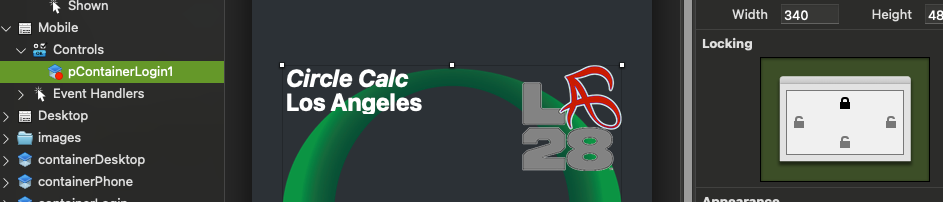
This is following some ideas from Eddie’s Electronics web app, creating mobile and desktop pages, and setting the container as centered without left/right lock:
I went the other direction and made the webpage smaller than any phone screen (300 x 300) then added the desktop container at the correct size and the phone container at the phone dimensions.
Didn’t know that a container could be bigger than the webpage.
I’ve got multiple (Web) super Dialogs and Containers that had generic visible components that were created designtime. I understand why this new behaviour makes sense, however this again is a big change that needs a lot of work.
Xojo doesn’t seem to be able to update versions without introducing these breaking changes.