Normally, string comparison is case insensitive in Xojo, so you can just check for “c” or “C”, not both are needed (but I’m sure you know that).
1 Like
I typed some text in the SearchField, Cut and Paste: nothing.
I just checked, and you are correct.
But my comparison failed when I do not gave the whole “line”:
Search String: “WESTERN”
String in the list: “WESTERN WOO !”
I get nothing and I have two entries in the testing list.
NB: I just get the feature working, and I cannot understand now why it works with the change I made. I do not care, but…
I replaced a NthField on a variable build with the Row contents, with a direct read to that Row, Column(0).
Now I have to understand why asking for a part of the Text (from Column 0) is rejected.
I (for my own use) can Copy/Paste the Search String instead of typing it (because typing text is error prone), but… a Search feature working only when it search for an exact content is not what i searched.
It’s really quite difficult to work out what you are doing and what you are asking sometimes, Emile.
The Keydown code is to solve the problem about no copy/paste. I assume you now have that working.
I cannot easily tell if you are searching the contents of a listbox, or an array, or a database.
If you are searching within a listbox or an array, you need to be considering whether the first {n} characters of the text match the whole of your searched - for string.
In API 1, you might use Left(bigstring, len(searchtext)) = searchtext for example
You might consider using IndexOf in API2 code
For searching a database, partial searches might be
select * from X where fieldA LIKE ‘searchtext%’
2 Likes
Just in case it matters, my search string is in a TextField and the source data is in a ListBox (Column 0 of the ListBox).
Column 0 of the ListBox holds a title, so not a very long text.
If I had that behavior when the source data to search that was in a TextArea, it would surprise me (nice feature however), but I would search in the Documentation what is the syntax to do what I want.
But your guess is correct: 2/3.
I wrote the original code to search names (first name, last name and birth date) from a database. I wrote it while sitting in my car. It was a good programming day.
In this project, I have a text file that I load in a ListBox and search in Column 0 of the ListBox if my string in a TextAre exist.
Sorry for the confusion.
Here’s a screen shot of the source data in the window:
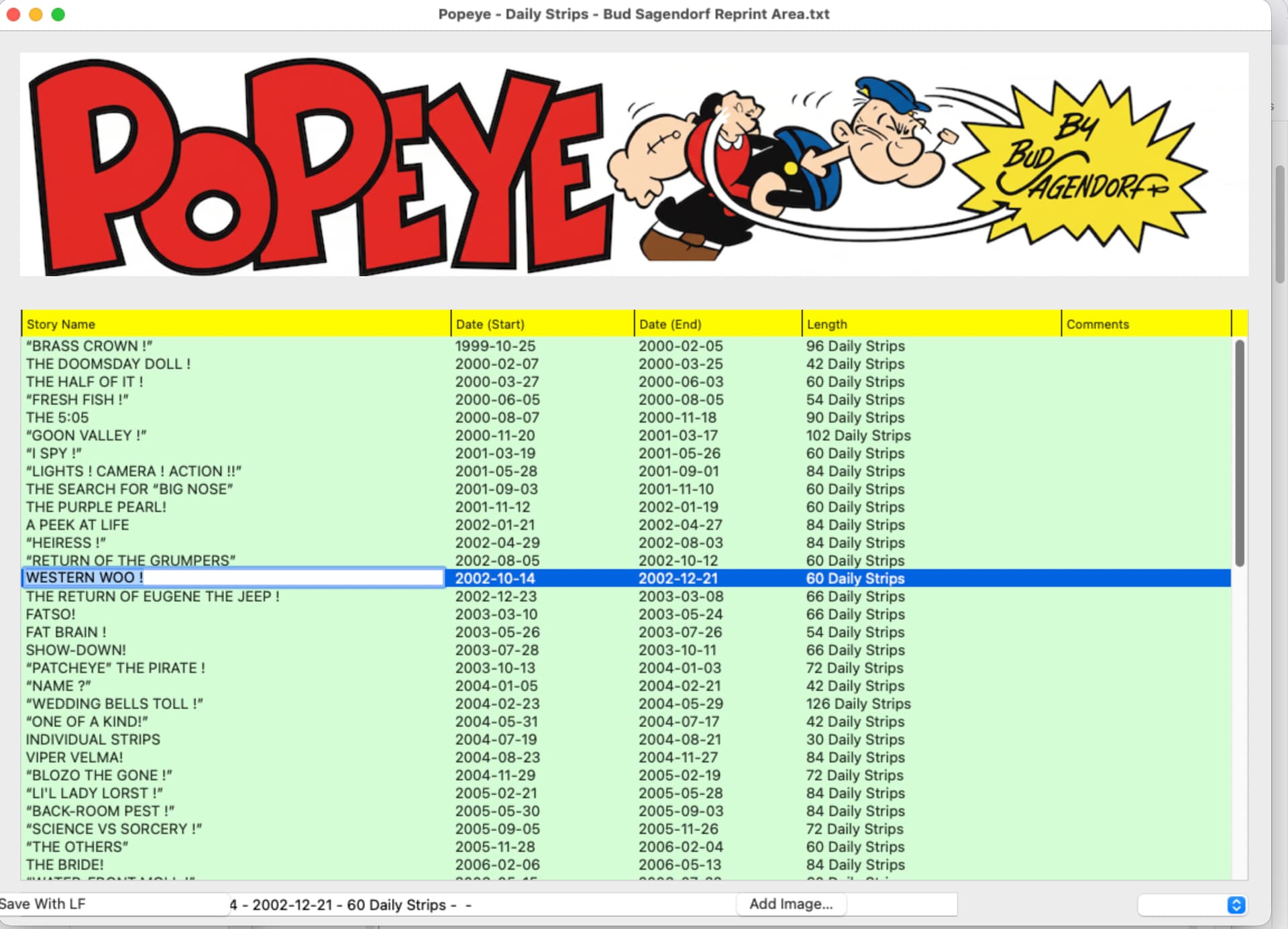
These stories are in reprint mode since… (30 years ?), same set of stories reprinted. The selected story was reprinted in 2012 and in 2021 (all threee in October). I have to merge the recent list to the one I use. For the moment, the list is OK for testings.
I used IndexOf because I recall having troubles with InStr. API 2 now.
I have four lines to test if the search string is in the Data. Before asking another question, I uncommented a prior test / commented the active and run: it now works for part of text (see screenshot below):
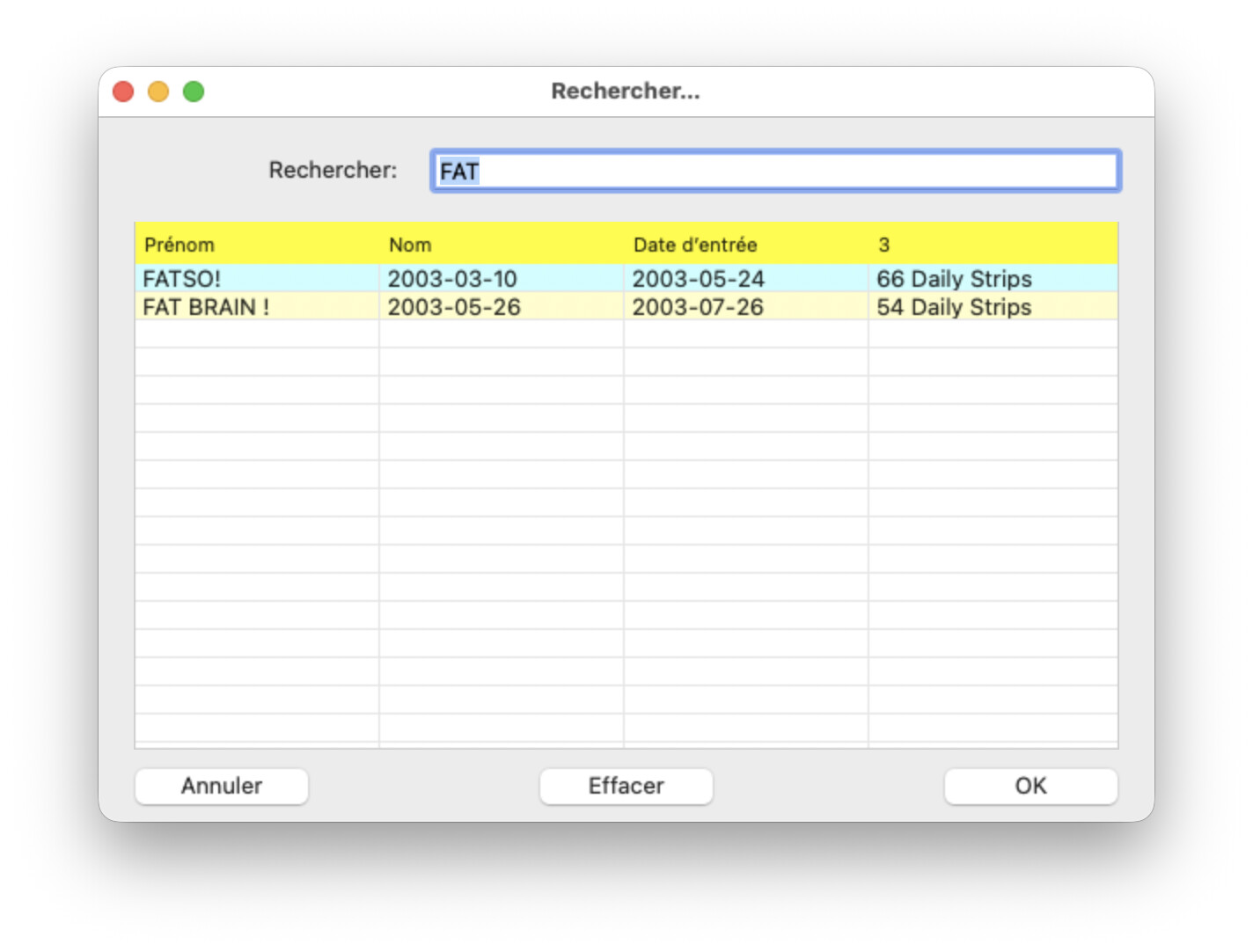
The previous active line of code failed with partial check (the screen shot above), but worked when I asked for the whole line (same code, of course).
Same code full line search string:
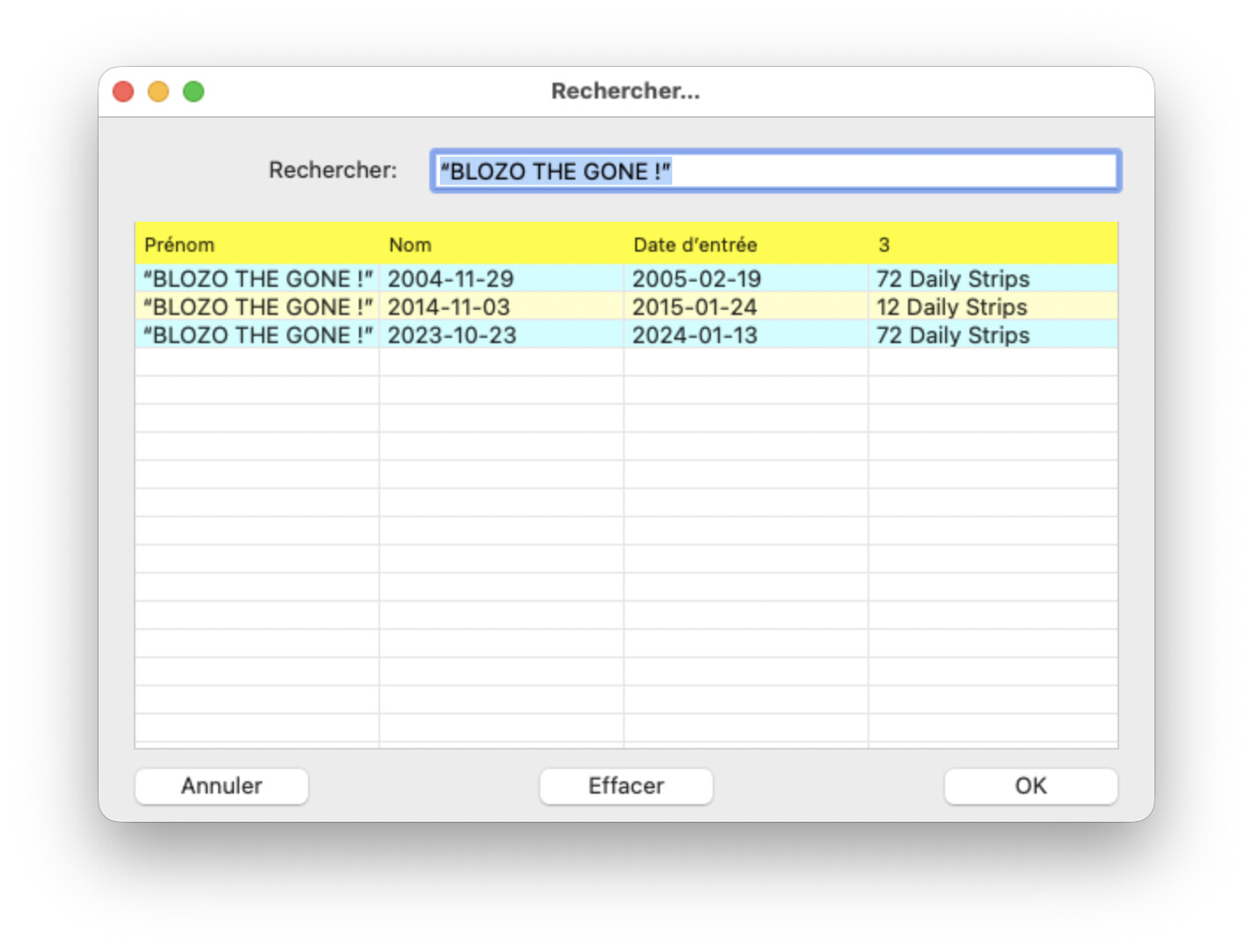
The code that works fine:
If aLine.IndexOf(The_Search, ComparisonOptions.CaseInsensitive, FrenchLocale) > -1 Then
aLine is the data to search in
The_Search is the string I am searching in aLine.
That in a loop to scan the source ListBox.
Thanks all for the help.