Just save a project you have to xml format and then provide it to AI (the latest chatGPT4 o4 is fantastic for code).
No need to add any text. It will give you full report of the project. Including things you could improve, optimise or do differently - including code to do so.
Even suggestions to add features (and of course can provide code for this too).
Yes, it sometimes mixes API1 and 2 but this is easy to fix (even by asking it).
It’s all copy/paste/create UI controls/… now. It would be fantastic if this implemented in the IDE.
Just take a look at how it is implemented in Xcode!
Well, it wouldn’t be the first time I was wrong about something.
Nevertheless, I’ll hang onto my critical thinking skills for as long as I’m capable and hope that if Xojo Inc. does incorporate direct AI features into the IDE - that it has an “off” switch. Otherwise, it’s adiós mis amigos.
I really want the ability to turn GPT or other models loose on my entire code base if I choose. I want to be able to ask AI about a bug in particular source code without the need to export that source code and take it to an external web page to use AI. I want to be able to ask questions of AI about my code base and the AI have all the context it needs because it has access to the source. This is already possible and works incredibly well on certain tasks in other IDE’s. It currently makes my mandatory-work time in Xojo feel antiquated when I switch over from VSCode or Cursor.. I definitely vote in favor of bringing AI into Xojo in meaningful ways, not just auto completers’..
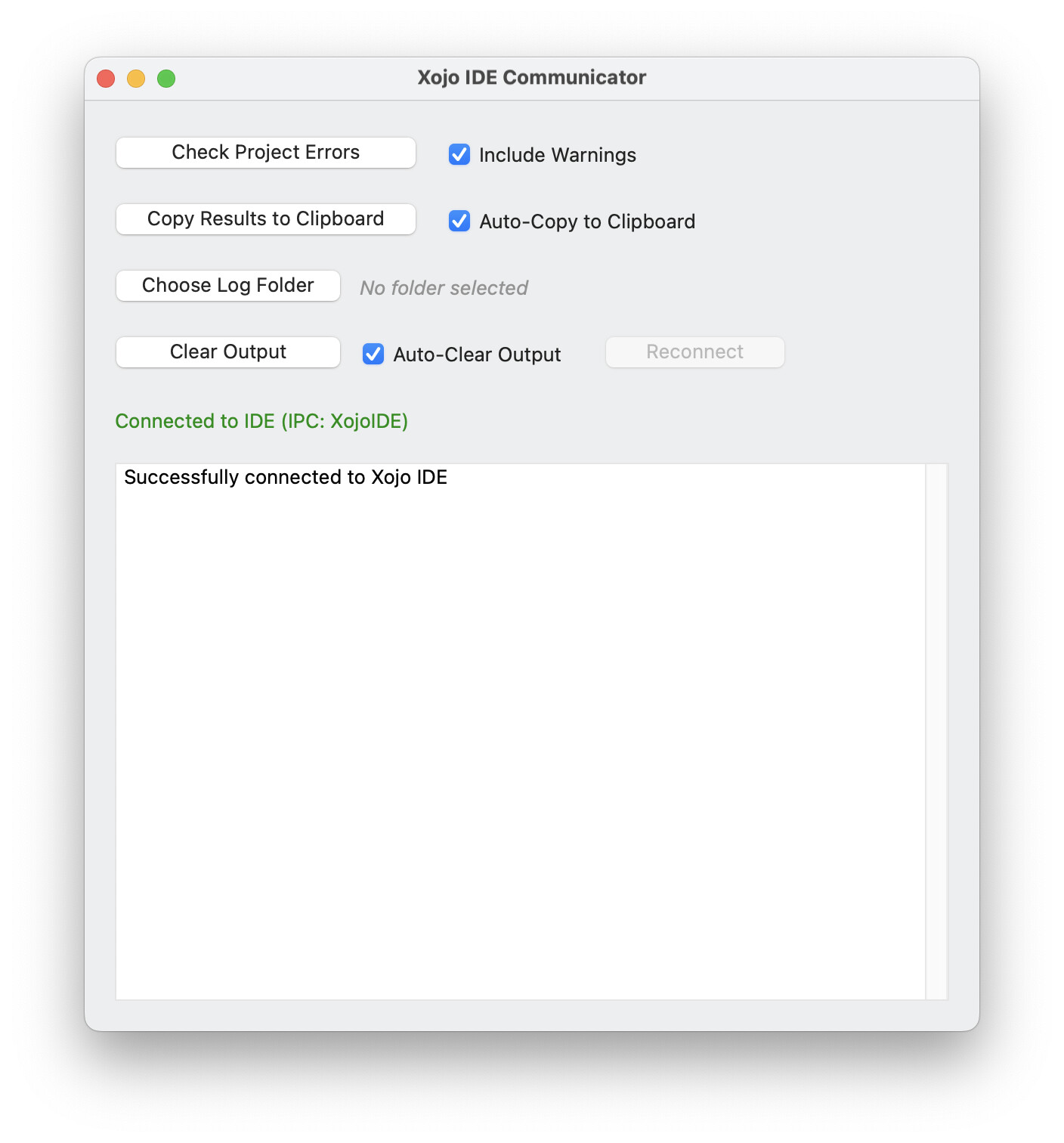
I’m really surprised that no one has done this with IDE automation yet. You can easily get the source of the current editor and set it later. The IDE Communicator socket would be an easy way to connect.
I have great respect for you and don’t mean to sound rude, but perhaps it’s because no one here is convinced that the current capabilities of the Xojo IDE API offer what would be necessary to even come close to what, for example, the Xcode Editor offers. And the Xcode Editor only offers the bare minimum when it comes to predictive coding.
Hacking something that should be a basic functionality is kind of a waste of time, it is easier to use that time porting to another tool. Also, a hack can be broken on the very next release
I’ve done nothing with IDE communication before but I’m a little fed up of copy and pasting code from the IDE into Claude’s web interface. You can create a Claude project and include Xojo files in it but you have to remember to update them every time you touch code in the IDE.
Is there much example code out there for IDE communication? I would be willing to give this a crack…
AI integration is extremely important and urgently needed to keep up with all other coding tools.
The attempt that Xojo Inc is currently making with Jane is disappointing, and they would be better off using their resources for bug fixes and keeping up with all the changes in macOS (and to a lesser extent Windows). There is no need to reinvent the wheel here so just get rid of Jane and do not release Xojo with it. Don’t waste valuable resources.
Xojo simply needs an API so that existing external AI tools such as Cursor can communicate with Xojo itself. That’s all that’s needed.
Look at IDE Scripting in the LR every IDE specific command is in there. Otherwise it’s just xojoscript.
The things I think you’re going to be most interested in have to do with “location” and “text” in the project commands. Location lets you select a project item and text allows you to set and get the contents of the code editor.
There’s an example project for IDE Communicator v2. (V1 requires you to reconnect after every command, v2 does not)