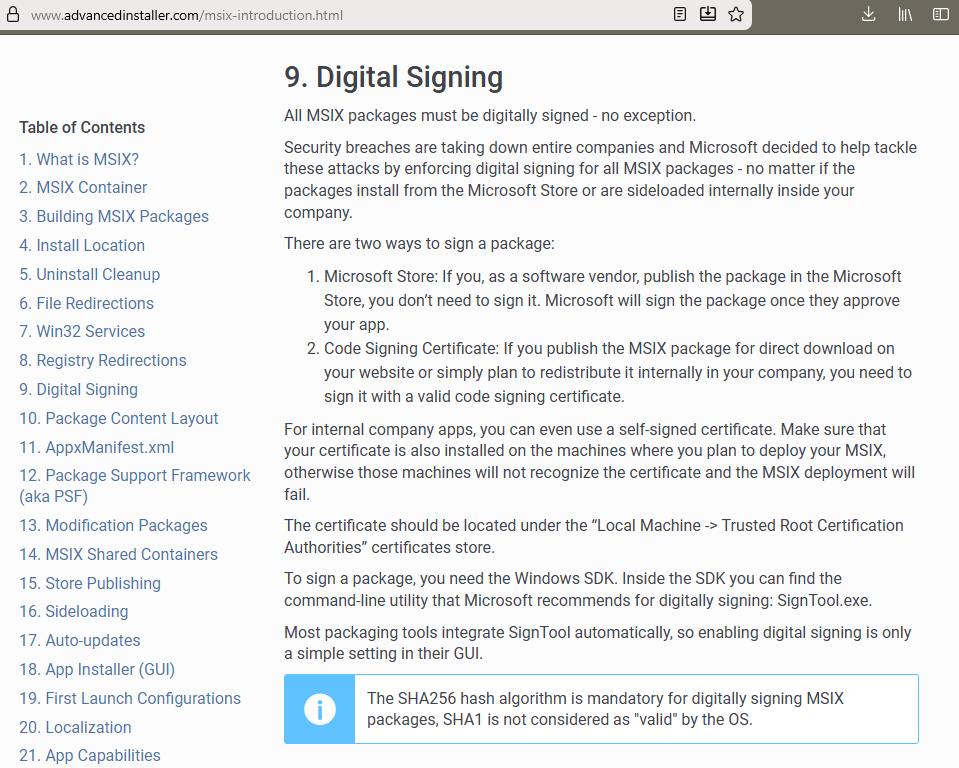
In few simple clicks. For free, after buying the $25 dev account.
Or for free if published with your one time only $99 dev account (free for persons/indies) in the MS Store using the MSIX format. MS signs it for you.
In few simple clicks. For free, after buying the $25 dev account.
Or for free if published with your one time only $99 dev account (free for persons/indies) in the MS Store using the MSIX format. MS signs it for you.
That would be great, try this one:
https://we.tl/t-pIspgmH7fT
If I remember correctly, we’ve only had these problems since Tahoe.
I’m using Tahoe 26.1 (25B78).
Hi Stefan, the app inside the .zip is not signed, so it does not start (Sequoia 15.7.2).
The way Christian Schmitz describes, should be the best:
How do you check that?
The following check says “accepted”:
stefan@Mac ~ % spctl --assess --verbose=4 "/Applications/Micado Tourism.app"

/Applications/Micado Tourism.app: accepted

source=Notarized Developer ID
We do it exactly the way Christian descriped.
We have about 10 apps and do it always the same way with code signing, notarization and so on.
All except of 2 apps work - before Tahoe all of them worked.
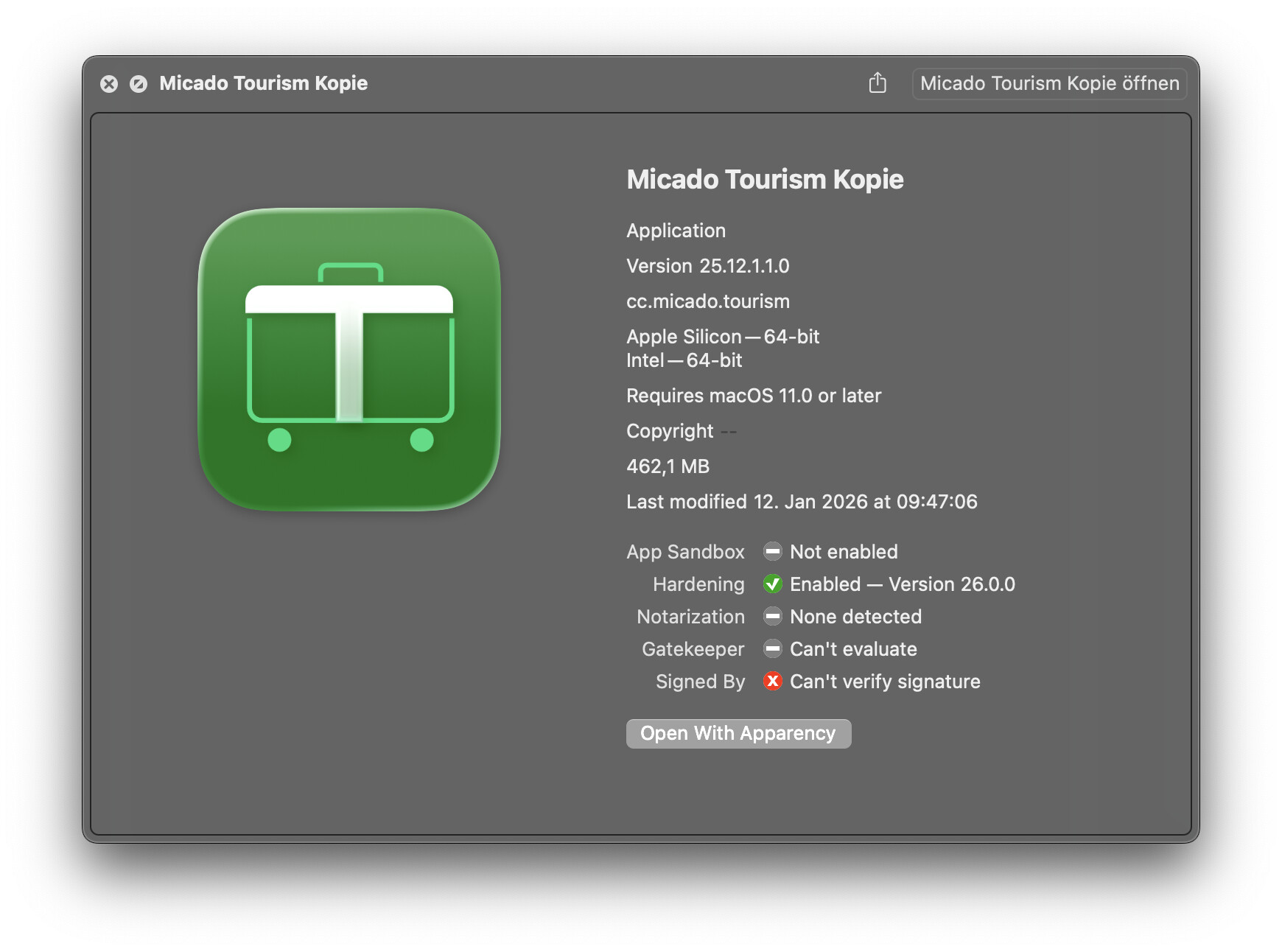
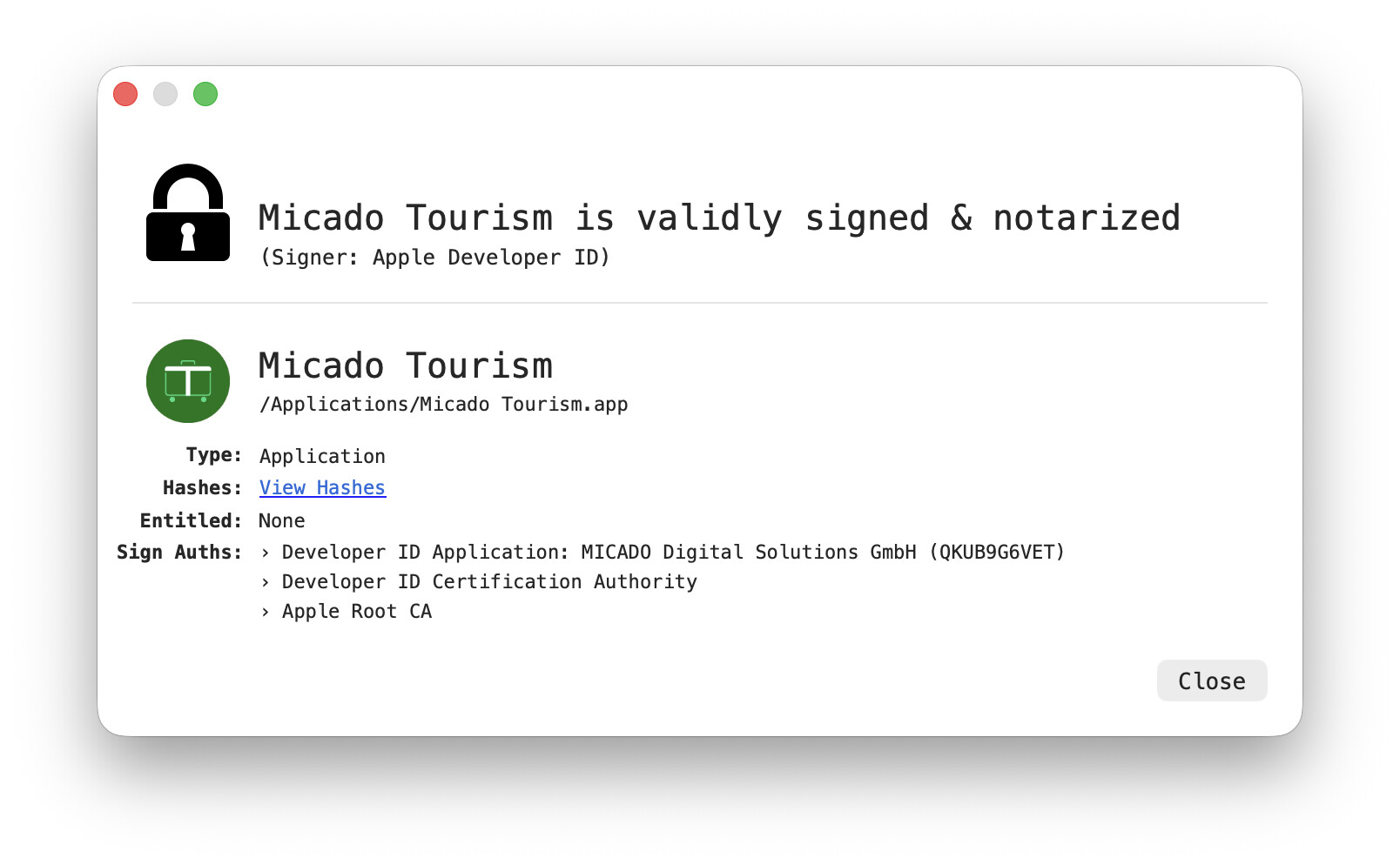
Maybe this gets lost if using .zip, which is not recommended. I use “WhatsYourSign” from Patrick Wardle and Apparency to check signing and notarization.
FWIW, it’s a little more complicated than that. The best approach is to do an inside-out approach and sign all of the binary items inside the bundle including Frameworks with the last signature being the bundle itself. Other folders inside Contents that need their contents signed include:
Placing executable binaries outside of these folders causes them to be treated as resources which are thus sealed differently. The result is that you can end up with a bundle that is completely validly signed and notarized, but at runtime, the OS can’t (or won’t be able to) load all of the necessary pieces.
Basically, what Apple recommends now is that you not use the -- deep option any more and that you do the reverse recursion yourself because only you can know the exact right list of things that should be signed. That’s a challenging thing in an ecosystem like Xojo where so much is done for you and the pieces that Xojo includes can change from version to version.
NOTE: If you happen to be putting entire app bundles inside your app, they need to be signed in this manner and placed inside the containing bundle before it is signed.
Yes, I guess the zipping causes the problem on your side.
I only zipped it for transmitting it via WeTransfer.
Your tool also says that everything is alright:
In little tests of your app in the link i found (that was correctly signed/notarized in dmg and app) i never had any problems on Tahoe 26.2 to start it. → If i installed via DMG: Opened the DMG and drag and drop the app into application folder.
If i tried to copy this app from the Application Folder via local network to another Mac (Tahoe 26.2), on start the app bounced a few times in the dock and closed. Although WhatsYourSign and Apparency shows on this Mac, that Signing and Notarization is correct!
Could it be, that some of you customers did not install the app the DMG-way?
Usually there are two ways how apps are getting “installed” on MacOS.
When the whole problem arose, we initially thought that Sparkle was the issue.
We couldn’t find a solution in the short term, so we changed our update logic so that we simply download and open the DMG. However, even after using the DMG variant, the app sometimes still wouldn’t open.
However, downloading the DMG “manually” via the official link in browser solved the problem again.
So yes, the behaviour you described is exactly right.
We have never had any problems downloading the DMG via browser and dragging and dropping it into the application folder.
We had problems with downloading the DMG in the application and with updating via Sparkle.
In some cases, we also had the Xojo build showing the same behaviour.
In all cases everything (DMG, app, all components of the app, …) was always correctly signed and notarized.
We do signing / notarization and everything for all our 12 apps the same way.
It works everywhere except of 2 of them.
It always worked before Tahoe.
Copying over a network will cause the app to be quarantined. On the other Mac, you can try clearing that state using a terminal:
xattr -cr <drop app bundle here>
I bet it will launch now
In our case, the application is not in quarantine, but it still won’t start.
I do not do entitlements with my app but not sure if it’s required.
If your app is missing entitlements then you will see a “You declined to give the app approval for Contacts” or some such. The app will always start.