Yes, there are several applications that do this. They’re custom implementations that are approved by Apple. It’s of no use to third party applications though, it only works within Adobe’s apps. Same for Blackmagic DaVinci Resolve, Filmworkz Nucoda/Phoenix, etc. What they have implemented can only be used by their own applications.
1 Like
I’m not surprised. Depending on what model Mac you’re using, the decoding could be hardware accelerated and handled later in the composition pipeline than Xojo is able to access.
The documentation describes DesktopMoviePlayer.DrawInto like this:
Draws the contents of the control into the specified Graphics context. The parameters x and y are the coordinates of the top, left corner.
And it gives the following code example:
Var p As New Picture(Me.Width, Me.Height)

Me.DrawInto(p.Graphics, 0, 0)
Canvas1.Backdrop = p
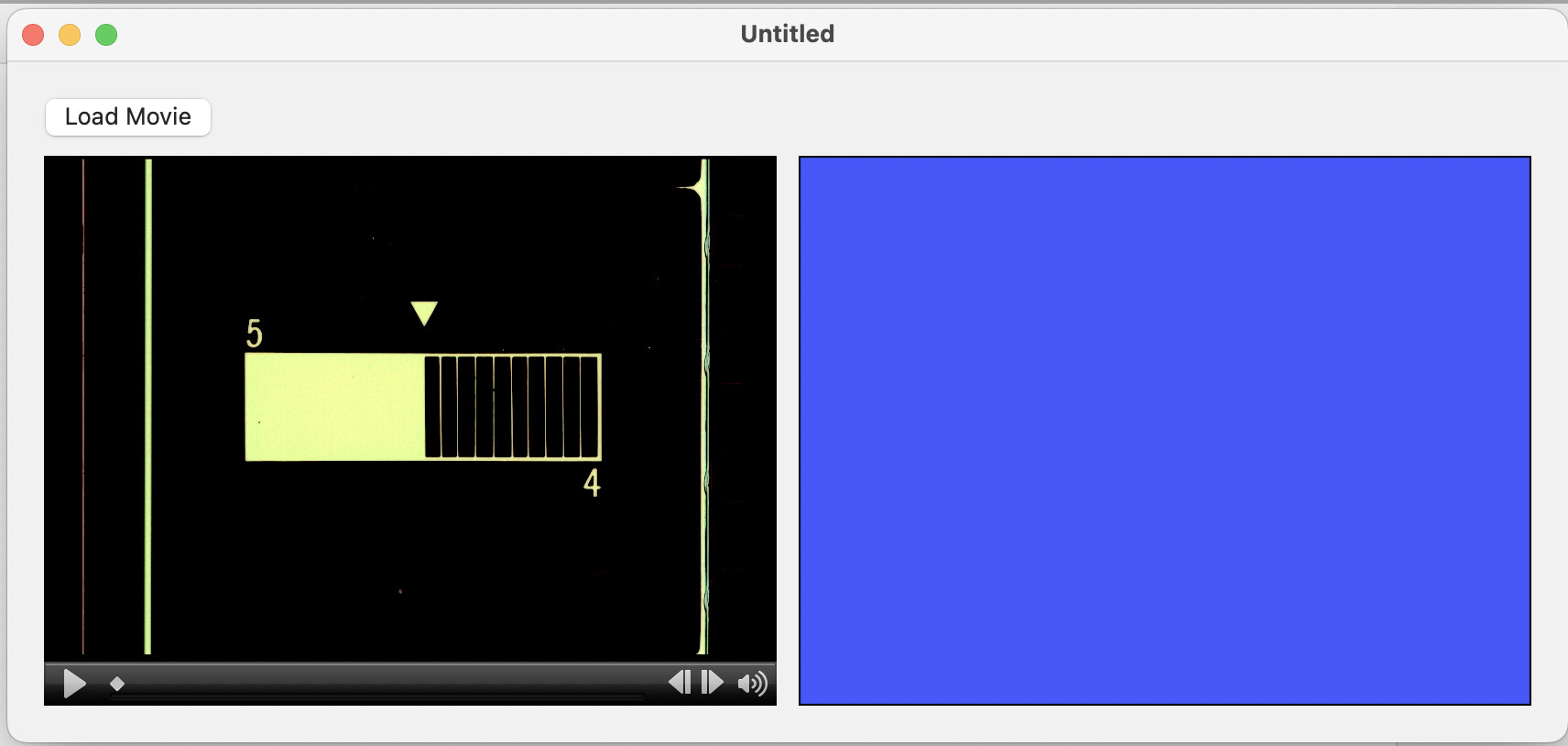
But when I put this code into the PlaybackStopped event on my movie player, the frame displayed in the player is not displayed in the picture. Instead, I get a solid blue in the picture (which is what the control shows in the IDE):
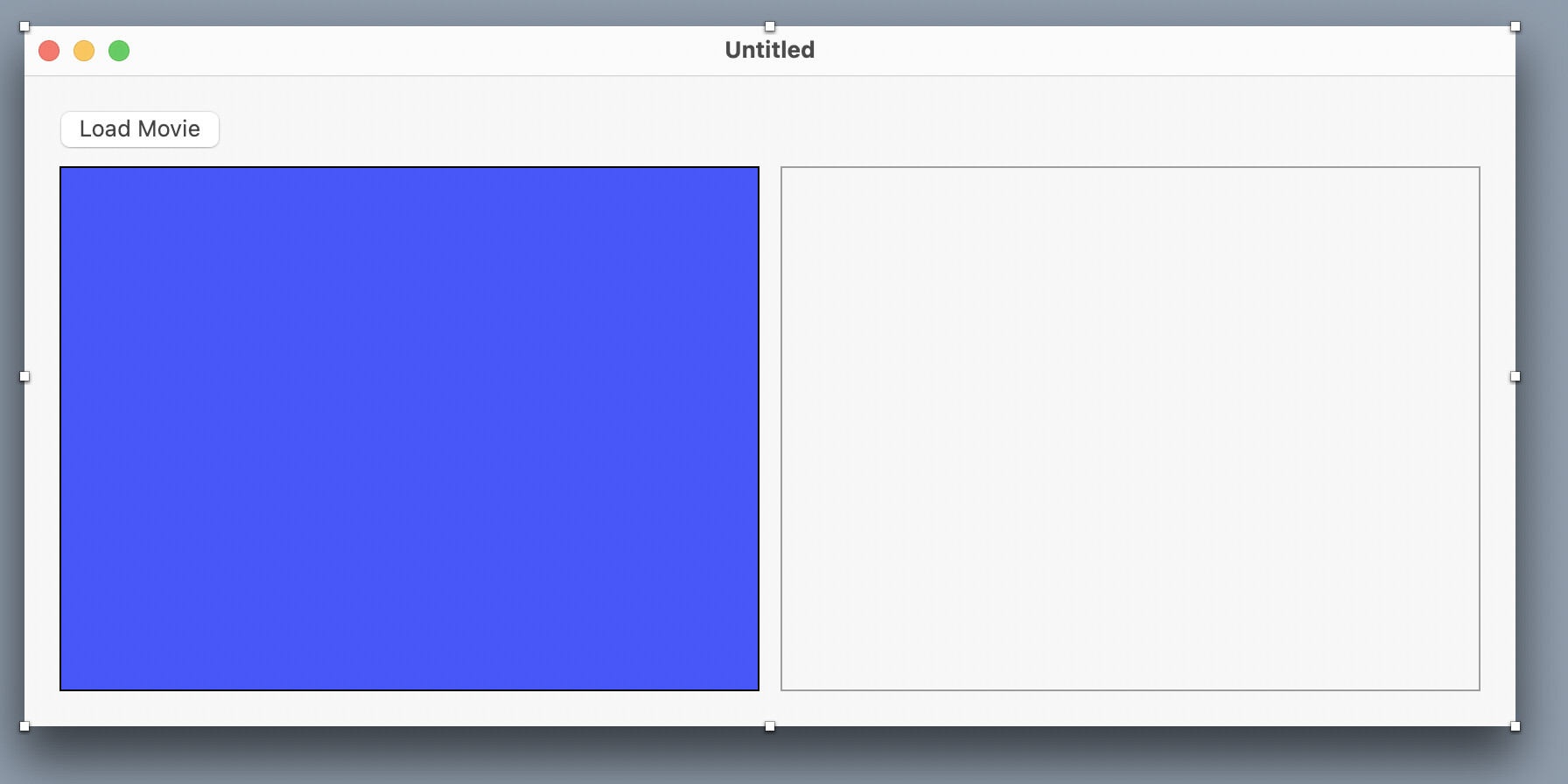
When you launch the app, the canvas comes up blank as shown above and the movie player has a generic black background:
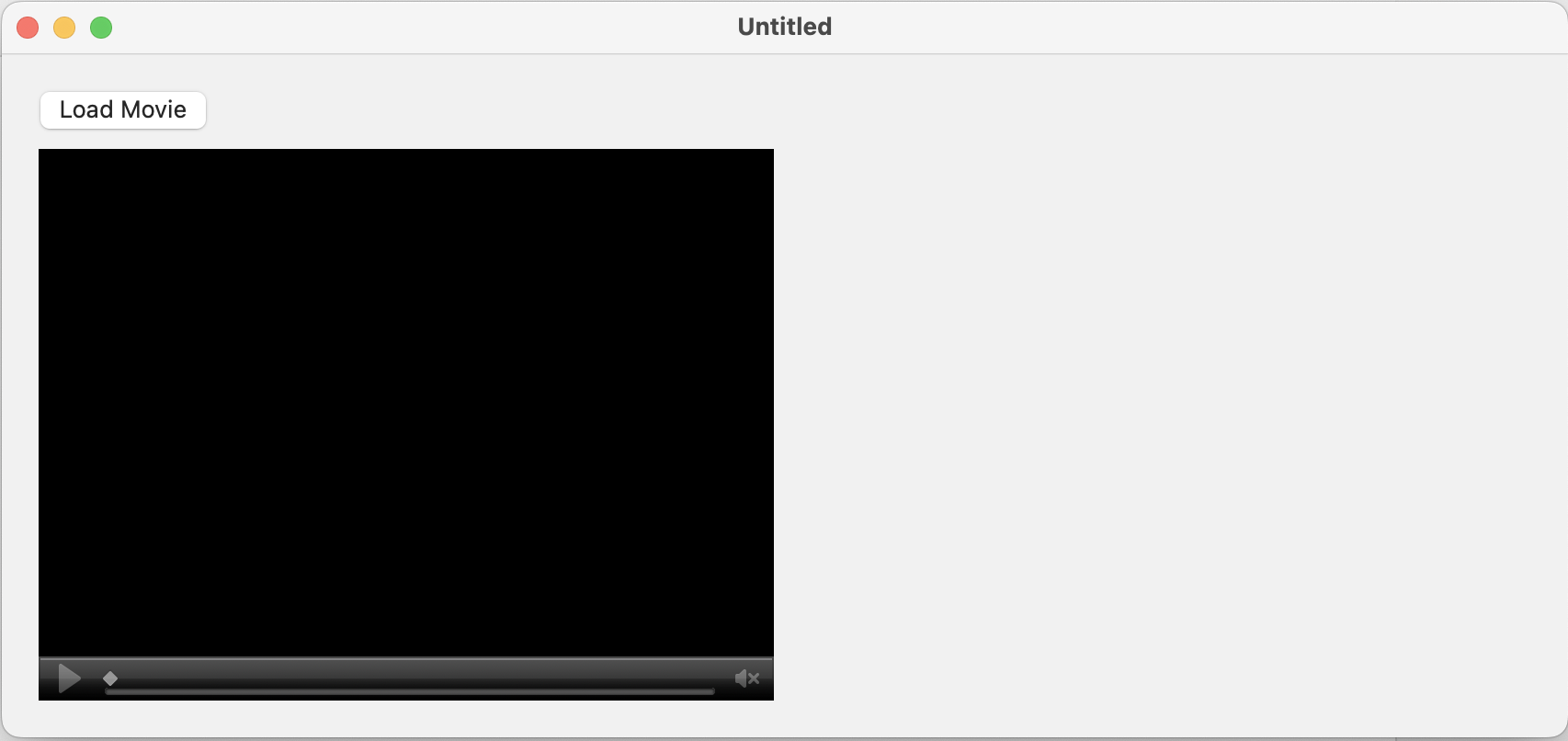
Load a movie and play it, then stop it. As you can see below, the movie player shows the frame you stopped on. The picture is updated and it displays in the canvas but it only shows the blue default state for the movie, not the frame:
What is DrawInto supposed to do, and can I use it to get a frame from the movie into a picture?
You’re doing it right, but the movie decoding is happening at a later stage than Xojo is able to access via whatever mechanism DrawInto is using.
Time to switch to using a formal API to get to the frame data, I would say.
Thanks. Then what is the purpose of DrawInto? this sounds like a bug - the way I’m reading it, it should be displaying the current frame (“Draws the contents of the Control”) in the picture - no?
Two ideas. First, it might work with non-hardware accelerated videos. Secondly, it’s a method common to all UI controls, so while it technically does something, it isn’t designed to do this.
Really, though, the more I think about it, the more I think you should throw in the towel and start using a real API. Even if this method worked, I think you’d quickly run into issues of scaling; color calibration; bit depth; pixel alignment; video stream metadata that affects presentation; etc etc etc.
I’m heading in that direction, but need to find something that can do this that works on both Mac and Windows. It sounds like (from the post above), the MBS tools will do what I want, but only on the Mac. The MBS VLC interface might work, but my experience with VLC and ProRes has not been positive, with lots of image quality issues.
So are there any other options out there that work with Xojo?
Did you see my Thunderbolt networking idea above? You could leverage the high-quality macOS API that way and share the results with a Windows app.
Other than that - you’re already a subject matter expert.  I doubt anyone here is going to know more than you already do.
yeah. in discussing this with some other folks who do the kind of work we do this morning, I’m beginning to think about making this a proper application that I sell. There was more interest than I had thought so I think it’s worth exploring.
I am an expert in the subject matter, but more from the end user perspective. I know the tools that do what we do, and I know how they work and that they are vetted and can be trusted. But I don’t know what libraries they may be using under the hood because I’ve never had to do the programming side to that degree (beyond OpenCV, but that’s for some specific use cases, and it has limited codec support).
Libav - the basis of ffmpeg - is pretty robust but it’s a massive set of libraries and getting that to work with Xojo would be a major undertaking. Obviously we don’t need to do everything it does, but it’s going to be a steep learning curve. And ffmpeg’s ProRes implementations have been spotty over the years so I’m not sure it’s the best route to take. It’s a fine tool for uncompressed and we use it a fair bit for certain tasks, but not for ProRes encoding.
In any case, I think I’m looking for a solution that’s got to be usable in a commercial app, and would need to work on both Mac and Windows, supporting 10bit Uncompressed MOV, ProRes, Uncompressed AVI, TIFF, EXR, and DPX image Sequences.
We can probably do TIFF and EXR via OpenCV. Unompressed container formats and DPX maybe via LibAV or ffmpeg. But that leaves ProRes hanging, at least on Windows.