I changed the icon but it is still showed the old one.
BB is a BevelButton; the showed icon have a text at its right; I removed it (unreadable in the window, and since I used a color code (Red = OFF, Blue= ON), the text is no more required.
@Emile_Schwarz
ok, can you explain exactly what you are asking/explaining?
I think these are images he’s dragged into the IDE, then he changed one of the pictures in the image object within the IDE, but the old representation is still cached for autocomplete? Maybe?
Either way, reopening the project or knowing which variant you need by the name would help.
What do I do to be there
Is it clear now ?
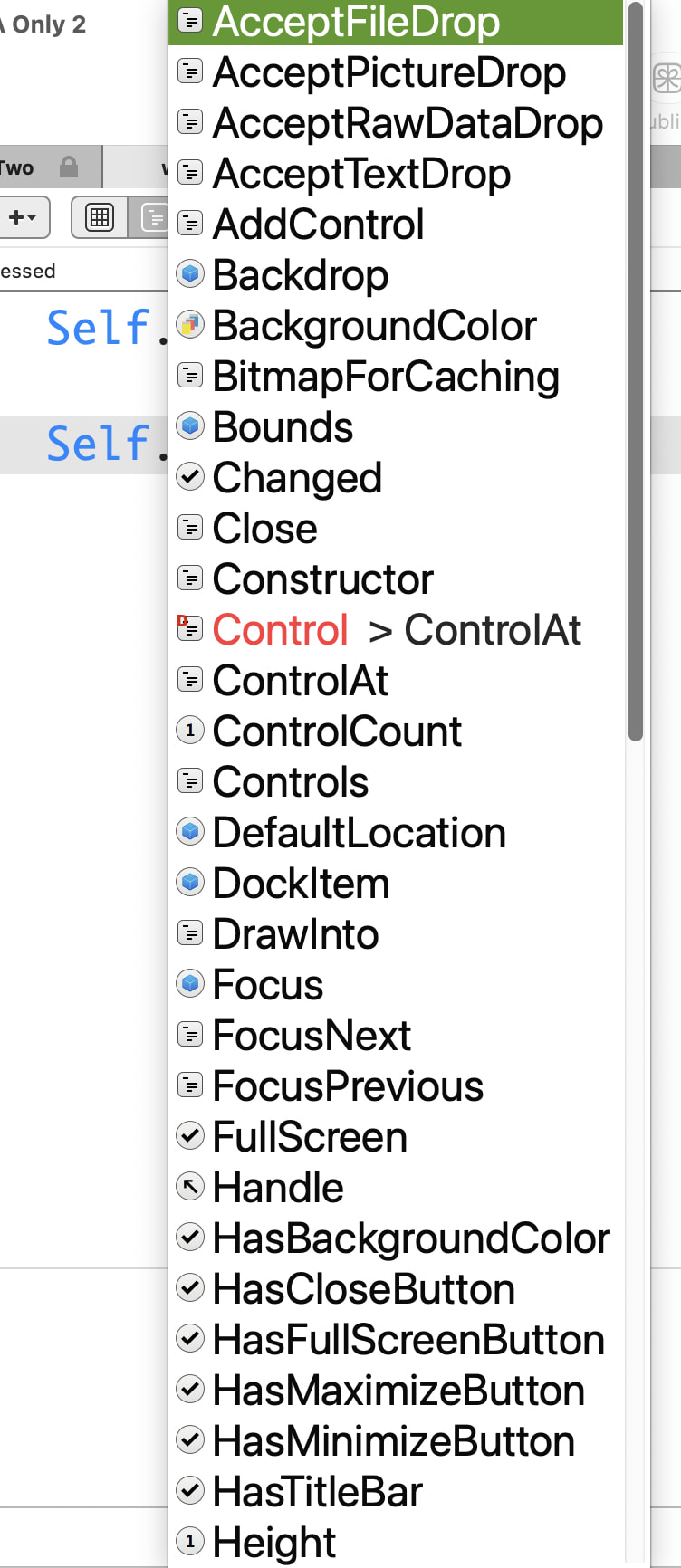
(*) The icon can be far more things: a class for example…
This screen shot is taked from a Control (Button)
This seems new to me, and I just realize that I do not saw an entry in the Release Note about that. Sorry if this is not new (I cannot believe this is not new, but…)