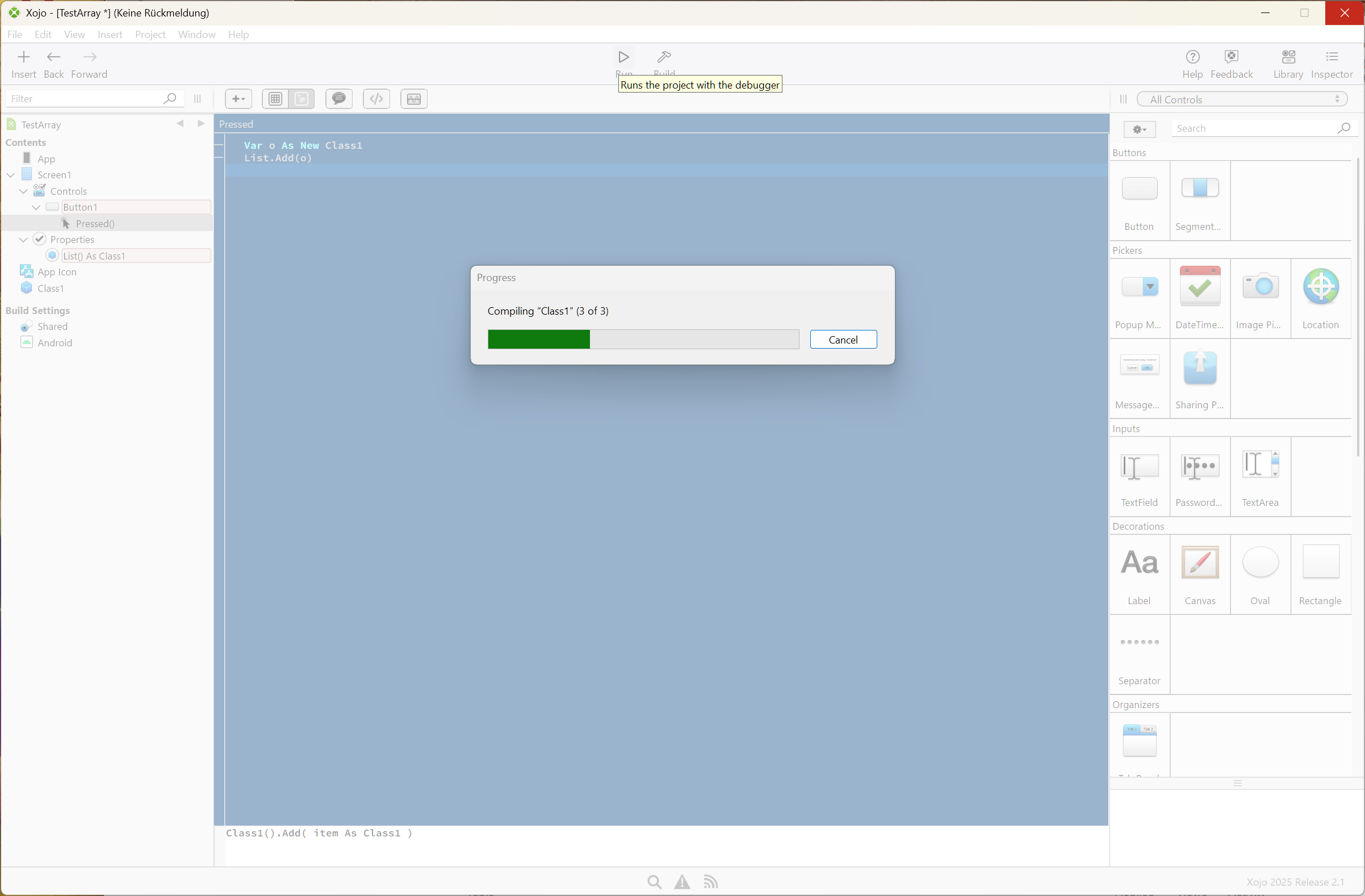
So, it seems that as soon as I add an array of a class as a property of a window, the compiler just freaks out.
Or if I create a class that contains other classes, nope.
I get errors like
‘Expected com.site.appname.thing but got com.site.appname.thing’
Is there any way around this, or do I need to forget object orientation for Android?
Edit: Computed properties don’t work either, although the IDE allows them.
(The useless error messages are so frustrating.
It’s like playing ‘Buckaroo’.. you never know which line of code or property will blow it up.)
Martin_T
August 28, 2025, 1:13am
2
Which Xojo Version on which OS do you use? Can you share a sample project? I can’t reproduce this using Xojo 2025r2.1 on macOS.
86372.xojo_binary_project.zip (3.6 KB)
MarkusR
August 28, 2025, 5:51am
3
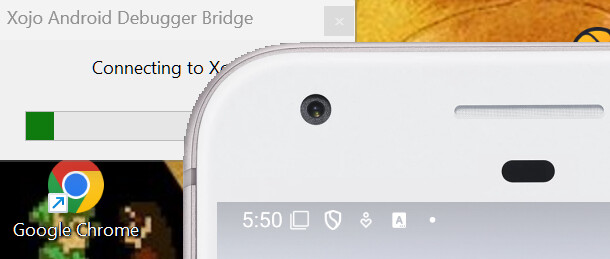
if me just use an empty class and a array in the screen at new project i see this for a long time, few minutes.
and then it hangs here
(Xojo 2025r2.1 at Windows 11)
Messaged.
Today I have found that the computed property issue occurs if I copy a class/property from another project and paste it into the Android project.
Visually , identical.
But a pasted one will not compile, while one typed by hand does.
1 Like
Greg_O
August 28, 2025, 11:59am
5
Jeff_Tullin:
Visually , identical.
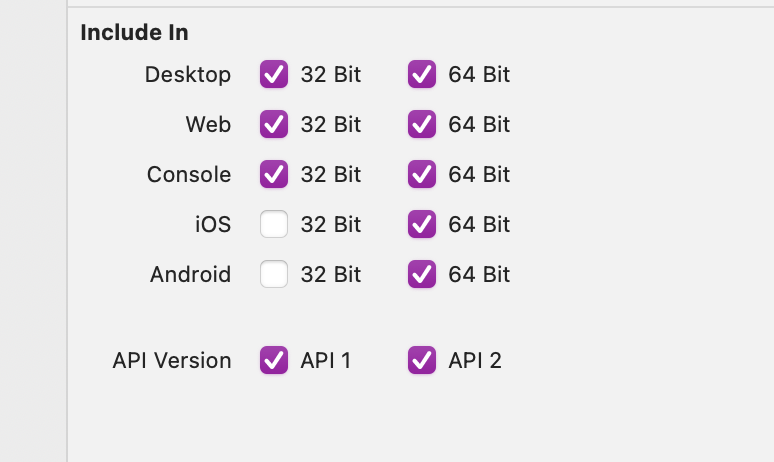
Make sure the compatibility flags are active for Android.
if you mean these, every one I checked is ticked for Android
Just found that
g.filloval ……
fails with type mismatch if I follow that up with calculated values which involve multiplying integers.
eg
g.filloval (ps * rv) + ofs, …..
So assumptions are being made about the results of the calc… in desktop it’s happy to take this, but in Android, errors because it doesnt get an actual double
Swapping out for pre-calculated doubles gets around that.
Martin_T
August 28, 2025, 12:13pm
8
Maybe you „just“ need to add enclosing parentheses around FillOval?
Maybe you „just“ need to add enclosing parentheses around FillOval
Maybe.
Even when I do these ‘workarounds’ and get a project to start, it won’t debug. It just runs by itself.
It’s looking like 2025 won’t be a success either.
Martin_T
August 28, 2025, 12:42pm
10
Jeff_Tullin:
get a project to start, it won’t debug. It just runs by itself.
It’s looking like 2025 won’t be a success either.
Can you give Little Bit more details please? I‘ve seen and worked myself on pretty big and complex Android Apps an they run.
Honestly, after 3 full days of adding 10 lines here, removing 3 lines there, backtracking, tweaking, changing perfectly valid syntax to different stuff, and swearing, I wouldn’t know what to point at.
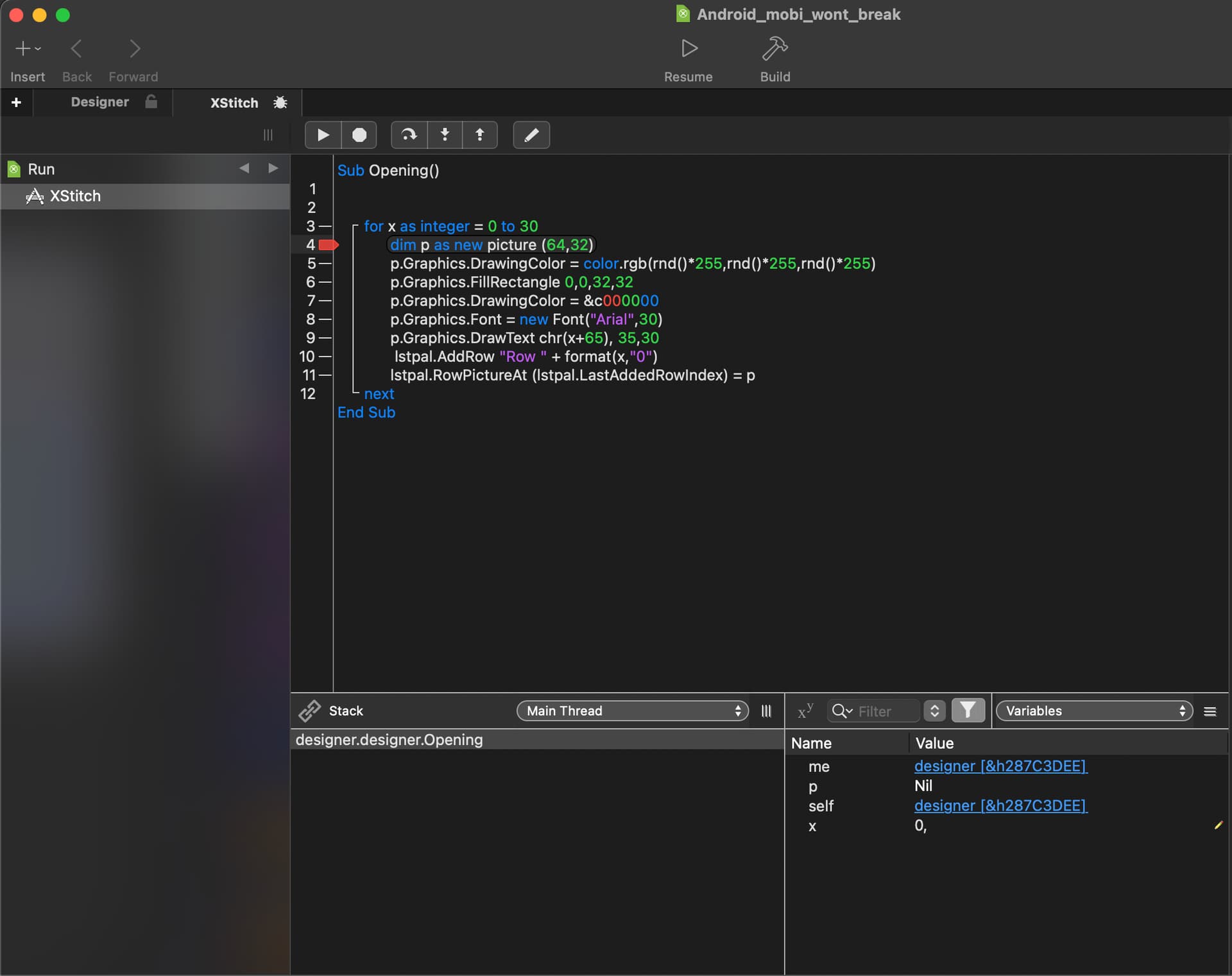
Attached is a project with maybe 22 lines of code, (Opening event on main window, and Pressed event on a segmented contro)
There are breakpoints in both areas
It never stops in debug mode - it just launches and I have no control/ability to step or see variables.
Android_mobi_wont_break.xojo_binary_project.zip (6.0 KB)
Martin_T
August 28, 2025, 2:08pm
12
Works as expected here. Be sure, you haven’t accidentally set Project > Breakpoint > Ignore All?
For those who have read so far, issues found in Xojo are:
If you have ‘exception’ at the end of a method, it doesnt like that.
If you call a method but don’t wrap the parameters using brackets, it doesn’t like that.
If you use .ubound instead of .lastindex, it doesn’t like that.
And when I say ‘it doesnt like that’, you don’t get a meaningful error or warning. Just compile errors.
These have been logged with Xojo and might be addressed.
Have they acknowledged these reports as actual bugs? The stuff you are reporting is breathtaking in its scope.
Bug reports 79764 / 5 / 6
I wouldn’t call them breathtaking, but surprising…
Perhaps if every line of code is written from scratch in an Android project, you would be auto-completed in another direction.
Greg_O
August 29, 2025, 12:03am
17
IIRC Android doesn’t let you mix and match numeric types the way you can on other platforms and that its a limitation of Kotlin.
1 Like
Issues related to Android only, or to Mac and Windows too?
Android only. We aren’t using the Xojo compiler here.
Xojo code gets translated into ‘something close in Kotlin’ , and it is the translated code that is failing.